The name on a transfer is not always your client's (subsidiary, intermediary bank, short name). A payer alias tells Krak Stack that this name, or this IBAN, belongs to a given client. That payer's next transfers are then suggested more accurately.
Krak StackFig. 1
Steps
- Validate a reconciliation as usual. If the payer was not yet known for that client, Krak Stack remembers it and shows "Payer … remembered for this client.".
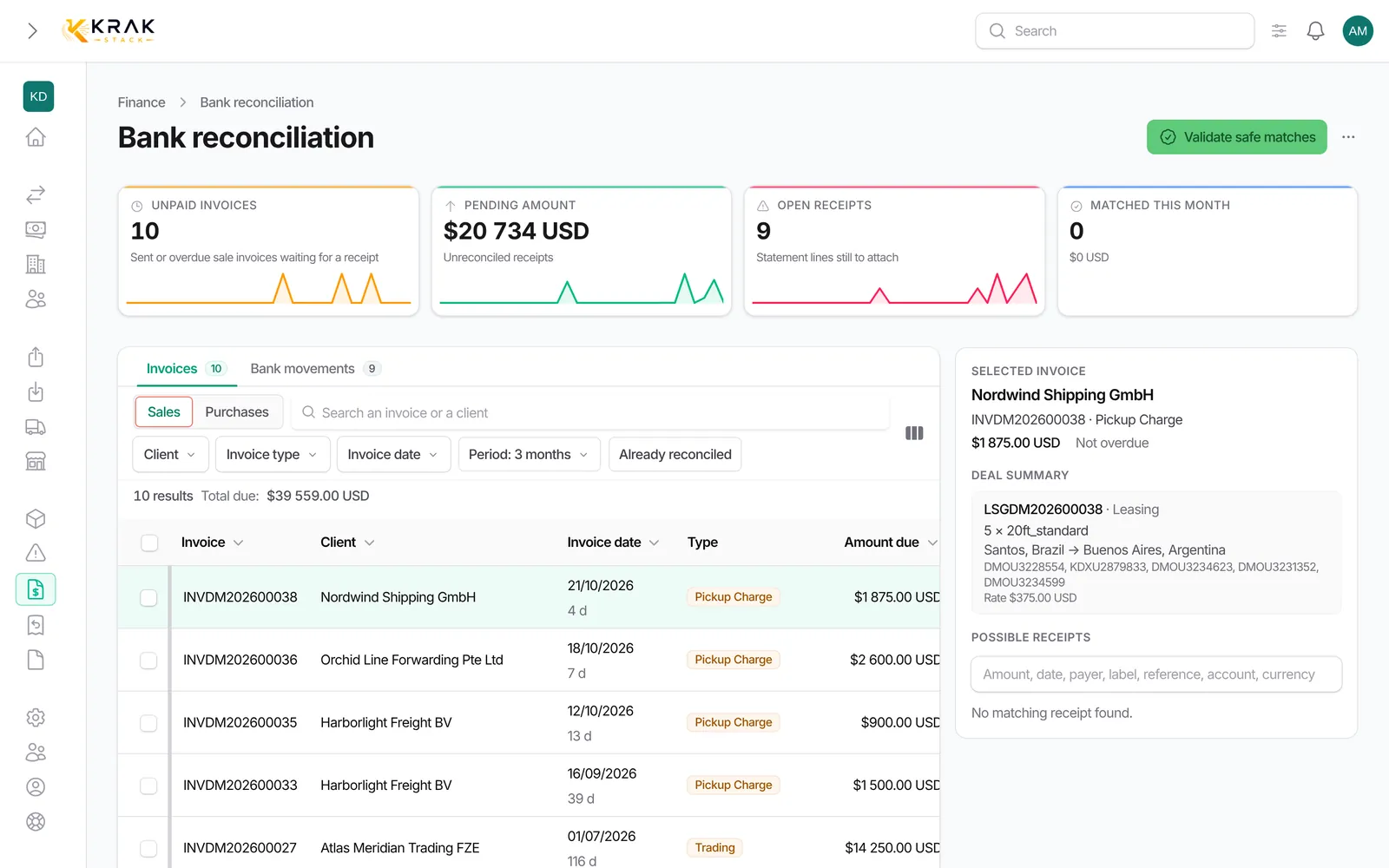
- To see or manage aliases, open Finance > Bank reconciliation, More menu, then Payer aliases.
- To create one by hand, click Add an alias and fill in Payer name on the statement, IBAN (optional), Client and Side (Received — client payments or Paid — supplier payments), then Save.
- To correct or remove an alias, use Edit or Delete on its row.
- In the Suggestions part, accept or reject the aliases Krak Stack suggests.
Good to know
- A remembered payer is shown as Payer recognized and helps choose between several unpaid invoices of the same amount.
- No alias is remembered when a transfer pays invoices of several clients, or when the statement gives neither a name nor an IBAN.
- Suggestions come from your payment history or from a name resembling a client. Accept all history suggestions backed by at least 2 payments validates them in one go.
- A rejected suggestion is not offered again.
- The badge on the Payer aliases menu shows pending suggestions.
- A payer can be linked only once to the same client. Krak Stack warns you if the name is already linked to another client.
- Undoing a reconciliation removes the alias it created, unless another validated reconciliation still supports it.
- When the payer differs from the invoice's client, the suggestion is flagged Payer different from client and needs checking.
Frequently asked questions
Why remember a payer?
So that this payer's next transfers are recognised and suggested on the right invoices.
Do I have to create aliases myself?
No, most are created as you validate reconciliations. Manual entry is for cases you know in advance.
Can one payer pay for several of my clients?
Yes. Krak Stack allows it but no longer relies on that name alone to choose the client.
Is the IBAN required?
No. It makes recognition more reliable when it appears on the statement.
I linked a payer to the wrong client: what should I do?
Open Payer aliases and use Edit to change the client, or Delete.
Do aliases also work for supplier payments?
Yes, with the Paid — supplier payments side, for money sent.