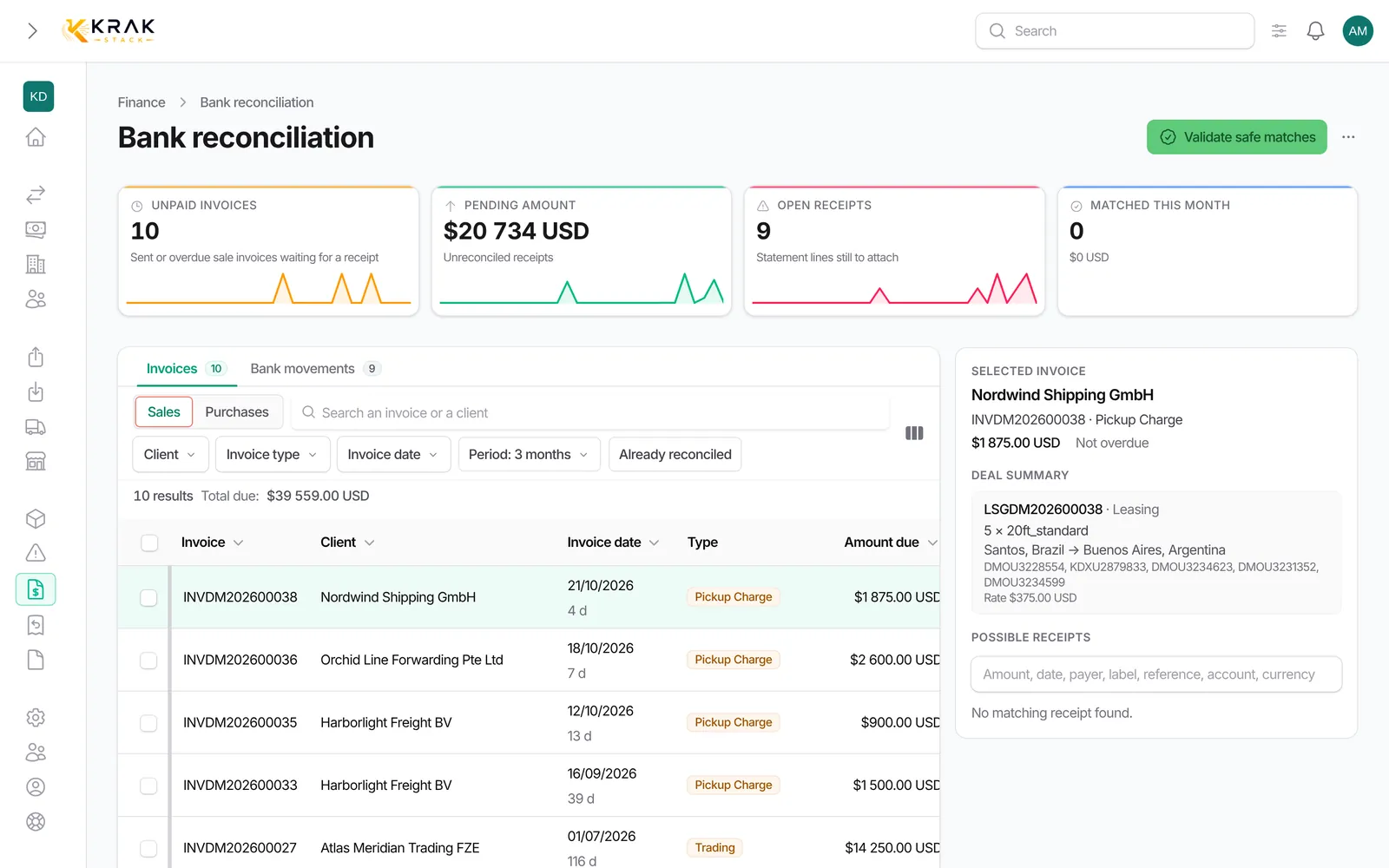
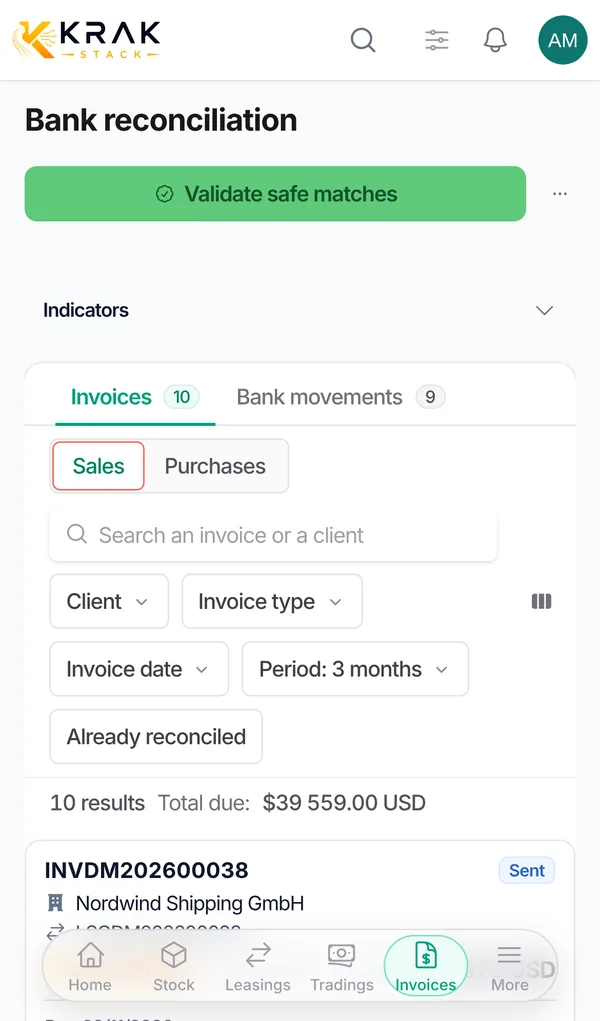
If your bank has no direct connection in Krak Stack, import its statement as a CSV file. Imported movements appear in bank reconciliation just like those of a connected bank.
Krak StackFig. 1
Steps
- Export your statement as CSV from your bank.
- In Krak Stack, open Finance and click Bank reconciliation. You can also use the Other bank (CSV import) card in Settings > Finance > Bank connection.
- Open the More menu at the top of the page and click Import CSV.
- Drop the file in CSV file and confirm.
- Read the notification: it shows the number of new transactions imported, the number of rows in the file and the skipped rows with their reason.
Good to know
- The first row of the file must contain the column names. Recognised columns: required: date, amount;; recommended: currency (without this column, Krak Stack treats amounts as USD);; optional: label, reference, payer, iban, transaction_id.
- A few French names are also recognised, for example montant, devise, libelle and date_valeur.
- Separator: comma or semicolon, detected automatically.
- Amounts: 1 234,56 or 1,234.56 are accepted. A negative amount is money sent, a positive amount money received.
- Dates: day first, for example 31/12/2026, 31.12.2026 or 2026-12-31.
- Skipped rows and the reasons shown: without amount, without date, with an unreadable amount, with an unreadable date, or outside the import window (movements too old).
- Re-importing a file does not create duplicates: a row already imported is recognised (by its transaction_id when present, otherwise by its content). Two identical rows in the same file stay two movements.
- Maximum file size: 10 MB.
Frequently asked questions
My file comes from a spreadsheet and uses semicolons: is that a problem?
No, semicolons are detected automatically.
Why are some rows skipped as "outside import window"?
Only recent movements are imported. Older rows are left out.
Can I import the same statement twice?
Yes, safely: rows already present are not created again.
Do I need a transaction_id column?
No, but it is recommended if your bank provides it: it makes duplicate detection more reliable.
Why do my euro amounts show as USD?
The file had no currency column. Include it from the first import, with the currency code (for example EUR) on every row.
Why does the payer not show in reconciliation?
Add the payer and, if possible, iban columns: they help Krak Stack recognise the client.