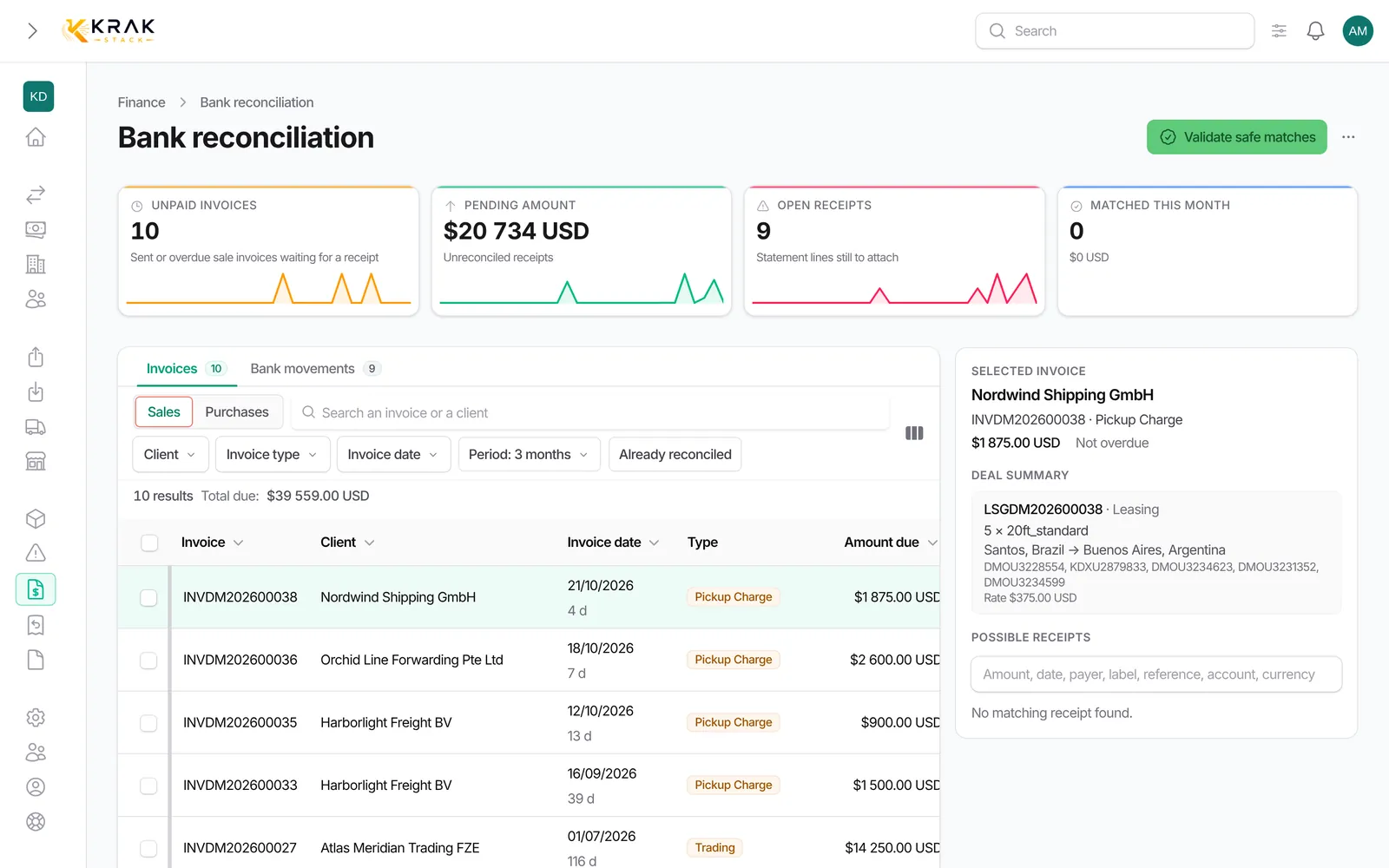
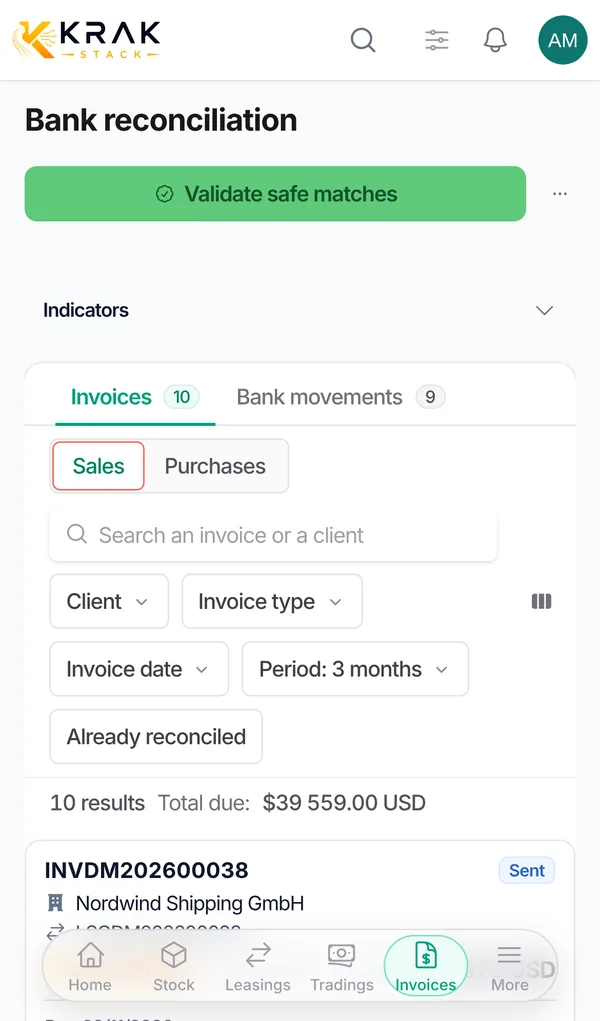
Krak Stack can automatically read the accounts and transactions of your Revolut Business to match them with your invoices. The connection is read-only: Krak Stack never sees or makes payments.
Steps
- Open Settings > Finance, Bank connection tab, then click the Revolut Business card.
- Prepare the connection: click Create my connection. Krak Stack creates a secure key that stays on its servers and is never shown.
- Add the certificate in Revolut: click Open Revolut Business, then in Revolut open Settings, APIs, Business API and Add API certificate. Fill in Revolut's three fields in the same order, with the copy button of each Krak Stack field: Certificate title;; OAuth redirect URI;; X509 public key. Only allow reading accounts and transactions.
- Finish the connection: Revolut shows a Client ID. Paste it into Krak Stack's Client ID field, then click Connect.
- Revolut asks for your approval, then brings you back to Krak Stack. The first import starts by itself and a notification shows how many accounts were found and transactions imported.
Good to know
- Only an administrator of your company can prepare and connect the bank.
- If your browser does not copy the certificate, use the Download the file instead link.
- The Connect button stays disabled until the connection is prepared and the Client ID is entered.
- The certificate registered in Revolut is bound to the redirect URL: if it changes, you need to create a new certificate.
- The first import covers the last 90 days. After that, Krak Stack synchronises every hour.
- Once connected, the card shows "Connected since …", the Synchronise now button and the More menu with Full history catch-up (load history from a chosen date) and Recreate the connection.
- Recreate the connection creates a new key: the connection stops until you add the new certificate in Revolut and click Connect. Imported transactions are kept.
- Movements that Revolut has not yet confirmed as completed cannot be reconciled.
Frequently asked questions
Can Krak Stack make transfers from my account?
No. The connection only reads accounts and transactions.
What if Krak Stack says the Client ID or the certificate is invalid?
Check that the Client ID you pasted comes from the certificate you just added in Revolut, then try again.
Why do my older transactions not show up?
Regular imports cover a recent window. Use More > Full history catch-up and pick a start date. On an old account, a period that is too wide can fail.
What if the synchronisation is late?
The reconciliation page shows a banner when the last sync is old. Click Synchronise now; if an error is shown, fix it from the bank connection.
Can I connect several banks?
Yes: Revolut Business and Airwallex each connect from their own card, and any other bank goes through CSV import.