Help centre
86 step-by-step guides and 583 answers for teams running container operations on Krak Stack. Written for operators, not for technicians.
Getting started
First login, navigating the workspace, importing your data and using Krak Stack on your phone.
6 articlesContainer management
Creating and importing containers, statuses, depots, history, search filters and bulk editing.
8 articlesCompanies and contacts
Customers, suppliers and depots, their contacts, company types, depot tariffs and imports.
5 articlesLeasing
Lease contracts, free days and per diems, pickups and drop-offs, leasing statuses and invoices.
6 articlesSales and purchases
Container trading: purchases, sales, buy/sell deals, gate buy, trading statuses, invoices and margins.
6 articlesReleases and returns
Containers leaving and entering depots: releases, returns, release sources and cancelled pickups.
4 articlesInvoicing
Invoices, credit notes, VAT, numbering, sending, payment reminders, pro forma and recorded payments.
10 articlesBanking and reconciliation
Connecting Revolut or Airwallex, importing bank statements and matching payments to invoices.
5 articlesDashboard and exports
Dashboard indicators, period filter, alerts, leasing and trading tabs, receivables, DSO and exports.
8 articlesNotifications and alerts
The bell, the summary e-mail and phone notifications, following a deal, arrivals in your markets and company defaults.
5 articlesProfitability and projections
Deal margins, portfolio profitability, margin projections, fleet value, depreciation and exchange rates.
5 articlesWorkspace configuration
Company profile, users and roles, statuses and labels, documents and emails, finance settings and two-factor login.
7 articlesDocuments and email
Document templates, attachments, and sending operational documents from your own domain.
1 articleKrak Stack subscription
Your Krak Stack subscription: the 14-day free trial, plans, how the fleet size sets the price, invoices, payment methods and how to cancel.
6 articlesFrequently asked questions
General questions, your data and its security, and how to reach our support team.
4 articlesMost asked questions
- Must I follow this order exactly?
- I come from another tool. Can I keep my numbers?
- Why is my projected margin different from my invoiced margin?
- Why is the Cash column at zero when I have invoiced?
- Does a container returned within its free days generate per diems?
- Can the free days left on one container be used by another?
- I opened the PDF to check it: has my invoice been sent?
- Why did my invoice become overdue on its own?
- Why does "To collect" not change with the period?
- What does "Collected" count exactly?
- Where is my data hosted?
- Can other Krak Stack customers see my containers or customers?
Recently updated
- How do I read the profitability of a deal?The Profitability section of a leasing or a trading: revenue, costs and margin as Projected, Invoiced and Cash, line by line.
- Krak Stack plans and payment methodsTrading or Trading + Leasing, Starter, Growth, Professional and Enterprise tiers, payment by card or wire transfer.
- Read the dashboard indicatorsWhat each dashboard block counts, how the period filter works and how to open the list behind an indicator.
- Set up my notifications (bell, e-mail, phone)Choose, event by event, whether you are told in the bell, in the summary e-mail or on your phone, and when the e-mail is sent.
- Trading types - buy, sell, pick-up and gate-buyA trading deal combines a direction (Sell, Buy, Buy/Sell) and a handover mode (Pick-up or Gate-buy): here are the six combinations and their colours.
- What is a release and how do I issue one?A release is the order telling a depot to hand containers over; create it from the deal, send it, follow its statuses and numbering.
See it on screen
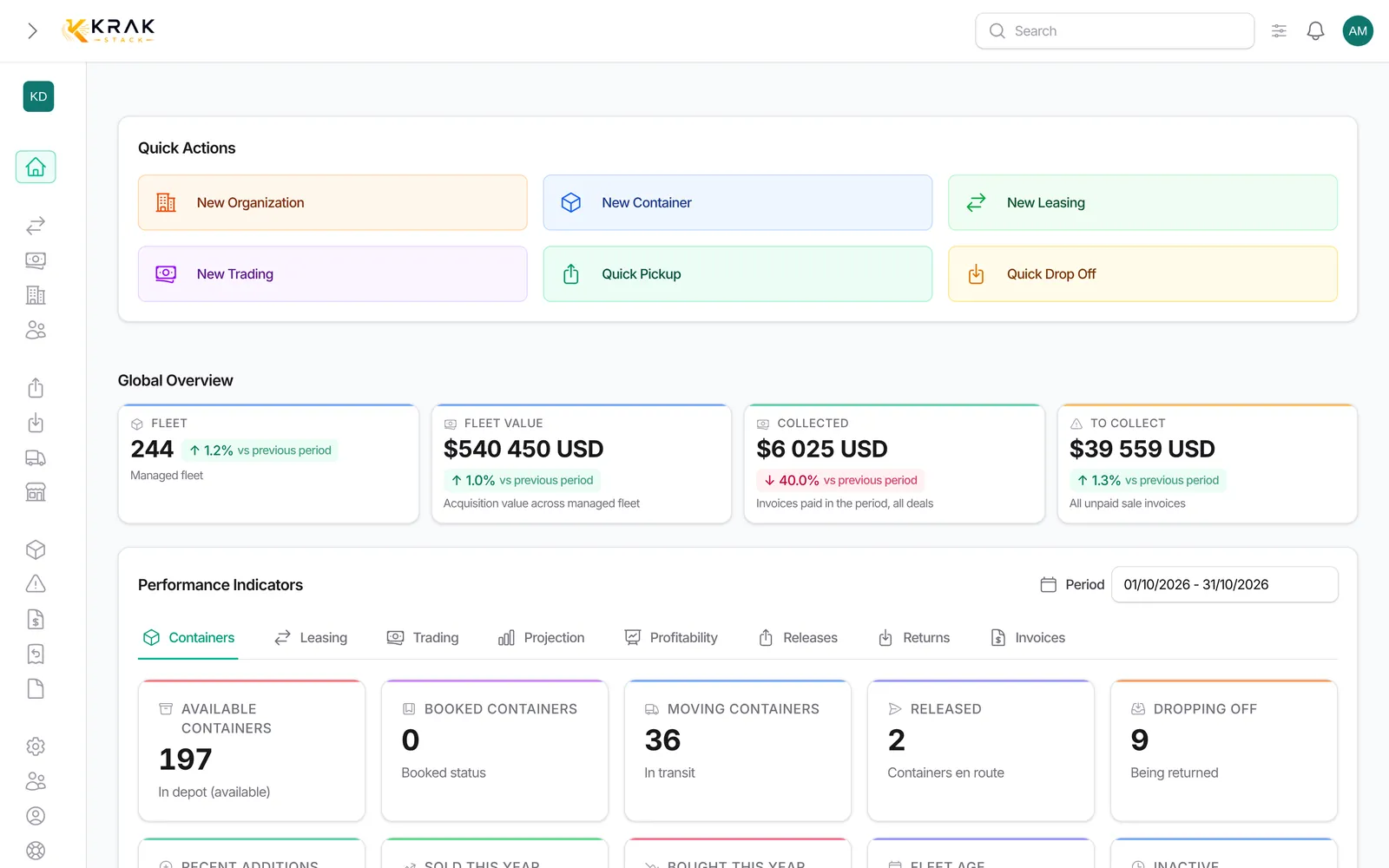
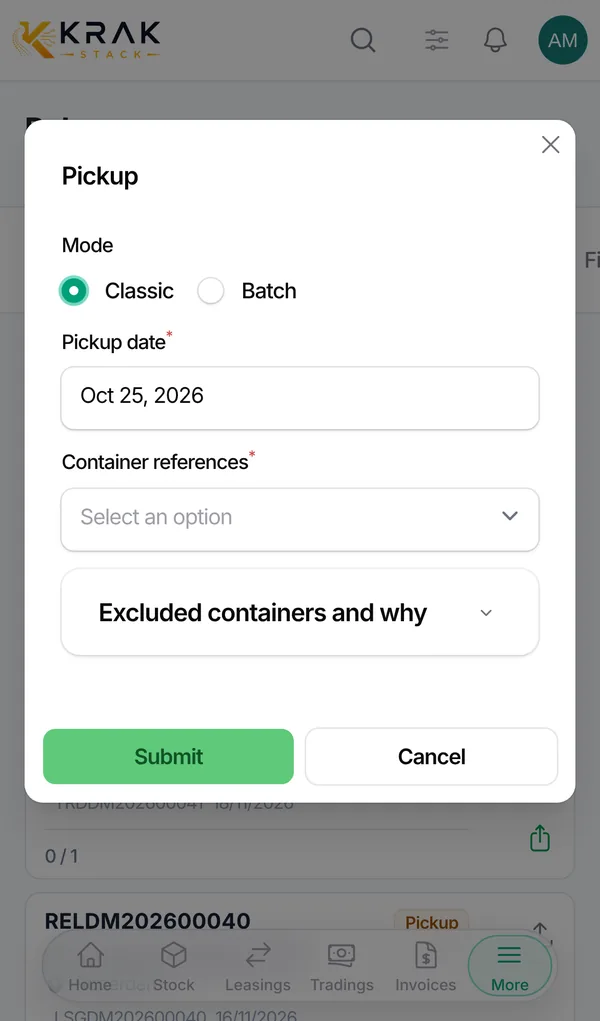
Every guide shows the real screens
The captures come from a demo company with fictitious data. What you see on a computer works the same on a phone: stock, pickups, drop-offs, invoices and bank reconciliation.
Ready to modernize your container operations?
See how Krak Stack can streamline your leasing, trading, and inventory workflows in one connected platform.