A trading deal is a sale or a purchase of containers. When you create it, you choose two things: the direction of the operation (Sell or Buy?) and how the containers change hands (Type).
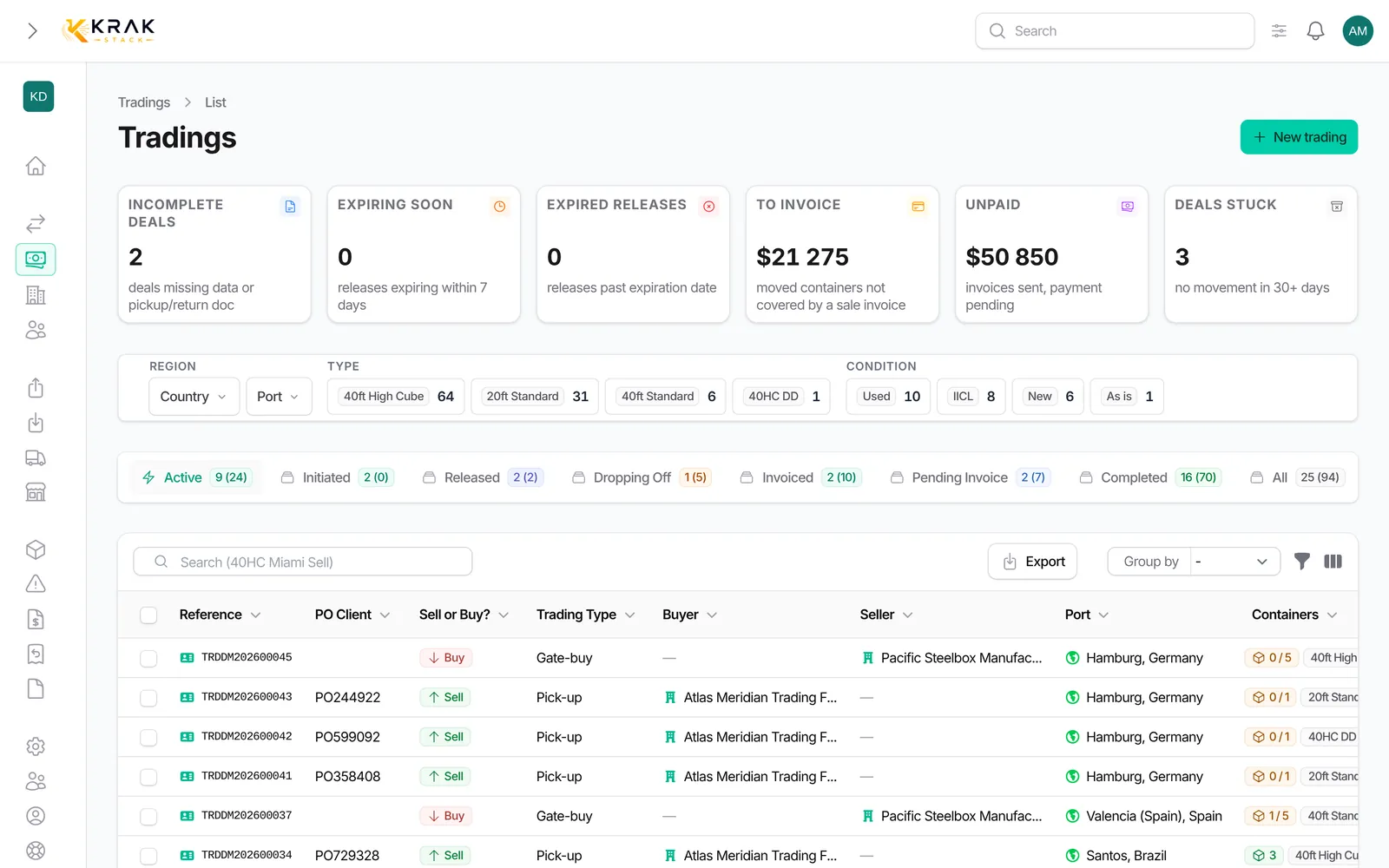
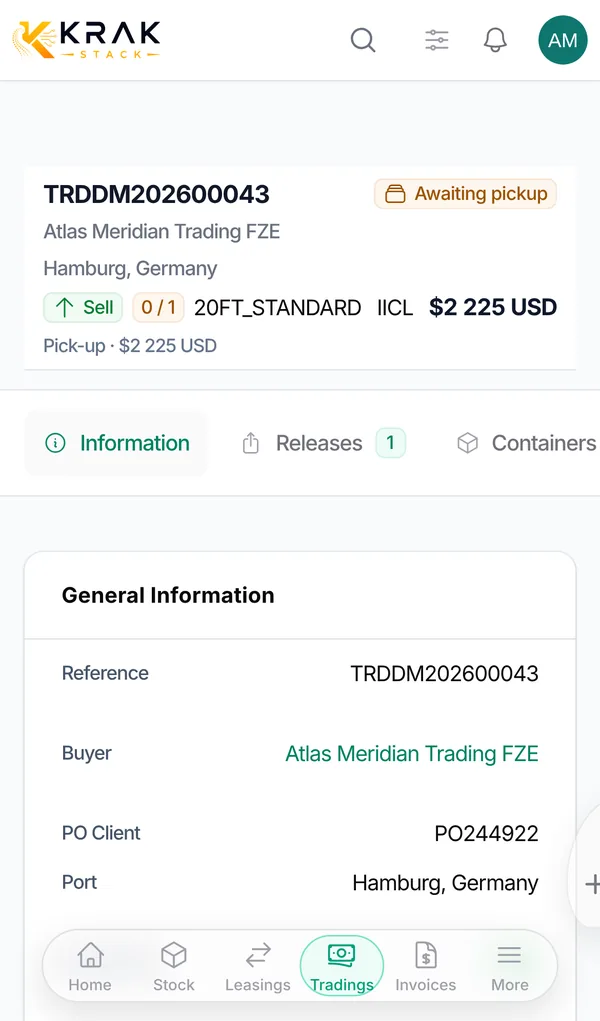
The direction: Sell, Buy or Buy/Sell
- Sell (green): you sell containers to a Buyer.
- Buy (red): you buy containers from a Seller.
- Buy/Sell (orange): you buy from a seller and resell to a buyer in the same deal, with a buying price and a selling price.
These colours are used throughout Krak Stack: badges, lists and filters.
The type: Pick-up or Gate-buy
- Pick-up: containers are handed over from a depot, with a release. The movement that matters is the pickup.
- Gate-buy: containers change hands when they enter a depot, with a return. The movement that matters is the drop-off.
The six combinations
- Pick-up + Sell: you sell containers from your stock. The buyer collects them at the depot with a release from stock. They leave your fleet at pickup.
- Pick-up + Buy: you buy containers from a supplier and collect them at the supplier's depot with a supplier release. They are created in Krak Stack at pickup.
- Pick-up + Buy/Sell: you buy from a supplier and the buyer collects the containers directly with a supplier release.
- Gate-buy + Sell: you sell containers currently on lease. On their return, they are dropped off at the buyer's and counted as sold at drop-off.
- Gate-buy + Buy: you buy containers that are delivered into your depot. They enter your stock at drop-off.
- Gate-buy + Buy/Sell: you buy containers and resell them; they are handed over to the buyer at drop-off.
Good to know
- Two other types exist: Stock Transfer and Delivery. Delivery is only offered for a sale.
- The direction can no longer be changed once the deal has left the Initiated status.
- The type can no longer be changed once a container has been picked up or dropped off on the deal.
- A Pick-up + Buy or Buy/Sell deal always uses a release with the Supplier source.
- A supplier release created from a lease generates an automatic purchase deal, marked Auto-generated.
Frequently asked questions
Which combination should I use to sell a container still on lease?
Gate-buy + Sell. From the lease Containers tab, the Create Gate Buy button opens a deal already set up that way.
What is the difference between Buy/Sell and two separate deals?
One deal carries both prices and produces two invoices (sale to the buyer, purchase from the seller). Its margin shows directly.
Why is the type greyed out in the form?
A container has already moved on this deal (picked up or dropped off). Cancel that movement if the type really is wrong.
Can the colours be changed?
No, they are fixed: green for sell, red for buy, orange for buy/sell.
Does a gate-buy use a release?
No. A gate-buy goes through a return and a drop-off, not a release.