A gate-buy is a trading deal whose containers change hands when they arrive at a depot, not when they leave one. It goes through a return and a drop-off, never through a release.
Krak StackFig. 1
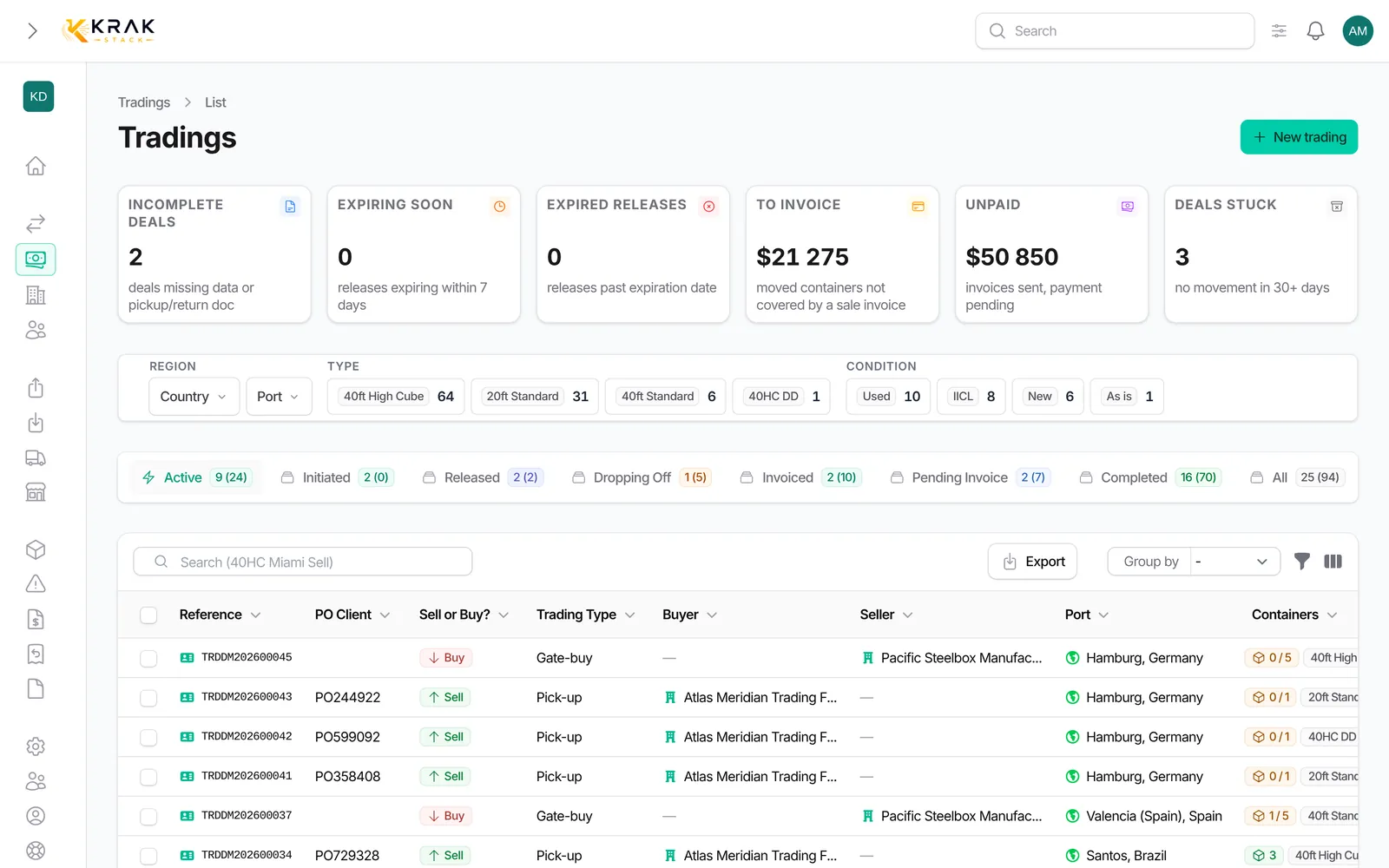
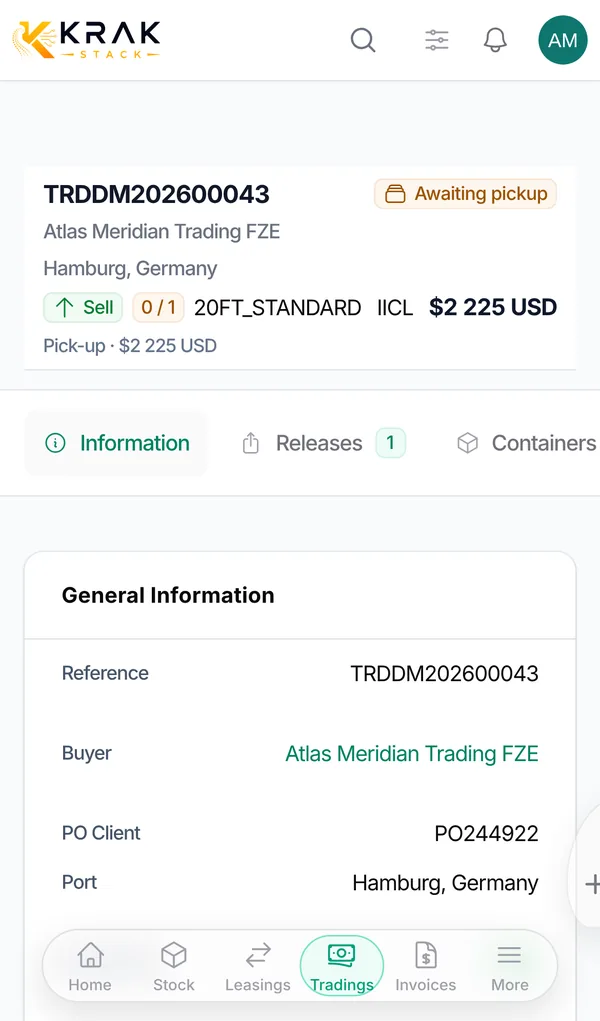
The three cases
- Gate-buy + Sell: you sell containers that are currently on lease. At the end of the lease, instead of coming back into your stock, they are dropped off at the depot chosen for the buyer. At drop-off, the container's rental stops and it is counted as sold.
- Gate-buy + Buy: you buy containers from a supplier, who delivers them into your depot. At drop-off, they enter your stock, at the return depot.
- Gate-buy + Buy/Sell: you buy containers and resell them; they are handed over to the buyer at drop-off and counted as sold.
Steps: sell containers on lease
- Open the lease, Containers tab, and click Create Gate Buy. Choose the containers then Continue to trading.
- The trading form opens with Gate-buy and Sell, and the Linked leasing. Fill in the buyer and the price, then save.
- Create the return to the buyer's depot. It shows on both the lease and the trading deal.
- On arrival, record the Drop-off: the lease and the trading deal move forward together.
Steps: buy containers delivered to a depot
- Create a Gate-buy and Buy (or Buy/Sell) trading deal, with the delivery Port.
- In the deal Returns tab, create the return: POD Destination, Depot and the references of the expected containers.
- Send the return to the depot (PDF download or email).
- On arrival, click Drop-off: the containers enter your stock.
Good to know
- On a purchase, the containers listed on the return are created in Krak Stack as soon as the return is saved, with a dropping-off status. They become available in the depot at drop-off.
- A gate-buy purchase return cannot be sent or downloaded without container references.
- The deal becomes Dropping Off when its returns cover its whole quantity, then Pending invoice when every container has been dropped off.
- A gate-buy sale goes back to Initiated if its returns no longer cover the quantity.
- For a gate-buy, the form's Containers field offers containers on lease, not containers in stock.
Frequently asked questions
Is the lease of the sold container closed?
The drop-off stops this container's rental on the lease. The lease then follows its own invoicing and closing rules.
Do the lease per diems continue after the sale?
No. They stop on the drop-off day, as for a normal return.
Why is no lease offered in "Linked leasing"?
Choose the Port first. Only leases returning to that port with containers left to sell are offered.
Can I sell more containers than those left on the lease?
A warning is shown if the quantity exceeds the containers left on the linked lease.
When is a gate-buy purchase completed?
When every container has been dropped off and every purchase invoice is paid.
Can I cancel a gate-buy drop-off?
Yes, from the deal Containers tab, with Cancel Drop-off.