A trading deal status is calculated by Krak Stack from the releases, returns, container movements and invoices. It moves forward, or back, on its own.
Krak StackFig. 1
The statuses
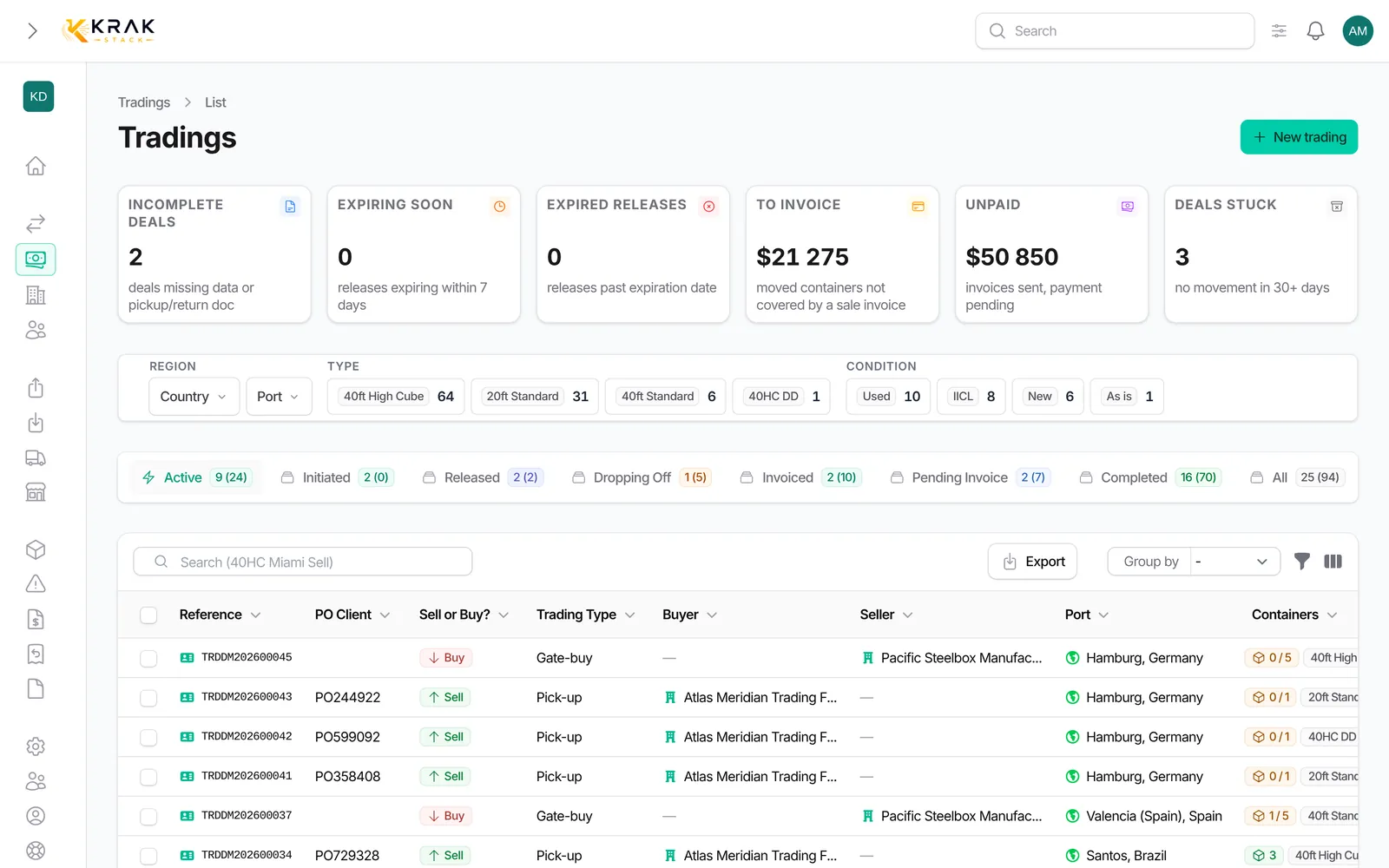
- Initiated: the deal is created, no sent document covers the quantity yet.
- Released (pick-up): sent releases cover the active quantity. A draft release does not count; an expired release still counts.
- Dropping Off (gate-buy): returns cover the active quantity and some containers have not been dropped off yet.
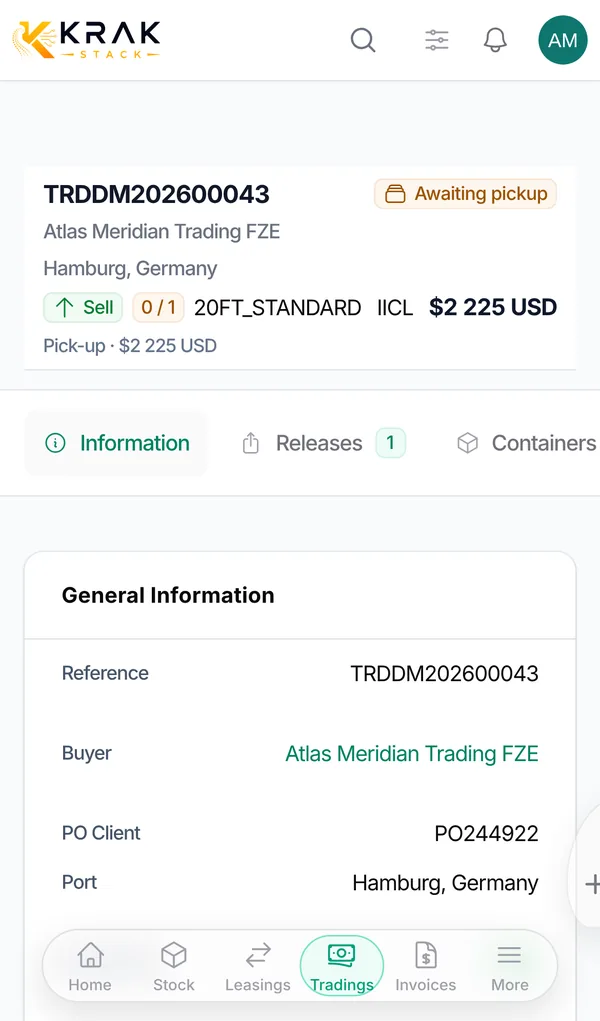
- Awaiting pickup (pick-up + sell): the customer has paid everything, but not every container has been picked up yet.
- Pending invoice: every container has moved (picked up for pick-up, dropped off for gate-buy) and the deal is not fully invoiced yet.
- Invoiced: every invoice that drives the deal has been issued (Sent, Overdue or Paid).
- Completed: every container has moved and all these invoices are paid.
- Canceled and Deleted: deal cancelled with Cancel or deleted.
What moves the deal forward, by type
- Pick-up + Sell: release sent → Released; every container picked up → Pending invoice; sale invoices issued → Invoiced; sale invoices paid → Completed. If the customer pays before everything is picked up, the deal becomes Awaiting pickup, then Completed at the last pickup.
- Pick-up + Buy/Sell: same path, without the Awaiting pickup step.
- Pick-up + Buy: every container picked up → Pending invoice; purchase invoices issued → Invoiced; purchase invoices paid → Completed.
- Gate-buy + Sell and Gate-buy + Buy/Sell: returns covering the quantity → Dropping Off; every container dropped off → Pending invoice; sale invoices issued then paid → Invoiced then Completed.
- Gate-buy + Buy: same path, driven by the purchase invoices.
Good to know
- For a sale or a buy/sell, only sale invoices to the customer count; purchase invoices never block. Storage invoices, pro-formas and cancelled invoices are ignored.
- For a purchase, the purchase invoices count.
- On a sale, the invoices must cover the number of containers that left: otherwise the deal stays Pending invoice.
- A purchase deal Auto-generated by a supplier release completes as soon as all its containers have been picked up.
- Stock Transfer has its own steps: Transfer Requested and Awaiting Transfer.
- Cancelling a pickup or a drop-off moves the status back.
Frequently asked questions
Can I change the status by hand?
No. Correct the underlying data (movement, invoice, payment) and the status follows.
Why does my sale stay "Pending invoice" when the invoice was sent?
The invoice does not cover every container that left, or another sale invoice is still a draft.
My purchase invoice is unpaid: can my sale deal complete?
Yes. On a sale or a buy/sell, the purchase invoice never blocks completion.
What does "Awaiting pickup" mean?
The customer has paid all their sale invoices, but some containers are still at the depot.
Can a trading deal complete with a container still out?
No. A deal does not become Completed while one of its containers is still out.
Does cancelling a payment reopen a completed trading?
Yes. The deal status is recalculated: when the sale invoice is no longer paid, the trading leaves Completed and takes the status that matches its invoices.