The invoices of a trading deal are created from its page, Finance tab. A sale produces a sale invoice to the buyer, a purchase a purchase invoice from the seller, a buy/sell both.
Krak StackFig. 1
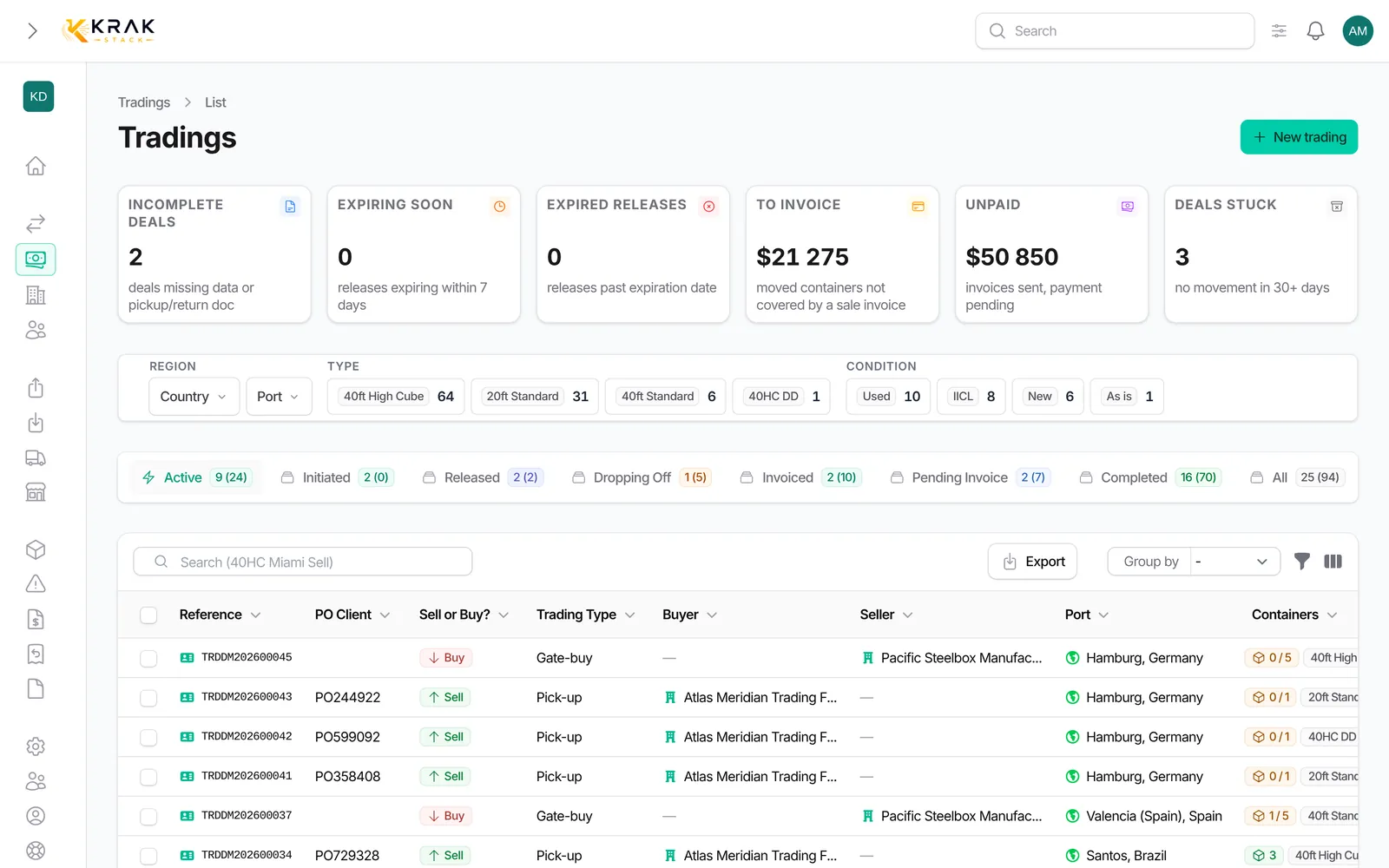
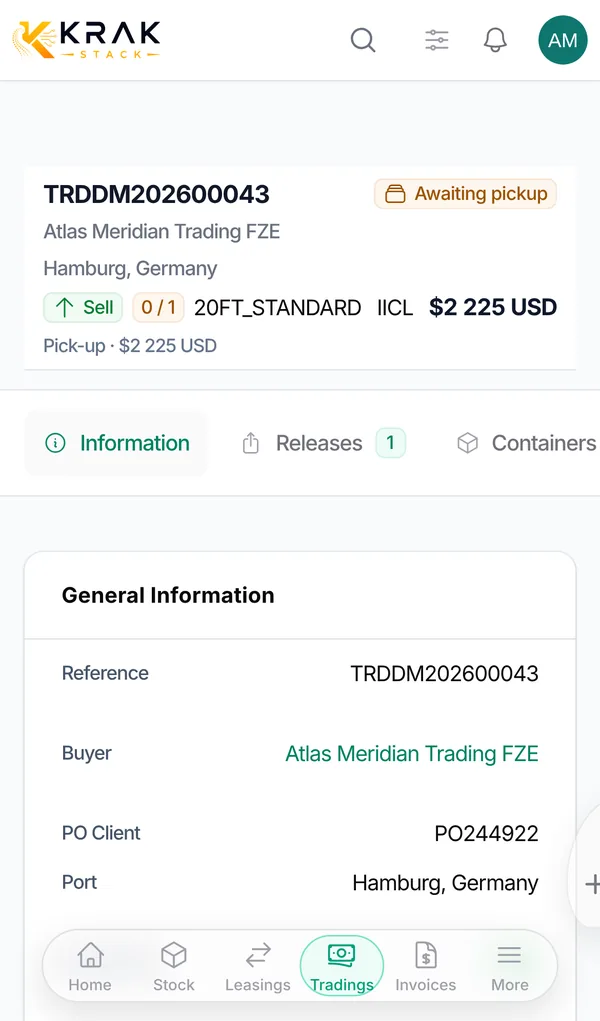
Steps
- Open the trading deal and go to the Finance tab.
- Click Create trading invoice. The button is greyed out when every container has already been invoiced.
- Choose the Document: Invoice or Pro-forma (client offer with no accounting effect until acceptance).
- In Container Prices, tick Bill for each container and adjust the price if needed. Containers already invoiced are flagged.
- Confirm with Create invoice (or Create pro-forma). For a buy/sell, two invoices are created: a sales invoice to the buyer and a supplier invoice to the seller.
- Issue the sale invoice with Download PDF or by email, then record the payment when it comes in.
Other invoices are available in the same tab: Create storage invoice (except for a purchase), Create damage invoice and Create invoice (free invoice).
Which invoices drive the status
- Sell and Buy/Sell: only sale invoices addressed to the buyer count. Purchase invoices never block the deal.
- Buy: the purchase invoices count.
- Storage invoices, pro-formas and cancelled invoices never count.
- The deal becomes Invoiced when all these invoices are issued, Completed when they are all paid and every container has moved.
The margin
- On the deal page, the Profitability section compares the deal revenue and costs in three columns: Projected, Invoiced and Cash. Margin = total revenue − total costs; Margin % = margin ÷ revenue.
- Revenue includes the sale and storage; costs include the purchase, the cost of containers sold from your stock, depot costs and repairs.
- Tiles sum up Margin, Margin % and Margin per container.
- In the Trading list, the Gross margin indicator adds up (selling price − buying price) × active units of the buy/sell deals whose purchase currency is the sale currency.
Good to know
- The Profitability section is only visible with the matching permissions.
- Amounts are excluding VAT, in the currency shown at the bottom of the section.
- A purchase invoice can go straight from Draft to Paid: you do not send it, you receive it.
- A sale invoice number is only assigned when the invoice is issued.
- The sale currency locks with the first sale invoice, the purchase currency with the first purchase invoice.
Frequently asked questions
Can I invoice one container at a different price?
Yes, each Container Prices line can be changed. Leaving the deal price empty lets you set everything at invoicing time.
Can I invoice in several parts?
Yes. Each invoice covers the ticked containers; the others remain billable later.
Does an unpaid purchase invoice block my sale?
No. On a sale or a buy/sell, it never prevents completion.
Does a pro-forma move the deal forward?
No. It has no effect on the status until it is validated into an invoice.
Why doesn't the list gross margin include all my deals?
It only covers buy/sell deals whose purchase and sale are in the same currency.