Create a trading deal for each container sale or purchase. The deal carries the prices, the parties and the containers, then the releases or returns and the invoices.
Krak StackFig. 1
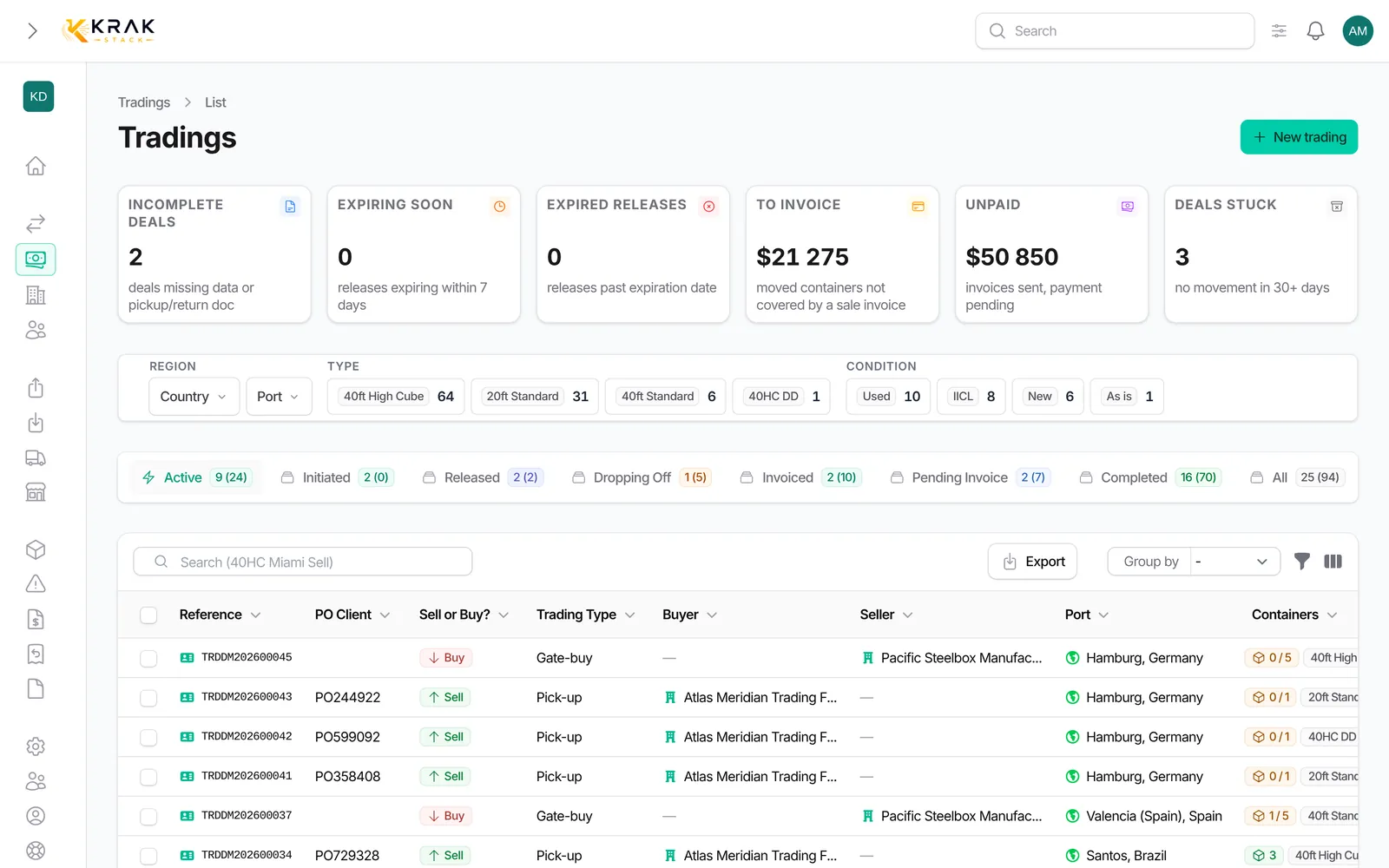
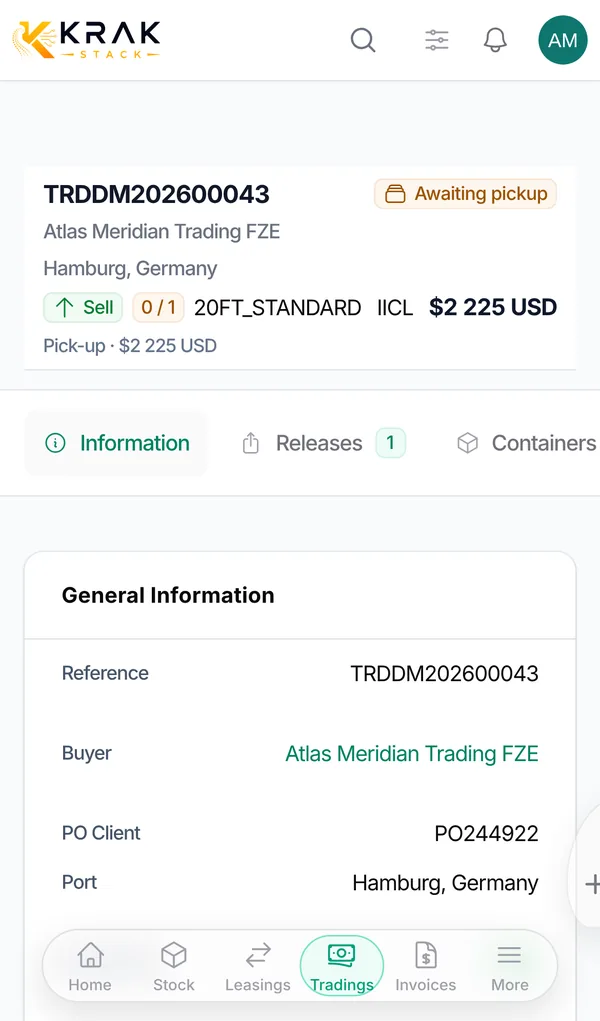
Steps
- In the Business menu, open Trading and click New trading.
- General Information section: Reference: leave it empty, it is generated automatically; Sell or Buy?: Sell, Buy or Buy/Sell; Type: Pick-up or Gate-buy (as well as Stock Transfer, and Delivery for a sale); Buyer (sell and buy/sell) and/or Seller (buy and buy/sell); Port: the port where the operation takes place; PO Client, Manager and, if needed, Linked leasing.
- Trading Terms section: Quantity: at least 1 container; Currency and Price: the label becomes Selling Price for a sale and Buying Price for a purchase; For a Buy/Sell: Purchase currency and Buying Price, then Sale currency and Selling Price; For a Pick-up: Daily Storage Charge and Free Storage Period, for depot storage after the release is issued.
- Containers section: choose the accepted Types and Conditions, and if needed Container YOM and Container Colors: Sell: the Containers field offers the containers available at the chosen port (or, for a gate-buy, the containers of the linked lease); Buy or Buy/Sell: enter the Container references if you already know them.
- Add Additional Notes if needed, then save. The deal starts as Initiated.
Good to know
- Leave the price empty to set a different price per container at invoicing time.
- The currency is suggested from the customer's. It locks as soon as an invoice exists: on a buy/sell deal, the sale currency locks with the first sale invoice and the purchase currency with the first purchase invoice.
- The direction can no longer be changed after Initiated; the type can no longer be changed once a container has moved.
- Once a release or a return has been issued, the quantity can no longer be reduced in the form: use the Cancel button.
- Free depot storage cost makes the depot stays attached to this deal non-billable.
Frequently asked questions
Do I need the container numbers when creating the deal?
No. You can name them later, on the release, at pickup or on the return.
How do I sell containers that are currently on lease?
Choose Gate-buy and Sell, select the Port then the Linked leasing: only leases returning to that port with containers left to sell are offered.
Does the reference follow a format?
Yes: prefix TRD, your company document code, year and counter (for example TRDAB202600013). Leasing and trading share the same counter.
Can I duplicate a trading deal?
Yes, with Duplicate. Invoices, documents and releases are not copied.
Can I buy and sell in two different currencies?
Yes, with Buy/Sell: the purchase currency and the sale currency are separate.
Where can I see the margin?
In the Profitability section of the deal page, depending on your permissions.