An invoice's status tells you where it stands, from draft to payment. Krak Stack moves statuses forward in order: no step is skipped, and a final status does not go back without an explicit action.
Steps
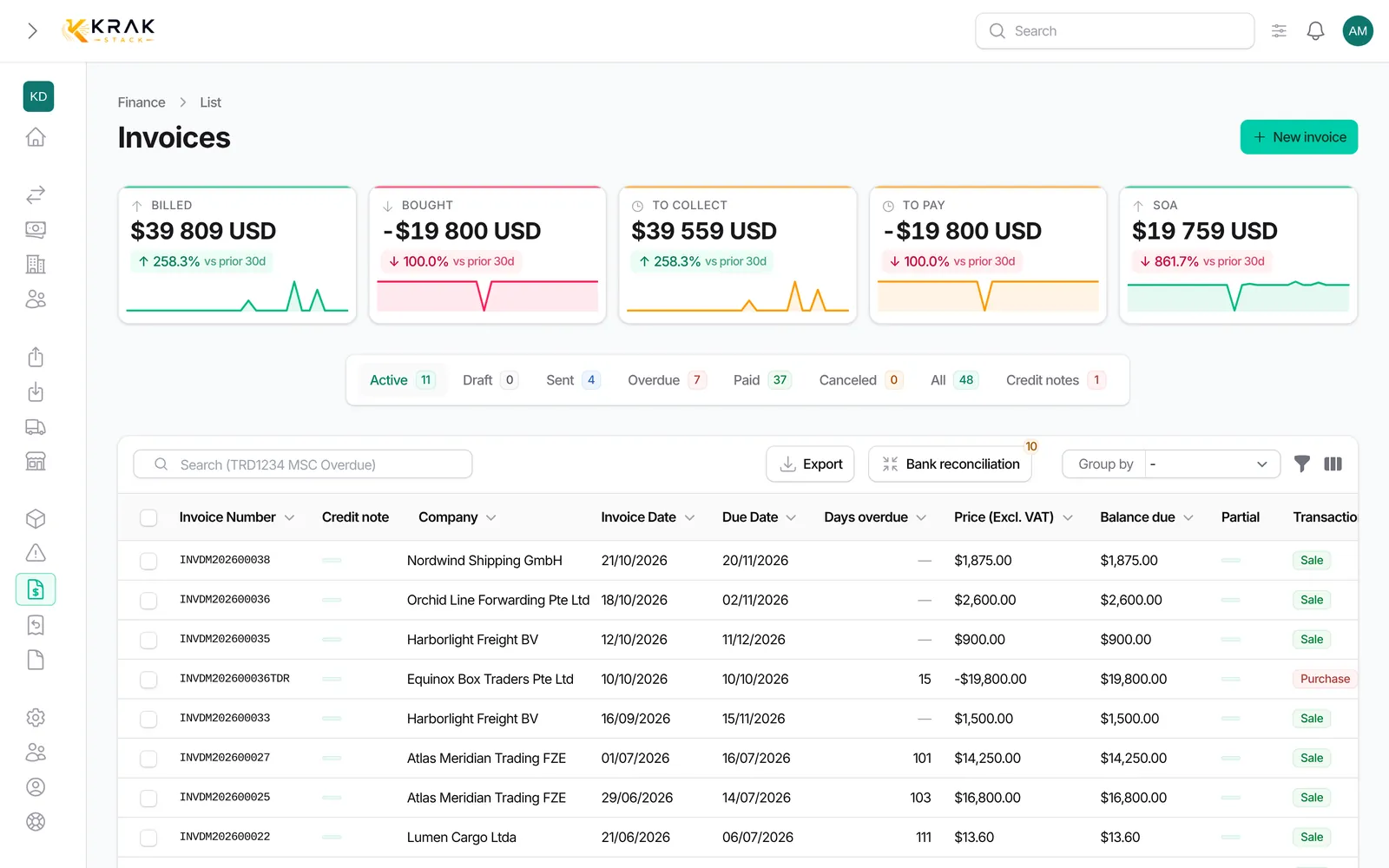
- Open Finance and click an invoice to view it.
- The status shows as a badge. To move it forward, use the invoice actions (row ⋮ menu or the footer of the invoice): Mark as sent: when you sent the invoice outside Krak Stack. The invoice gets its final number; Set as Paid: enter the collection date; Cancel invoice: enter a Cancellation reason (required).
- Emailing the invoice or downloading its PDF already makes it Sent: Mark as sent is only for invoices sent another way.
Good to know
- Draft: the invoice is being prepared. A sale invoice has no number yet (it shows as "Draft #…").
- Sent: the invoice is issued. It becomes Sent when you click Download PDF or Send by Email. View PDF never changes the status: you can review a draft without issuing it.
- Overdue: every night, Krak Stack marks sent invoices whose due date has passed as overdue.
- Paid: set by Set as Paid, by a recorded payment that clears the invoice, by a credit note that clears the balance due, or by a validated bank reconciliation.
- Canceled: the invoice is dropped, as in accounting software. A draft is canceled without taking a number. An invoice that already has a number keeps it and Krak Stack automatically issues a credit note for the amount still due: numbering stays continuous and your books stay right. The invoice PDF then shows the banner "CANCELED — see credit note …".
- Canceling is refused once the invoice received money (payment, validated bank reconciliation or refund): cancel the payment first. A credit note already deducted does not block: the cancellation credit note only covers the rest.
- initiated: status of an invoice not yet issued; it moves like a draft (to Sent or Canceled).
- Possible paths: Draft to Sent or Canceled; Sent to Overdue, Paid or Canceled; Overdue to Paid or Canceled. A purchase invoice can go straight from Draft to Paid.
- An invoice issued for a zero amount (100% discount) goes straight to Paid.
- Paid and Canceled are final. Only Cancel payment (restricted permission) returns a paid invoice to its previous status.
Frequently asked questions
I opened the PDF to check it: has my invoice been sent?
No. View PDF is read-only. Only Download PDF and Send by Email issue the invoice.
Why did my invoice become overdue on its own?
Its due date passed and it was not paid. The change is automatic, once a night.
Why is the Paid option missing?
Marking an invoice as paid requires a specific permission. Ask your workspace administrator.
Can I put a sent invoice back to draft?
No. An issued invoice keeps its number. To correct it, edit it (while it is sent or overdue) or create a credit note.
What happens to draft credit notes when I cancel an invoice?
They are deleted with the cancellation.
Why did canceling create a credit note?
The invoice already had a number and was sent to the customer. In accounting an issued invoice never disappears: a credit note of the same amount offsets it. Krak Stack creates and numbers it for you, with the reason "Invoice cancellation". You find it in the Credit notes tab of the invoice and in the credit note list.
I do not see Cancel invoice on a sent invoice.
Three possible reasons: the invoice already received a payment (cancel it first), it is paid, or your role cannot manage credit notes. Canceling a numbered invoice creates a credit note, so it needs that permission too.
How do I redo an invoice after canceling it?
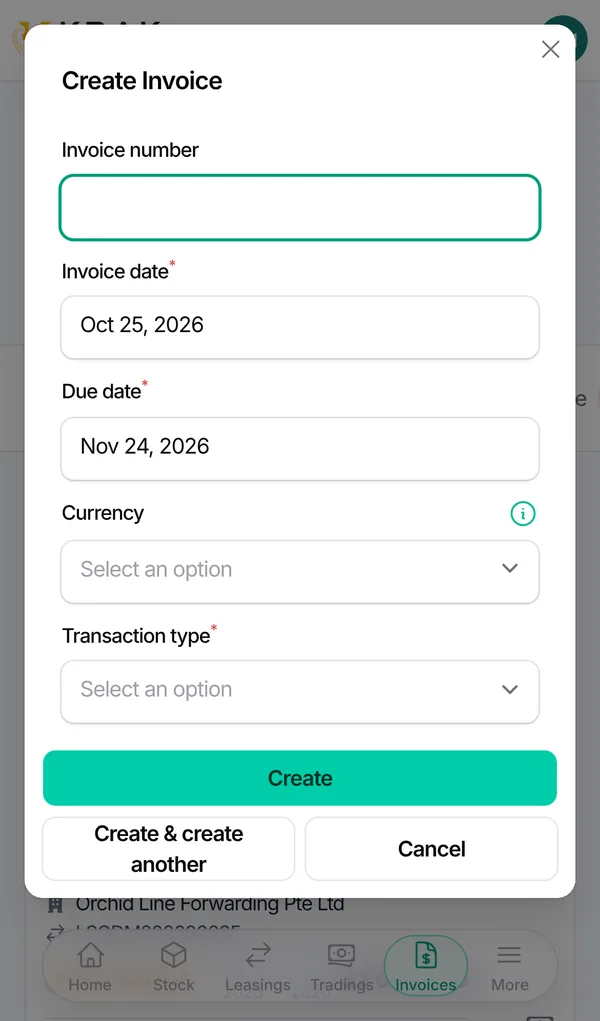
Create a new invoice from the deal or from Finance. It takes the next number. The old one stays visible, canceled, with its credit note.
Does canceling an invoice reopen the deal?
The leasing or trading status is recalculated at once: a canceled invoice no longer counts. A deal completed thanks to that invoice can go back to the invoicing step.
Where can I see canceled invoices?
In the canceled invoices tab of the Finance list: they stay visible.
Does an invoice status change the deal status?
Yes, sale invoices count in the status of the lease or trading deal. Krak Stack tells you when a change moves the deal.