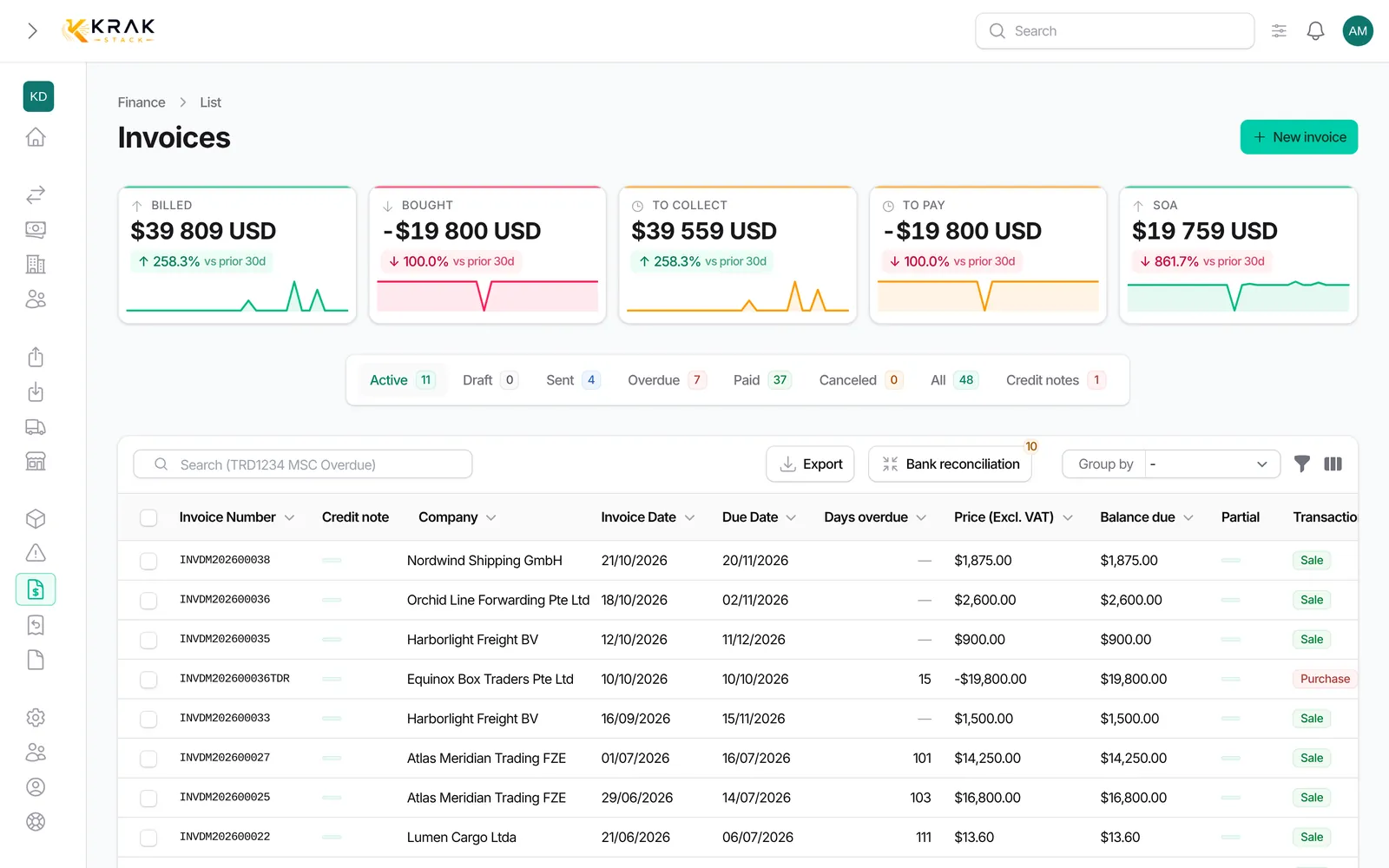
Every Krak Stack invoice has two characteristics: a transaction type (Sale or Purchase) and an invoice type describing what you bill. Both drive the filters, groupings and exports of the Finance menu.
Steps
- Open Finance in the menu.
- Use the Transaction Type filter to separate sales from purchases.
- Use the Invoice Type filter (or grouping by type) to show, for example, all storage invoices.
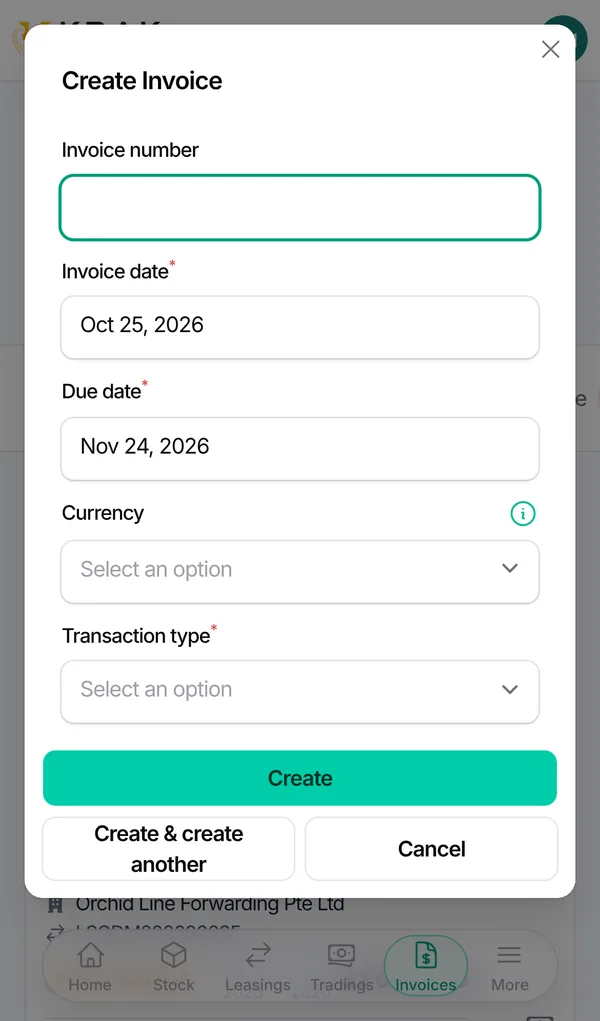
- When you create an invoice, pick the Transaction Type and then the Invoice Type in the form.
Good to know
- Sale: an invoice you issue to your client. It receives a Krak Stack number when issued, can be emailed, reminded and matched with a bank receipt.
- Purchase: an invoice received from a supplier. You enter its number (required, unique per supplier) and upload the supplier's PDF.
- Available invoice types: Pickup Charge: pickup fees linked to a lease; Trading: sale or purchase of containers in a trading deal; Per Diem: rental days billed beyond the free days; Storage: depot storage fees; Damage: repair of damage found on a container; Transport: transport costs; Miscellaneous: everything else (the default for a manual invoice).
- Choosing Trading links the invoice to a trading deal; choosing Pickup Charge links it to a lease.
- Storage invoices do not count in the deal closing rules; purchase invoices never block a deal from closing.
Frequently asked questions
Can I change an invoice's type after creating it?
Yes, as long as the invoice can still be edited (draft, or sale and purchase invoices that are sent or overdue). A paid or canceled invoice can no longer be edited.
Why can't I email a purchase invoice?
Only sale invoices can be emailed. A purchase invoice comes from your supplier: you attach their PDF to it.
Does a purchase invoice get a Krak Stack number?
No. It keeps your supplier's number. Krak Stack refuses a number already recorded for the same supplier.
Where do I create a per diem or storage invoice?
From the Finance tab of the lease or trading deal, with the dedicated buttons. See Create an invoice.
Are proformas an invoice type?
No. A proforma is an offer with no accounting effect, created from a trading deal. See Proformas.
Can I add my own invoice types?
No, the list of types is fixed.