A sale invoice is sent from Krak Stack with its PDF attached. Sending issues the invoice: it receives its number and becomes Sent.
Krak StackFig. 1
Steps
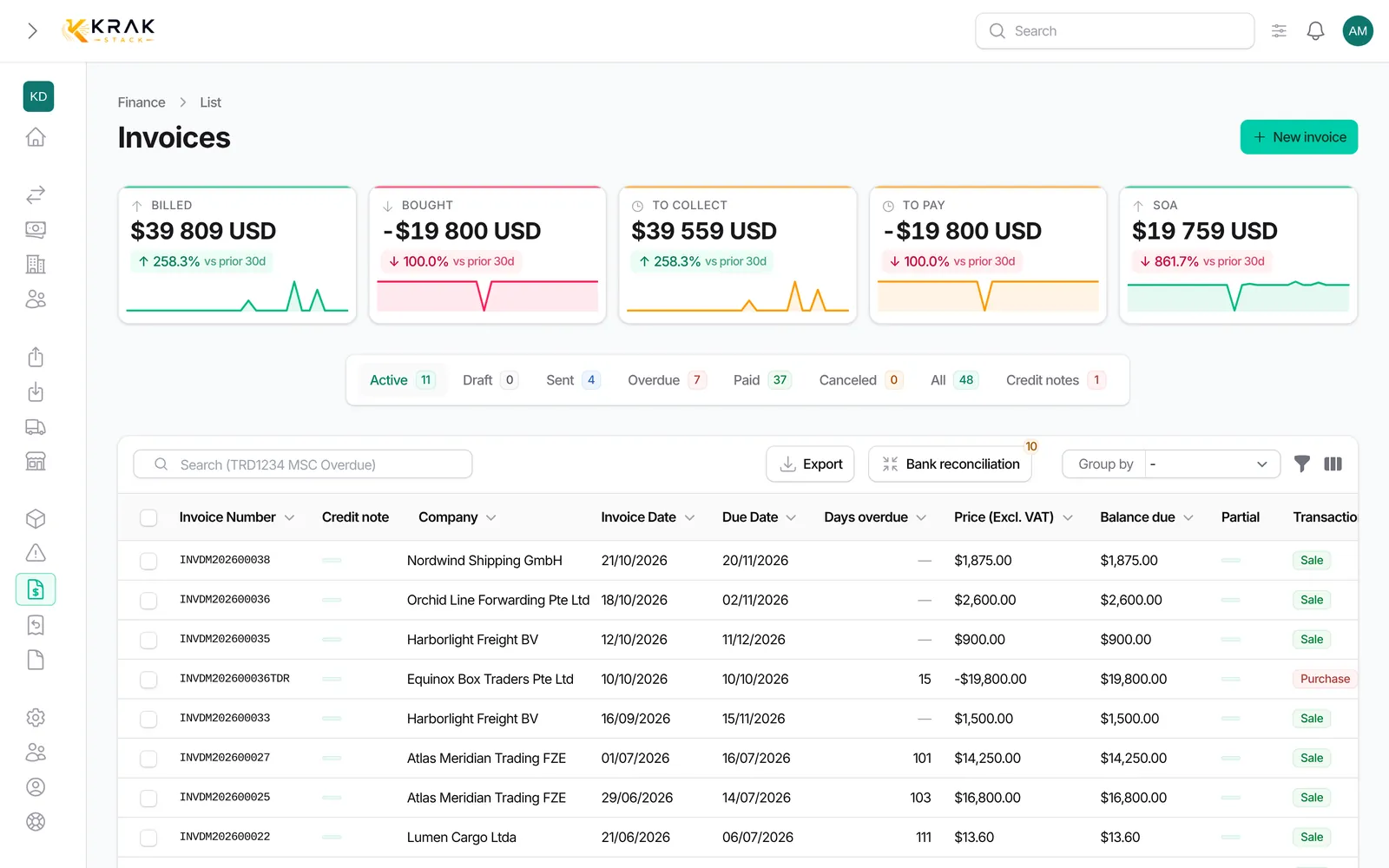
- Open Finance and click the invoice.
- Click Send by Email.
- Check the Recipient: Krak Stack preselects the contacts that have the Invoice role in the billed company. Add a missing contact with the Add a contact section.
- Fill in CC and BCC if needed.
- Pick a Template: the Subject and Message are filled in; you can edit them before sending.
- Send. A notification confirms the destination address.
Good to know
- Only sale invoices can be emailed.
- All recipients get one single shared email.
- Suggested recipients are only contacts of the billed company: an invoice is never offered to contacts of another company.
- To set the default recipients, open the company record (Companies) and give the Invoice role to the right contacts, in the Document Contacts & Notes section.
- A contact created from the sending window is saved on the company for future sends.
- Default CC addresses, and the sender address and name for invoices, are set in Settings > Documents & emails > Sending, section Invoice (billing).
- Templates are managed with the Manage email templates link shown under the Template field.
- Sending a draft gives it its number; if it appeared as "Draft #…" in the subject or message, it is replaced with the real number.
- Without sending an email, Download PDF also issues the invoice. View PDF does not.
- For several invoices, tick them in the list and use Download selected PDFs: 100 invoices at most, one ZIP file; above 20 invoices the ZIP is prepared in the background and a link valid for 24 hours arrives in your notifications. Sale drafts downloaded this way are issued.
Frequently asked questions
Is the PDF attached automatically?
Yes, the invoice PDF is attached to every email.
No recipient is suggested: what should I do?
The billed company has no contact with the Invoice role. Create one in the sending window or on the company record.
Can I resend an invoice already sent?
Yes. Its status and number do not change.
Can I change the subject and message?
Yes, after picking the template both fields stay editable.
Does sending a proforma make it Sent?
No. A proforma does not change status when sent. See Proformas.