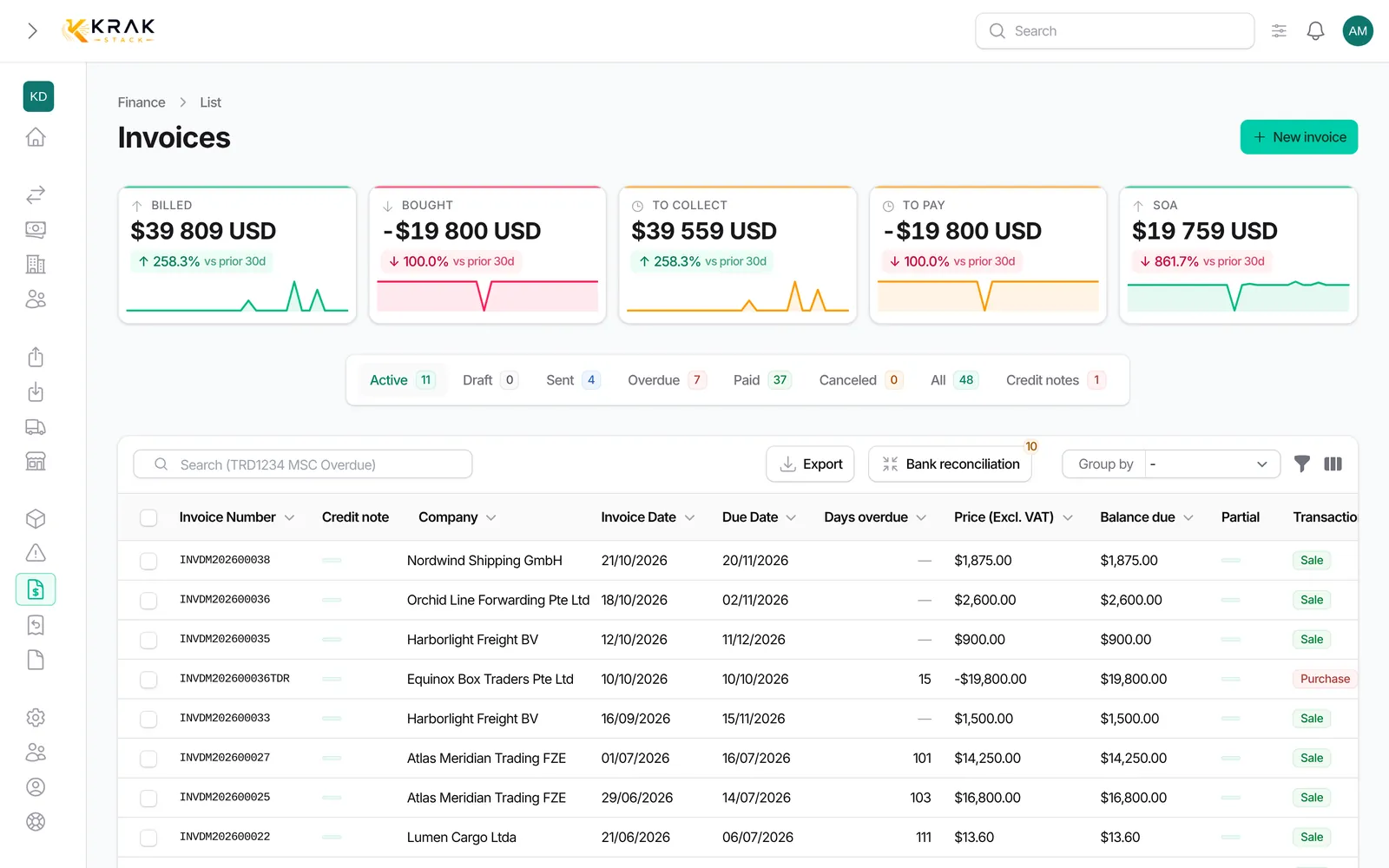
Krak Stack numbers your deals, releases, returns, invoices, credit notes and proformas with one single format: a prefix, your company's document code, the year and a counter, without dashes.
Steps
- Open Settings > Documents & emails, Numbering tab.
- In Number format, set the Company document code (2 to 4 uppercase letters), the Year in the number (Full year, Short year or No year) and the Counter length (4, 5 or 6 digits).
- Check the Next numbers table: it shows the next number of each document with your settings.
- If you come from another tool, open Continue an existing numbering and enter the Next number to use for each document.
- Save.
Good to know
- Example with code AC, full year and 5 digits: the first invoice of 2026 is numbered INVAC202600001.
- Prefixes: LSG for a lease, TRD for a trading deal, RLS for a release without a deal, DO for a return, INV for an invoice, CN for a credit note, PF for a proforma.
- Leasing and trading share one counter.
- A release made from a deal reuses the deal number (REL followed by the number, then B, C… for the next ones).
- When the year is part of the number, every counter restarts at 1 on January 1. Without a year, counters never restart.
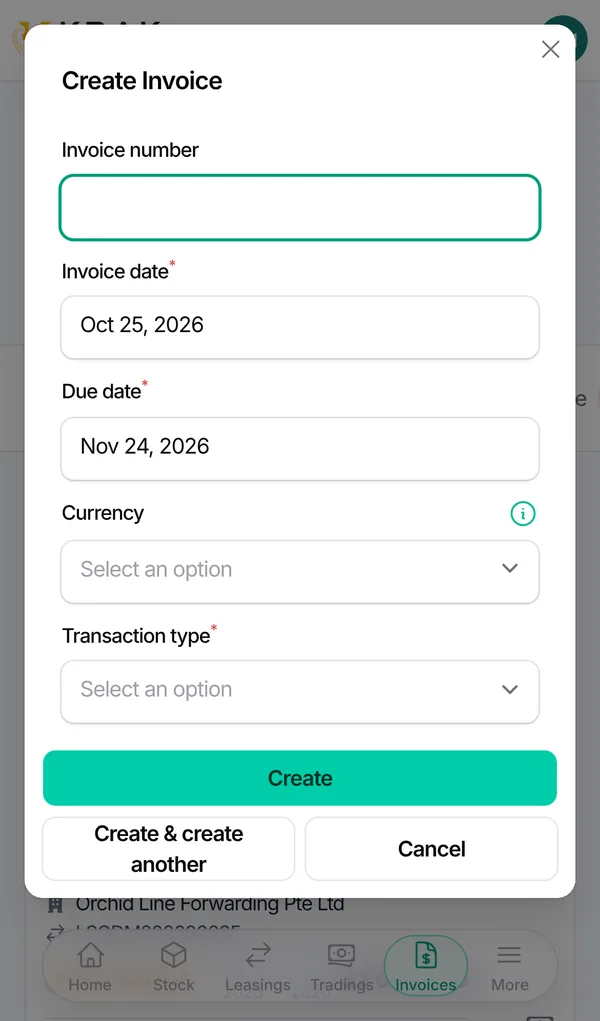
- The invoice number is assigned when the invoice is issued, never on the draft: on the first Download PDF, Send by Email or move to Sent. A draft shows as "Draft #…".
- Purchase invoices keep the supplier's number; they do not use the counter.
- A credit note gets its CN number when it is sent; a proforma gets its PF number as soon as it is created.
- The document code belongs to your company: a code already used by another company is refused.
- The page is reserved for users allowed to manage numbering.
Frequently asked questions
Why does my draft have no number?
On purpose: a number is only used when the invoice is issued, which avoids gaps in your invoice sequence.
Can I restart from a given number?
Yes, with Continue an existing numbering. For deals, Krak Stack refuses a number lower than or equal to one already assigned.
If I change the format, do old numbers change?
No. An assigned number never changes; the new format applies to the next documents.
Can I have a different format per document?
No. The code, year and counter length are shared; only the prefix depends on the document.
What happens on January 1?
If the year is in the number, each counter restarts at 00001 with the new year.
A message mentions a custom format: what should I do?
An older format was in place. Saving the page applies the standard format shown.