A credit note cancels all or part of a sale invoice already issued. It is the right way to correct a sent invoice: an issued sale cannot be deleted.
Steps
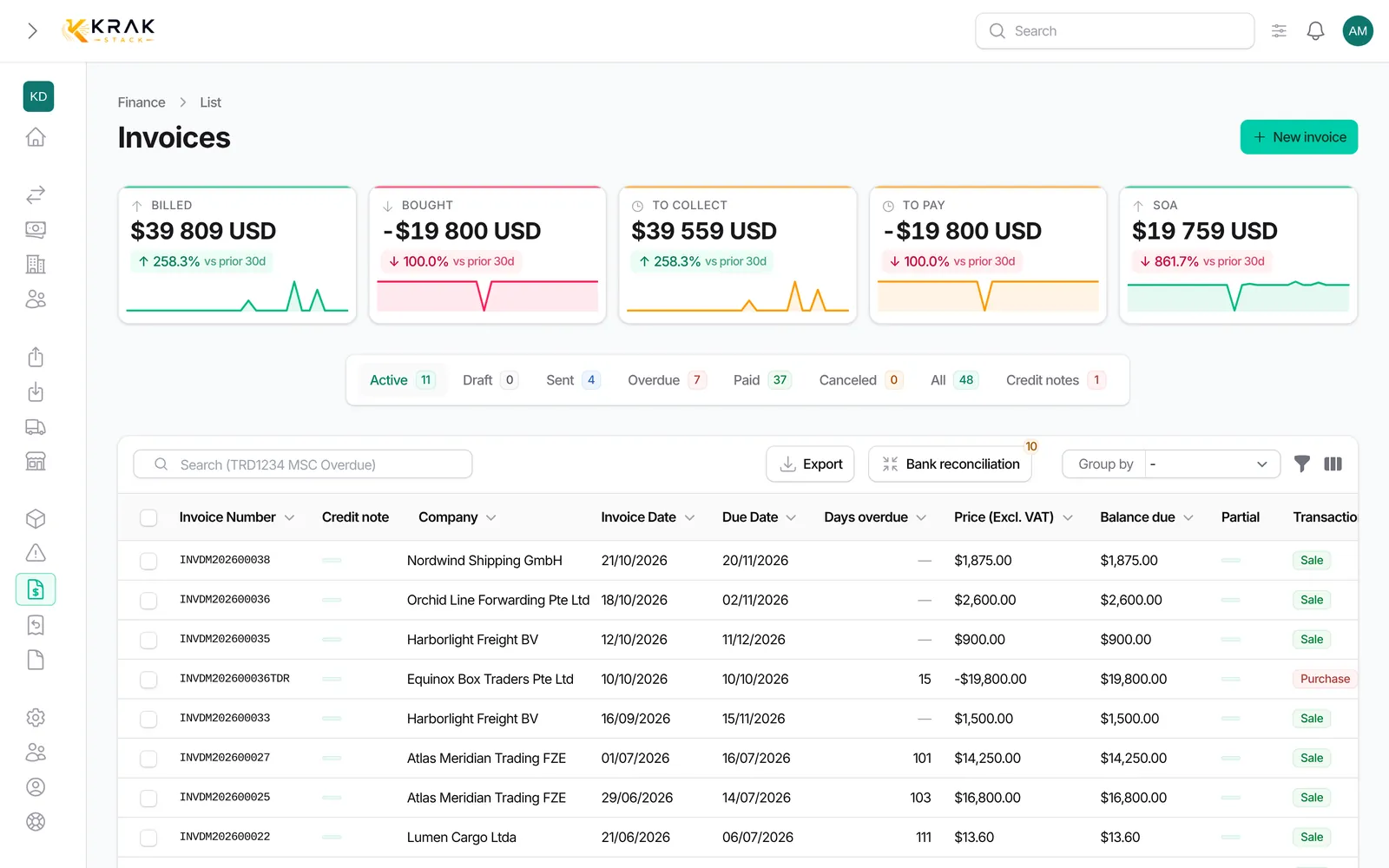
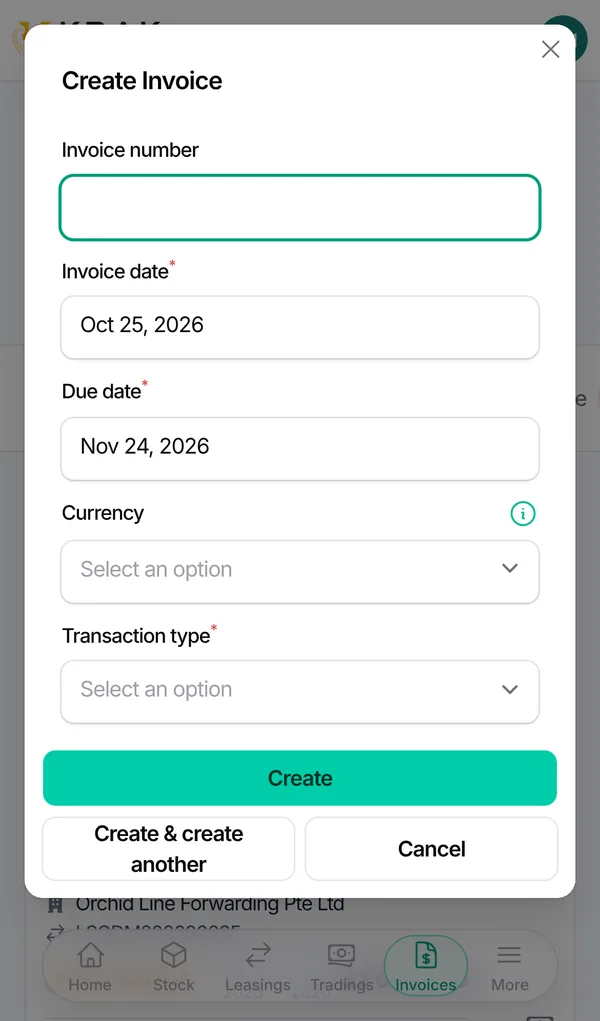
- Open Finance, click the sale invoice, then Create a credit note.
- Section 1. What is credited: choose Invoice lines (tick the Lines to credit and adjust the quantity if needed) or Free amount (amount excl. VAT and description).
- Section 2. Reason: pick the Reason (printed on the credit note) and add a note if needed.
- Section 3. Settlement: on an unpaid invoice, the credit note is Deducted from the balance due. On a paid invoice, choose Refund or Credit on a next invoice.
- Check the Preview (excl. VAT, VAT, incl. VAT and balance due after the credit note), then click Create the credit note as draft.
- In the invoice's Credit notes section, issue the credit note with Download PDF or Send by email.
Good to know
- A credit note can only be issued on a sale invoice that is Sent, Overdue or Paid, never on a proforma or a purchase invoice.
- Available reasons: Container cancellation, Price or quantity error, Commercial gesture, Accepted damage dispute.
- The credit note uses the VAT rate of the original invoice.
- Credit notes cannot exceed the invoice amount in total. A deducted credit note cannot exceed the balance due.
- A draft can be edited (Edit) or deleted (Delete). Once sent, it can no longer be edited.
- The credit note receives its number (CN prefix) when it is sent. View PDF does not send it.
- A deducted credit note is settled as soon as it is sent. If it clears the balance due, the invoice becomes Paid with the origin "Settled by credit note".
- A refund or credit note stays Awaiting settlement until the refund or credit is carried out.
- The invoice shows a credit note badge in the Finance list once a credit note is issued.
Frequently asked questions
Can I credit part of a line?
Yes: for a line with several units, enter the quantity to credit. You can also enter a free amount.
My client already paid: how do I give the money back?
Create the credit note with the Refund settlement, or Credit on a next invoice if they prefer a credit.
Can I cancel an invoice instead of issuing a credit note?
Yes, if it has not received any payment yet. Cancel invoice issues the credit note for you: on a numbered invoice Krak Stack issues a credit note for the amount still due (reason "Invoice cancellation") then makes the invoice Canceled. Issue a credit note by hand when you only want to credit part of it.
What happens to a credit if I later cancel the invoice payment?
A credit becomes a deduction of that invoice. A credit note already refunded prevents canceling the payment.
Is the credit note sent to the client automatically?
No. It stays a draft until you download it or email it.