Krak Stack calculates the VAT of each invoice from your company's VAT regime and the customer's country and VAT number. You set the regime once; every new invoice then takes the right rate and, when no VAT is charged, the right legal note.
Steps
- Open Settings > Finance > VAT.
- Choose Your regime: No VAT, Switzerland or European Union.
- For the European Union, enter Country of your company. The country's Standard rate is suggested; you can change it.
- Review the Mentions on invoices. Leave a field empty to keep the suggested text, or type the one from your accountant.
- If existing companies have a rate typed by hand, tick Apply this regime to the … companies so they follow the regime on their next invoices.
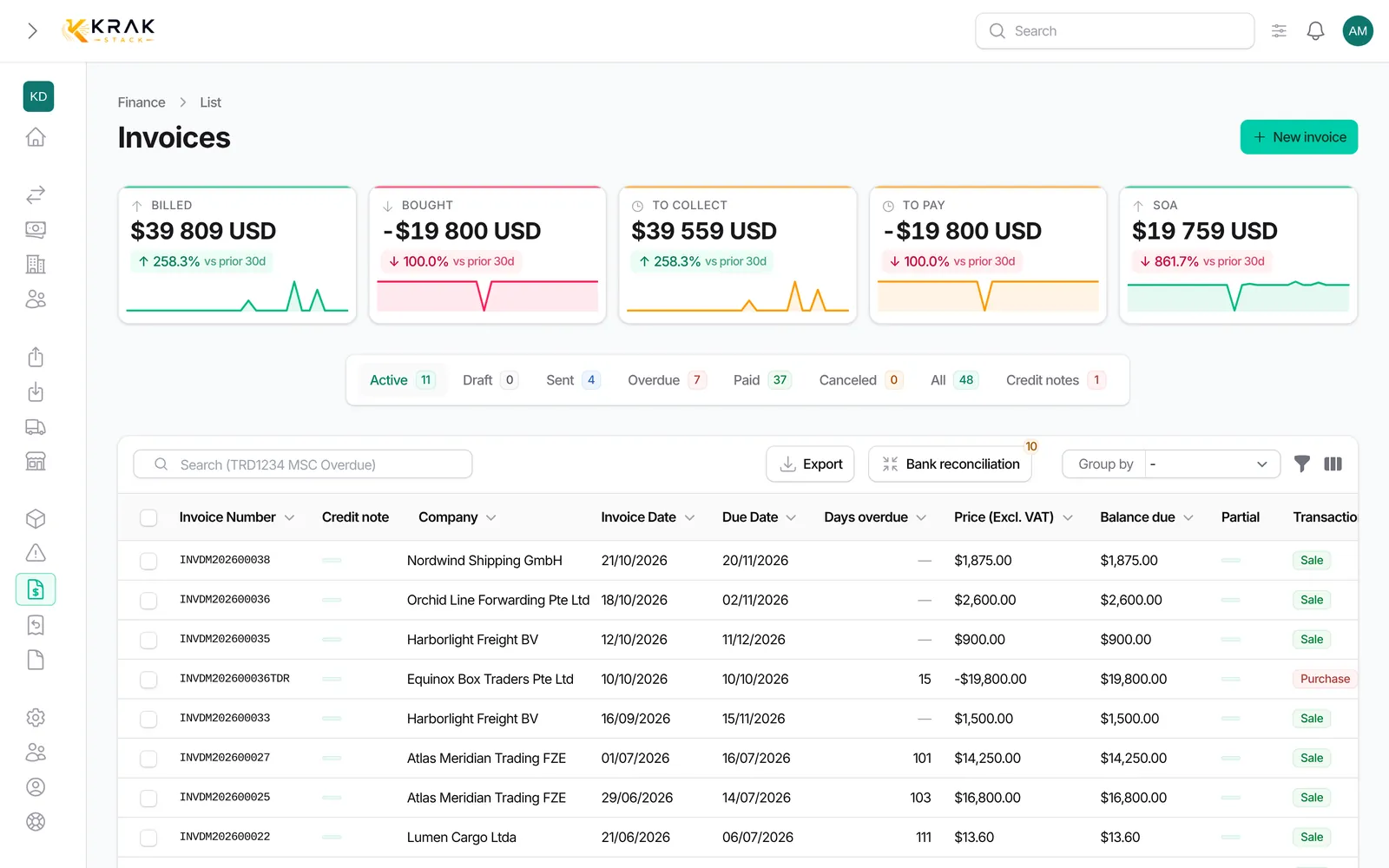
- Save. Check that each customer has a country and a Tax number (VAT number): they decide the rate.
Good to know
- Swiss regime: Swiss VAT for customers in Switzerland and Liechtenstein; 0% with the "customer outside Switzerland" note for everyone else.
- European Union regime: your country's VAT for customers of the same country and for EU customers without a VAT number; 0% with the reverse charge note for EU businesses with a VAT number; 0% with the export note for customers outside the EU.
- A customer without a country is treated as a customer of your country: the safe choice towards the tax office.
- On a company record, the VAT field is either From the company VAT regime or Fixed VAT rate. The fixed rate keeps the rate typed by hand whatever the regime.
- Your own VAT number is printed in the header of your invoices; the customer's in the customer block.
- Invoices already issued never change: a new setting applies to the next invoices.
- The suggested notes are general guidance. Have them confirmed by your accountant.
Frequently asked questions
My company is in Switzerland: do I charge VAT to a French customer?
No. With the Swiss regime only customers in Switzerland and Liechtenstein pay Swiss VAT. The French customer is invoiced at 0% with the "customer outside Switzerland" note.
My company is in France: do I charge VAT to all my European customers?
No, only to those without a VAT number (consumers or unregistered businesses) and to your French customers. A business from another EU country with a VAT number is invoiced at 0% with the reverse charge note: it declares the VAT in its own country.
Why is my European customer invoiced with VAT?
Its Tax number is empty on its record. Without a VAT number Krak Stack treats it as a non-registered customer and applies your rate. Add its VAT number: the next invoices will use reverse charge.
Why does a company keep its old rate?
Its record is set to Fixed VAT rate. Switch the VAT field to following the company's regime, or use Apply this regime in Settings > Finance > VAT.
The Swiss rate changed: what do I do?
Change the Standard rate in Settings > Finance > VAT. Invoices already issued keep their rate; the next ones take the new one.
Can I change the note printed under the totals?
Yes, in Mentions on invoices. An empty note uses the text suggested by Krak Stack.
Where does VAT appear on the invoice?
The rate is shown in the invoice details, the VAT amount under the total excluding tax. When no VAT is charged for a regime reason (export or reverse charge), the note is printed under the totals.
Who can change the VAT regime?
Users with the right to manage VAT in the Finance settings, usually administrators.