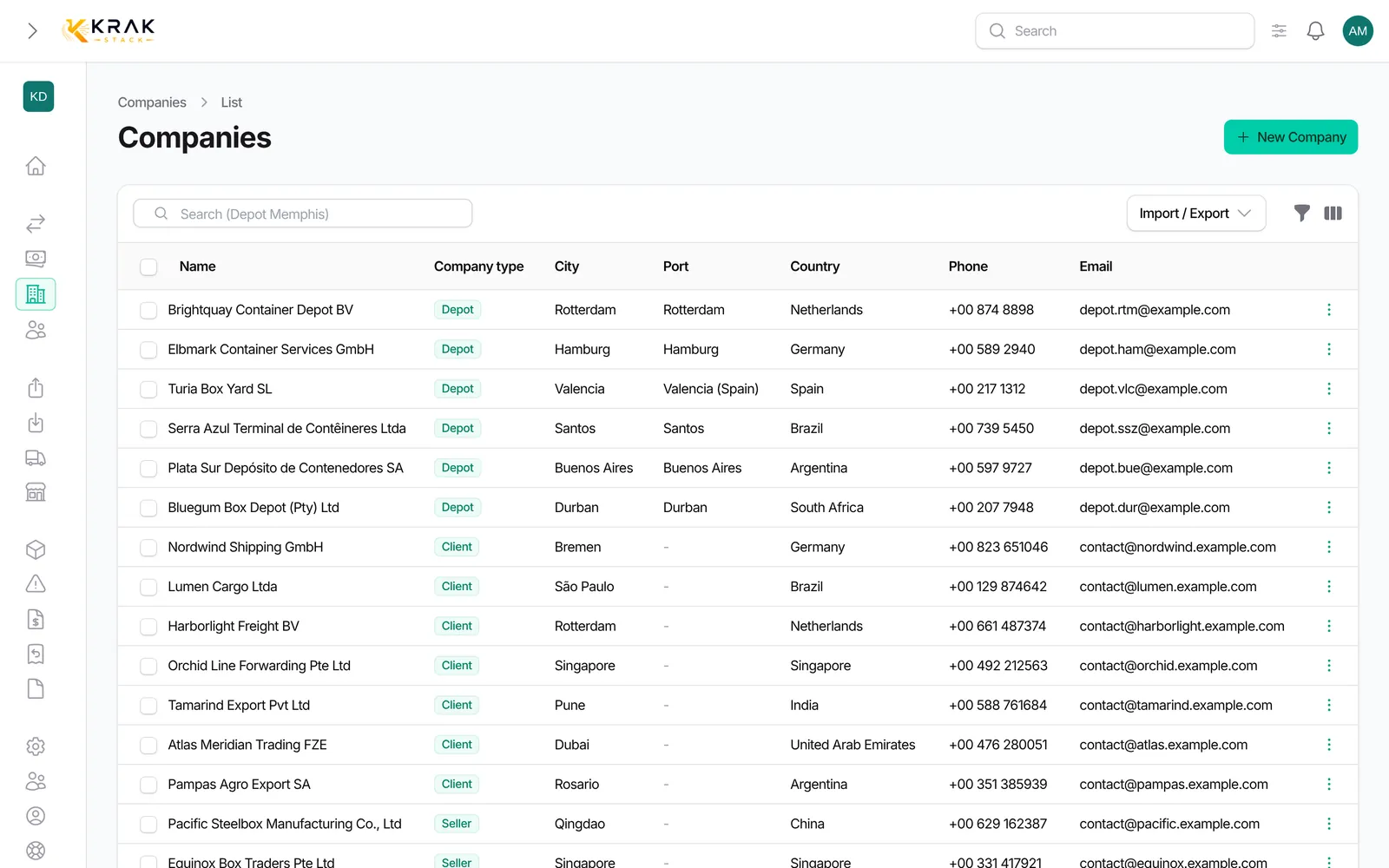
Companies are your customers, suppliers, depots, repairers and carriers. Their records feed your deals, your documents and your invoices.
Steps
- Open the Companies menu (Business group) and click New Company. The dashboard New Organization shortcut opens the same form.
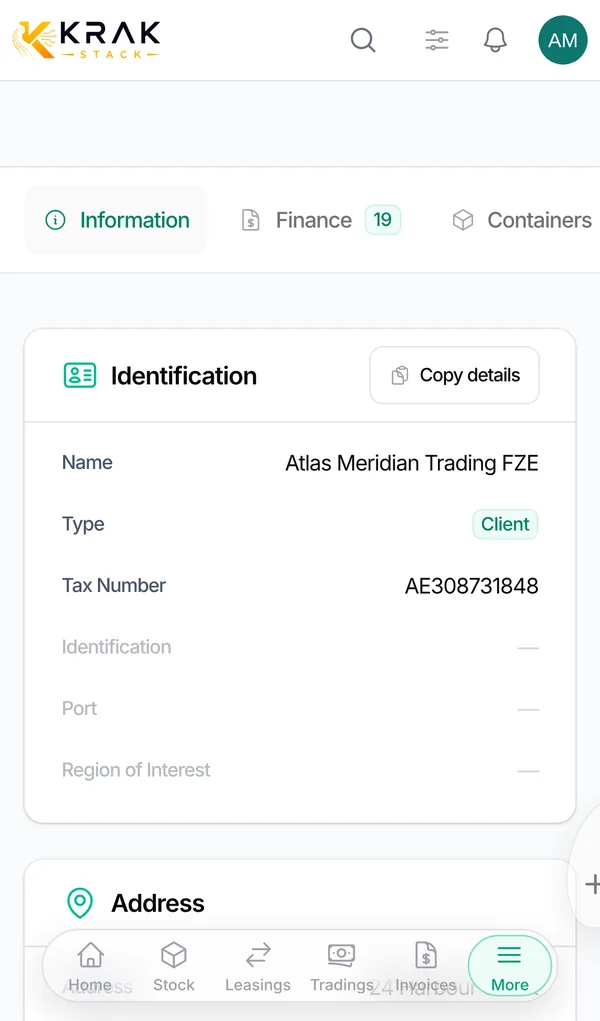
- Identification section: enter the Name and pick the Type. Add an Identification (internal code) and the Tax Number if needed. For a depot, the Port is required.
- Address section: Address, City, Postal code, Country, Email and Phone.
- Contacts & document roles section: click Add contact, enter the person and tick their Release, Return or Invoice roles.
- Billing & Banking section: Currency, VAT Rate, Invoice Due Days, Our invoice bank accounts, Client bank details and, if needed, Custom payment reminders.
- Click Create.
Good to know
- If a company already has this name, a warning lists the existing records. You can still create the company if it is a distinct business.
- The Tax Number is saved in upper case.
- Phone accepts several numbers separated by "/", "," or ";". Each number must have between 6 and 20 digits.
- Currency and Invoice Due Days default to your workspace values. The VAT Rate is 0% by default.
- Our invoice bank accounts: up to two of your accounts, the ones printed on this customer's invoices.
- Payment reminders: off, the customer follows your workspace settings; on, you set its own cadence (1st, 2nd, 3rd reminder, interval, maximum).
- If a new contact's email already exists in another company, Krak Stack offers to Reattach that contact, Create new anyway or Cancel.
- After creation, the Document Contacts & Notes section lets you choose the Release, Return and Invoice contacts among the company's contacts.
Frequently asked questions
Which type should I choose?
The type describes the company's main role. Only the Depot type changes the form and the selection lists.
Who receives the invoices?
The Invoice contacts of the company the invoice is addressed to, and nobody else. Without an Invoice contact, there is no automatic recipient.
How do I enter two phone numbers?
Separate them with "/", for example +44 20 1234 5678 / +44 7700 900123.
I created a duplicate. How do I fix it?
In the Companies list, tick exactly the two records and choose Merge. You pick, field by field, the value to keep; the discarded record goes to the trash and its documents follow the kept record.
How do I quickly copy a company's details?
In the list, click the company name: its details are copied to the clipboard.
Can I create a company from a deal?
Yes, the company lists in forms let you create a company without leaving the page.