A contact is a person linked to a company. Their Release, Return and Invoice roles decide who receives the documents sent from Krak Stack.
Krak StackFig. 1
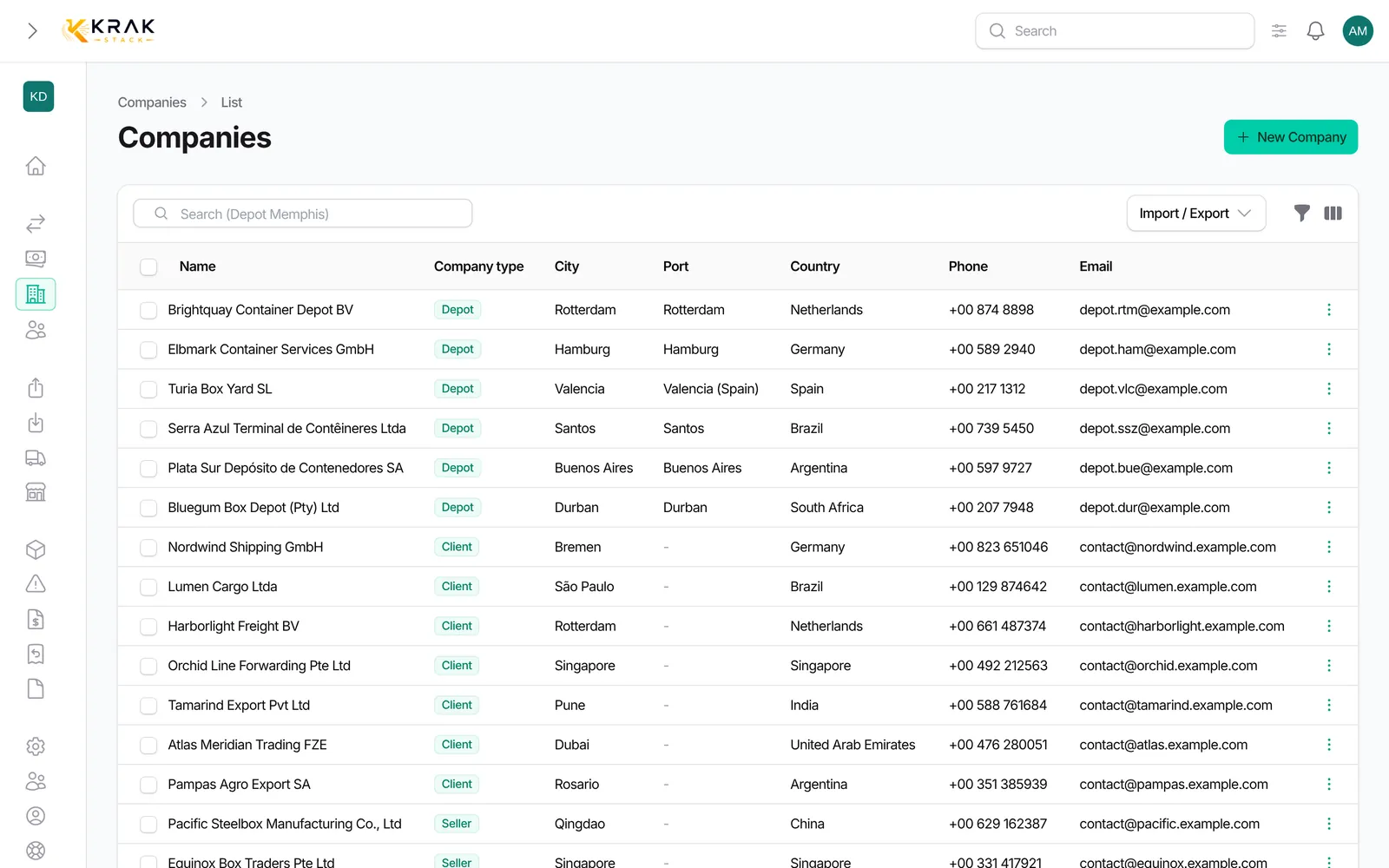
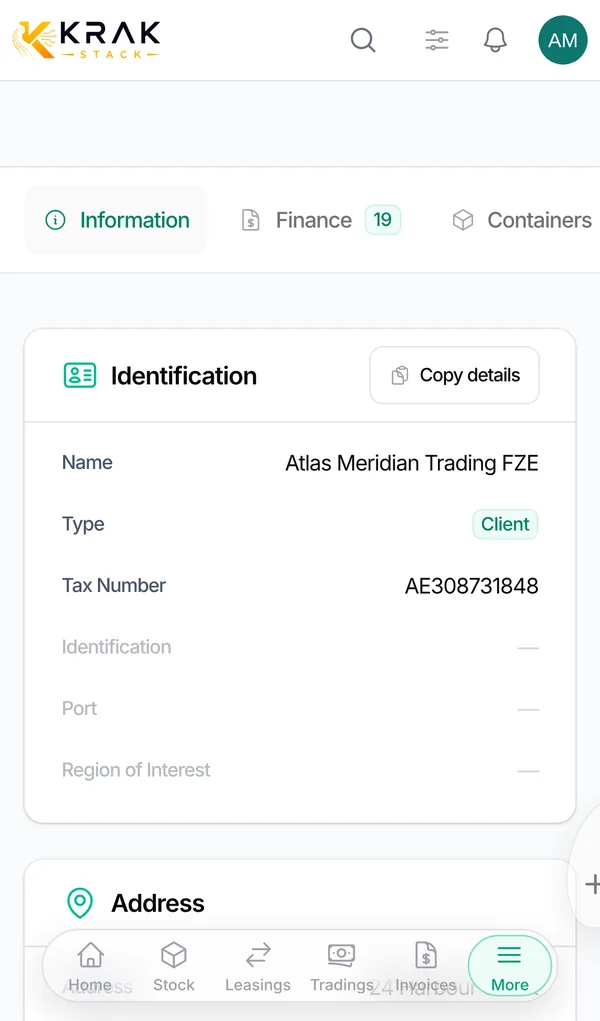
Steps
- Open the Contacts menu (Business group) and click New contact. You can also use the Contacts tab of a company record.
- General Information section: First Name, Last Name, Job Title and Company.
- Contact Information section: Email, Phone and Mobile.
- Document Contacts & Notes section: tick Release, Return and/or Invoice depending on what the person should receive.
- Click Create.
Good to know
- First Name, Last Name and Company are required.
- Two active contacts of the same company cannot share the same email.
- Phone and Mobile accept several numbers separated by "/".
- Sending a document by email: recipients are pre-selected among the company's contacts holding the matching role (Release for a release, Return for a return, Invoice for an invoice or a credit note). You can pick others, add addresses in CC and BCC, or create a contact on the fly: it then gets that document's role.
- Invoices and reminders: they only go to the Invoice contacts of the invoiced company, never to those of another company. The same email present twice is used once.
- Roles can also be set from the company record, Document Contacts & Notes section, with the Release, Return and Invoice lists.
- Deleting a contact first removes it from the Release, Return and Invoice lists; the confirmation window shows which documents it was assigned to.
Frequently asked questions
Why is no recipient offered when sending an invoice?
The invoiced company has no Invoice contact with an email. Add one, or create it directly in the sending window.
Can a contact have several roles?
Yes, tick as many boxes as needed.
The same person works for two companies. What should I do?
A contact belongs to one company. Create it in each; Krak Stack warns you if the email exists elsewhere and offers to reattach the existing contact or create a new one.
Who receives a depot's release?
The depot's Release contacts are pre-selected when sending.
Can I find a contact by phone number?
Yes, the Contacts list search covers names, company, job title, email and phone.
A contact left the company. What should I do?
Delete it or remove its roles so it no longer receives documents.