The import creates or updates your companies from a CSV file. It is handy to bring in your list of partners when you start.
Krak StackFig. 1
Steps
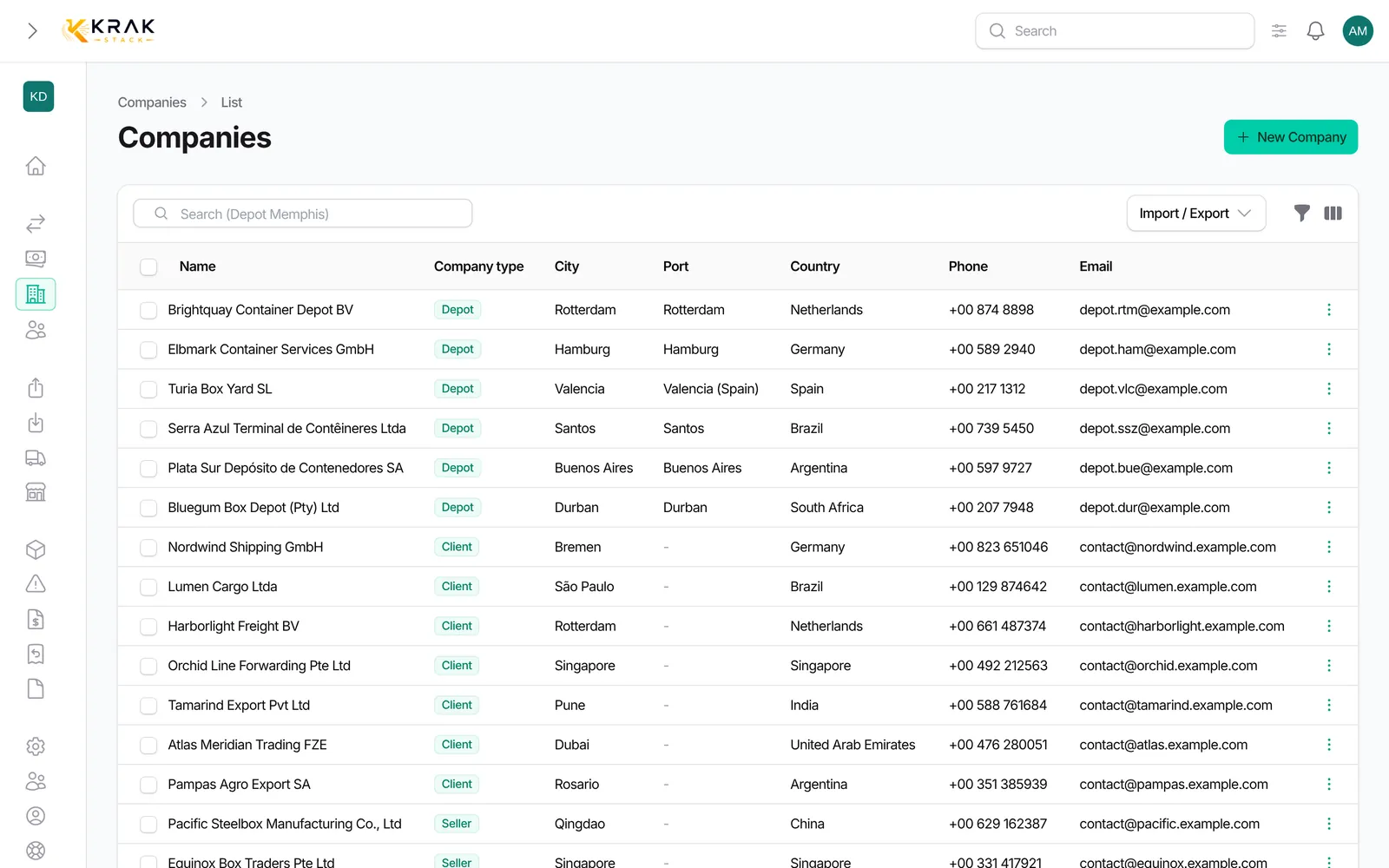
- Open Companies (or Depots), then the Import / Export menu, and choose the import.
- If needed, click Download example CSV file to start from a file with the right headers.
- Drop your CSV file in File.
- In Columns, check which column of your file matches each field. Common headers (Name, Nom, Company, Société, Type, Port…) are recognized automatically.
- Click Import. Processing runs in the background; a notification tells you when it is done.
Good to know
- Required columns: Name and Type.
- Type: give the code (client, seller, depot, repair_provider, transporter) or the type name as shown in Krak Stack. Upper and lower case do not matter.
- Other columns: Port, Tax Number, Identification, Invoice Due Days, Region of Interest, Address, Postal code, City, Country, Phone, Email, and for depots the base rates for Arrival handling, Departure handling and Storage in 20 ft and 40 ft.
- Port: the exact name is searched first; otherwise a single port containing the text is accepted. If several ports match, none is linked.
- Country: matched by its name.
- Existing companies: a row whose name matches a company of your workspace (case does not matter) updates that company instead of creating a new one.
- Limit: 5,000 rows per file.
- Errors: the final notification gives the number of rows imported and failed. Download the error file, fix the rows and import them again.
- The import requires the permission to import companies.
Frequently asked questions
My file comes from Excel. What should I do?
Save it as CSV before importing it.
A row failed on "Type". Why?
The value matches no type code or name in your workspace. Fix it, for example "client" or "depot".
Does the import create duplicates?
Not for identical names: the existing company is updated. A small spelling difference ("Blue Lines" and "Blue-Lines") creates a new record, though; you can merge the two afterwards.
Can I import contacts with the companies?
No. The company import only takes the company's email and phone. Add contacts afterwards on each record.
My depot's port was not linked.
The name was not found or was ambiguous. Set the port by editing the company.
Can I import more than 5,000 companies?
Yes, in several files of 5,000 rows at most.