A depot's tariffs are used to compute the cost of each stay of your containers. You enter them on the depot record.
Krak StackFig. 1
Steps
- Open Depots, then the depot record, and click Edit.
- In the Depot Pricing section, fill in the Free Days and the fixed fees: Release numbered containers, Stock transfer and Photo fee.
- Under Tariffs per type, click Add tariff. Give a Tariff name (for example "40 foot"), enter Handling Arrival, Handling Departure and Storage cost (per day), then choose the Container types concerned.
- Add as many tariffs as you have type families, then click Save changes.
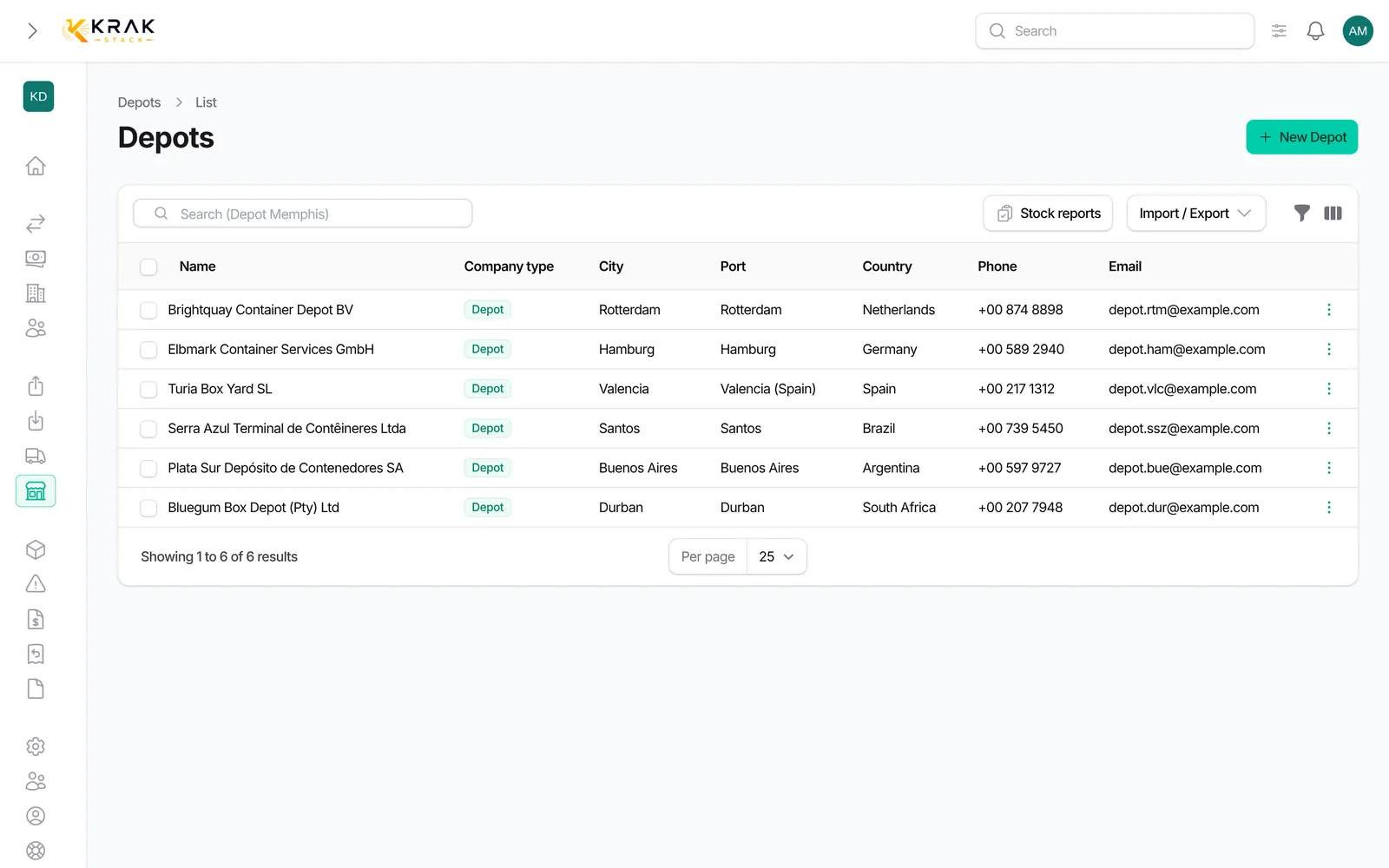
- To export the tariffs of all your depots, open Depots > Import / Export > Export tariffs.
Good to know
- Amounts are entered in the company's Currency (Billing & Banking section). Stay costs are converted into your workspace currency.
- Release numbered containers: per container when the release lists numbers. Stock transfer: fixed fee per container on a stock-transfer release. Photo fee: per container when photos are requested on the return.
- A container type can appear only once in the tariffs (for the empty state). The Full container box is meant for future use; leave it unticked.
- The Hourly repair rate is stored for future use; it is not part of the costs yet.
- In the Depots list, the Tariff grid, Daily rate 20DC, Daily rate 40HC, Arrival handling, Departure handling and Tariff currency columns can be shown with the column manager. A depot without a grid shows None in red; the Depots without a tariff grid filter finds them.
- The tariff export gives one row per tariff, with the depot, country, city, container type, daily rate, handlings, fixed fees, free days and currency.
Frequently asked questions
How is a stay's cost computed?
Arrival handling + daily rate × billable days (days at the depot minus free days), then departure handling at exit, plus photo and release fees if any.
A container has no depot cost. Why?
No tariff of the depot covers its type. Add the type to an existing tariff or create one.
Can tariffs be in a currency other than mine?
Yes. Choose the currency on the depot record; conversion uses the rate of the container's entry day.
What about the 20 ft / 40 ft rates of the company import?
The import can fill base 20 ft and 40 ft rates. They are used only when no tariff per type covers the container.
Does changing a tariff change past stays?
No. Tariffs are captured when the container enters the depot: a new tariff applies to stays that start after the change.
In which format is the export?
CSV or XLSX, your choice.