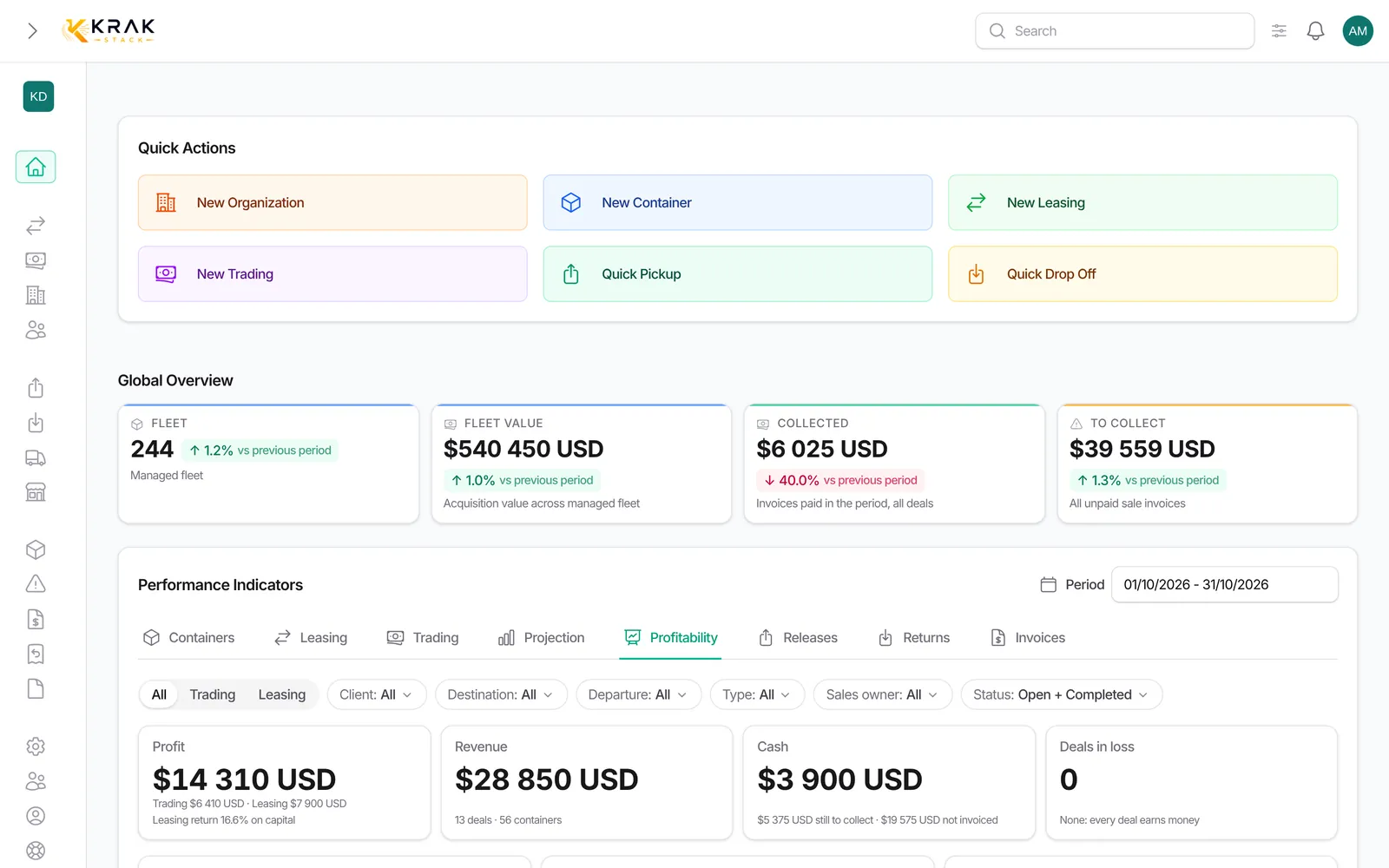
Every leasing and every trading has its Profitability section. It shows what the deal earns and what it costs, line by line, and the resulting margin. All amounts are excluding VAT and converted into your company's currency.
Steps
- Open the leasing or trading page (not the side preview: the section is not shown there).
- Scroll down to Profitability. The header shows the margin at a glance.
- Read the tiles at the top: Margin, Invoiced and Received for a trading; Net revenue, Per diem to invoice and Received for a leasing.
- Read the table: Revenue, then Costs, then Outside the margin, each with three columns Projected, Invoiced and Cash.
- At the bottom, To receive and To pay sum up the money still expected or still owed.
The three columns
- Projected: what the deal should earn and cost, based on its prices and its active containers. Draft invoices and per diems not yet invoiced count here.
- Invoiced: issued invoices (sent, overdue or paid), minus credit notes. Drafts do not count.
- Cash: the money actually received or paid. A partly paid invoice counts for the part received.
- Margin = revenue − costs, calculated in each column. Margin % = margin ÷ revenue. Margin per container = margin ÷ active containers (cancelled containers do not count).
The lines of a trading
- Revenue: Sale (active containers × selling price), Transport re-billed, Storage, Cancellation fees, Other invoices.
- Costs: Purchase (buy or buy/sell), or, for a sale from your stock, Cost of containers sold from stock (their purchase price). Then Haulier, Depot costs and Repairs.
- For a sale from stock, the cost follows the share of the sale already invoiced or received: if half of the sale is received, half of the cost shows in Cash.
- Outside the margin: Result over net book value (sale − book value of the containers), for information.
The lines of a leasing
- Revenue: Pick-up charge (client), Per diems (invoiced and still billable today), Storage, Damages re-billed, Cancellation fees, End-of-lease sale (over book value) when containers were sold at the end of the contract.
- Costs: Pick-up charge (supplier) when you are the one paying it, Depot costs, Repairs, Transport, Other.
- Outside the margin: the Capital (purchase price paid) of the picked-up containers and the Repositioning projection.
- Usage indicators: Return on capital, days on hire, revenue per container per day, free days used, per diem to invoice.
Good to know
- Depot and repair costs take the higher of two amounts: the costs entered (stays, claims) or the matching supplier invoices. A stay still open is estimated up to today.
- The amounts of a trading are converted at the rate frozen on its invoices; failing that, at today's rate.
- Canceled invoices and pro formas never count.
- The section is visible to roles with access to the financial indicators of leasings or tradings (by default Administrator, Sales and Finance).
Frequently asked questions
Why is my projected margin different from my invoiced margin?
Projected starts from the deal prices, invoiced from the issued invoices. The gap comes from invoices not issued yet, drafts, upcoming per diems or an invoiced price different from the deal price.
Why is the Cash column at zero when I have invoiced?
No payment has been recorded or reconciled yet. Mark the invoice as paid, record the payment or validate the bank reconciliation: the column updates.
What does "Cost of stock known for X of Y units" mean?
Some containers sold from your stock have no purchase price. Their cost is not counted, so the margin is overstated. Fill in the purchase price on the container records.
An exchange rate is missing: what happens?
Amounts in a currency with no available rate count as 0, and a note says so. When a rate from another date exists, it is used and the amount is marked as approximate.
Are depot and transport costs included?
Yes, in the profitability of a deal. Note: the Gross margin of the lists and of the dashboard does not include them.
How is the return on capital of a leasing calculated?
Projected margin ÷ capital (purchase price paid for the picked-up containers) × 100, on the share of containers whose purchase price is known. It is not an annual rate: it covers the length of the contract.
Why does the capital use the price paid and not the depreciated value?
The return on capital measures what the money actually committed earns you. The book value is used for the information line on the resale.
Is the sale of a container at the end of a leasing counted twice?
No. In the leasing, only the gain or loss over book value appears. The resale trading has its own profitability.
What do "To receive" and "To pay" count?
To receive = invoiced revenue − received revenue. To pay = invoiced costs − paid costs.
I do not see the Profitability section.
Your role has no access to the financial indicators, or you are looking at the side preview. Open the full deal page or ask your administrator for the permission.
Are per diems not yet invoiced in the margin?
Yes, in the Projected column: Krak Stack adds the per diems billable to date. They move to Invoiced when the invoice is issued.