All the invoices of a lease are created from its page, Finance tab. They are linked to the deal and drive its move to Invoiced and then Completed.
Krak StackFig. 1
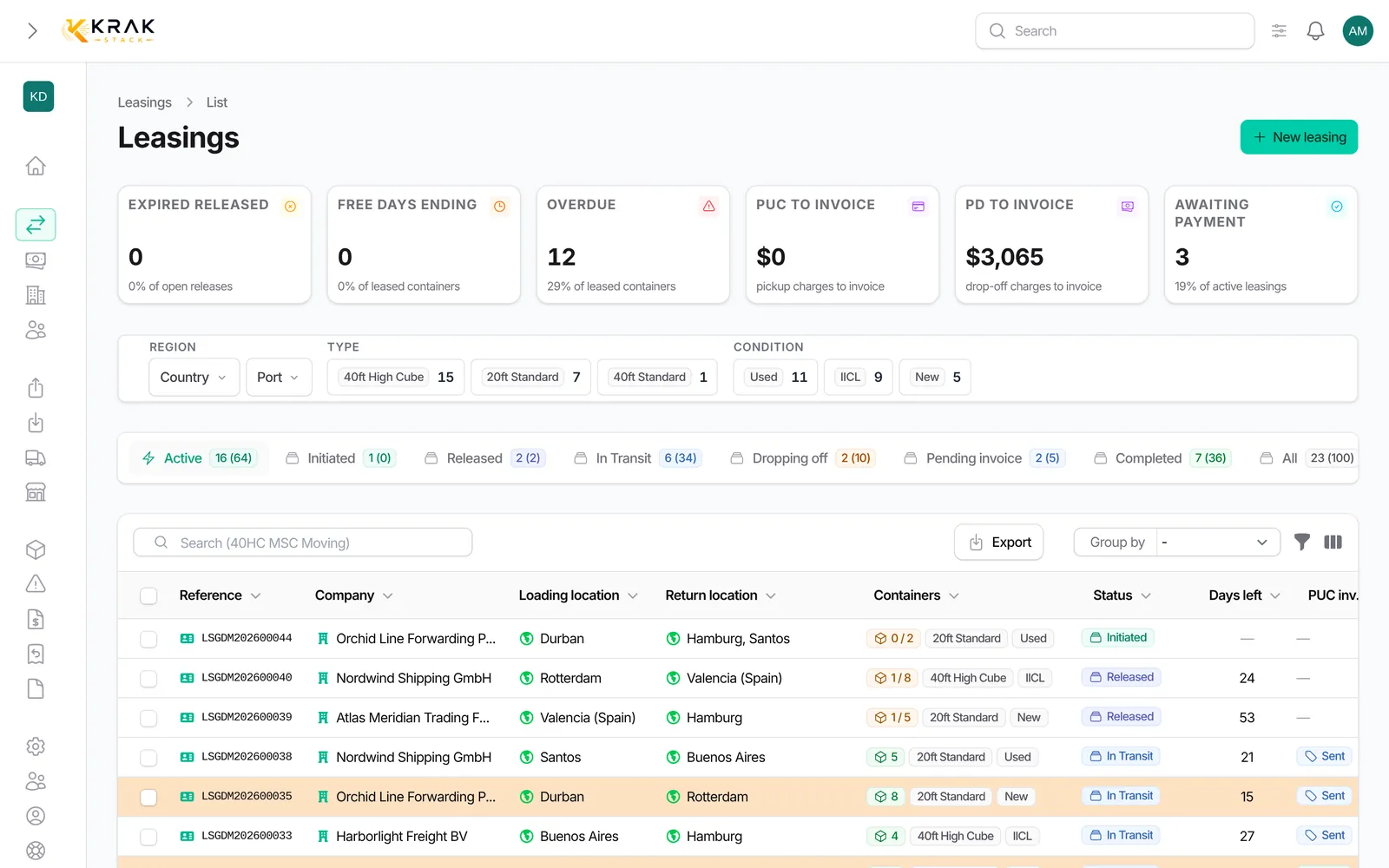
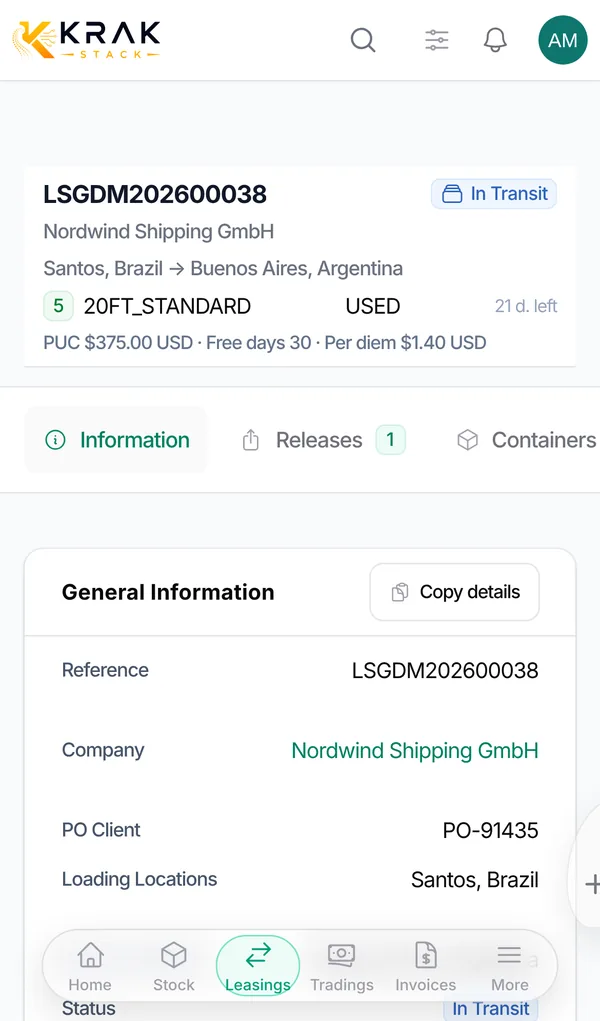
Steps
- Open the lease and go to the Finance tab.
- Choose the invoice type: Create pickup charge invoice: bills the pickup charge to the customer. Tick the containers already picked up and not yet invoiced, and if needed add an Additional quantity (no container) for units released but not picked up yet; Create Per Diems Invoice: bills the days beyond the free days, for a period and containers you choose; Create storage invoice: bills the depot stay between the release and the pickup, beyond the free storage days. A cancellation fee per container can be added; Create damage invoice: re-invoices a repair to the customer; Create invoice: a free invoice, pre-filled with the customer and the deal currency.
- Check the summary and the estimated amount, then confirm. The invoice is created as Draft.
- To issue it, use Download PDF or send it by email: it becomes Sent and gets its final number. View PDF does not change its status.
- When the payment comes in, use Record a payment or Set as Paid: the invoice becomes Paid.
When the deal is invoiced, then completed
- Invoiced: every sale invoice addressed to the lease customer has been issued (Sent, Overdue or Paid) and nothing is left to invoice.
- Completed: every container is back, nothing is left to invoice (pickup charge owed by the customer, per diems) and all these invoices are Paid.
- Storage invoices, pro-formas and cancelled invoices do not count. Purchase invoices do not either.
Good to know
- On a phone, the invoice types are grouped under the Create invoice button.
- A greyed-out button means there is nothing to invoice for that type; a tooltip gives the reason.
- The pickup charge cannot exceed the deal quantity, and the invoiced quantity must include every container already picked up and not yet invoiced.
- The deal currency is locked as soon as an invoice exists, even a draft.
- The invoice number is only assigned when the invoice is issued, never on the draft.
- Cancelling a pickup does not change a pickup charge invoice already created: correct it or issue a credit note yourself.
Frequently asked questions
If "Paid By" is my company, do I invoice the pickup charge?
No. The pickup charge is owed by the customer only when Paid By names the customer.
Can I invoice per diems in several parts?
Yes. Each new invoice resumes the day after the last period invoiced, and free days remain cumulative per container.
Why doesn't the lease become "Invoiced" after I sent the per diem invoice?
Another sale invoice is still a draft, or something is still to be invoiced, for example a pickup charge.
Does an unpaid storage invoice prevent closing?
No, storage invoices are not part of the status calculation.
Can I change an invoice already sent?
Editing rules depend on the invoice status: see the Invoicing category.
Does a cancelled payment reopen the lease?
Yes. The status is recalculated: a Completed lease goes back to Invoiced if an invoice is no longer paid.