A lease status is calculated by Krak Stack from the releases, the container movements and the invoices. You do not change it by hand: it moves forward, or back, on its own.
Krak StackFig. 1
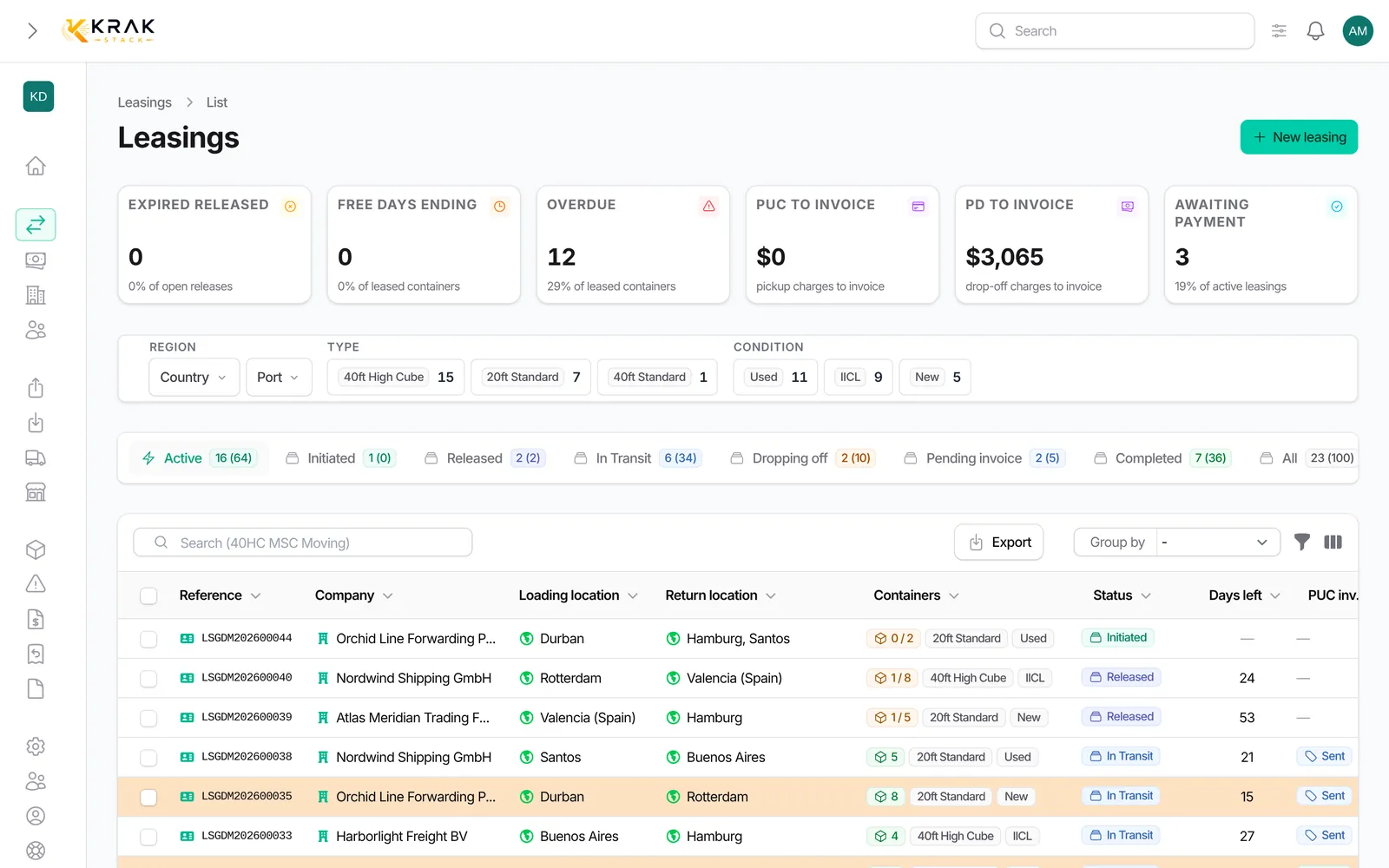
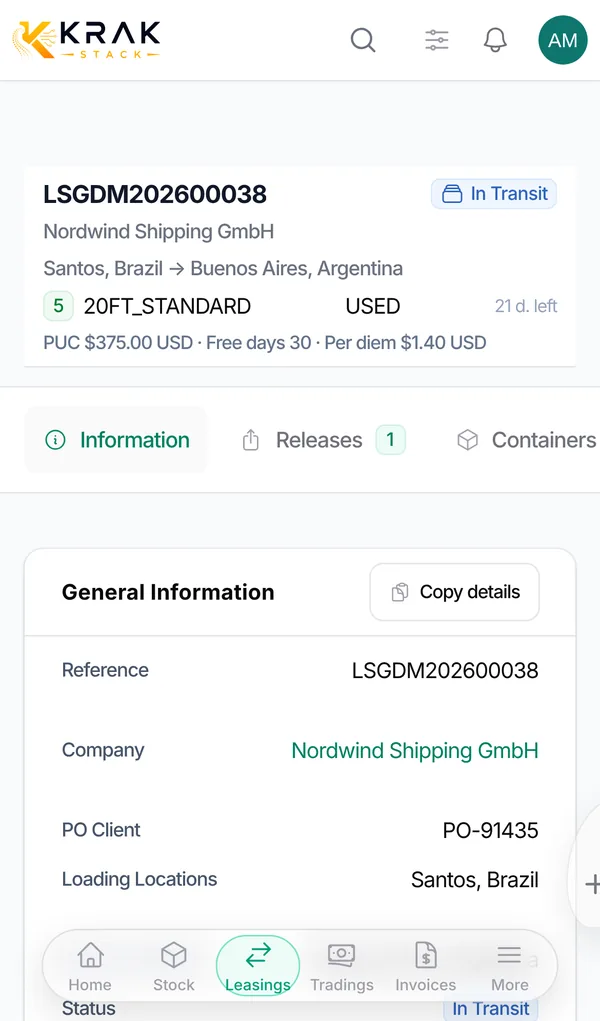
The statuses
- Initiated: the deal is created. No sent release covers the quantity yet.
- Released: the releases sent to the depot cover the active quantity of the deal, or some containers have already left. A draft release does not count; an expired release still counts.
- In Transit: every active container of the deal has been picked up. This is the rental period.
- Dropping Off: returns have been created for every active container, and they are not all back yet.
- Pending invoice: every container is back and something is still to be invoiced to the customer (pickup charge, per diems) or a sale invoice has not been issued yet.
- Invoiced: every sale invoice to the customer has been issued (Sent, Overdue or Paid) and nothing is left to invoice.
- Completed: every container is back, nothing is left to invoice and every sale invoice is paid. A lease with nothing to invoice also completes when the last container comes back.
- Canceled: every unit of the deal was cancelled with the Cancel button.
- Deleted: the deal was deleted.
What changes the status
- Sending a release (PDF download or email): Initiated to Released.
- Recording the pickup of the last container: to In Transit.
- Creating returns covering every container: to Dropping Off.
- Recording the drop-off of the last container: to Pending invoice, or straight to Completed if nothing is to be invoiced.
- Issuing the sale invoices: to Invoiced.
- Recording the payment of the last sale invoice: to Completed.
Good to know
- Storage invoices, pro-formas and cancelled invoices do not count for the status. Purchase invoices do not either.
- Only invoices addressed to the lease customer count.
- Cancelling a pickup, a drop-off or a payment moves the status back: for example, an In Transit lease goes back to Released, a Completed lease reopens.
- An administrator can rename statuses and change their colours. The labels above are the default ones.
- The tabs of the Leasing list filter deals by status and show the number of deals and containers.
Frequently asked questions
Can I force a status?
No. The status always reflects the real state of the containers and invoices. Correct the underlying data (date, invoice, payment) and the status follows.
My lease went back to "Initiated": why?
The releases still live no longer cover the quantity, for example after a release was deleted. A deal only goes back to Initiated when no sent release is left.
Why does my lease stay "Pending invoice" when everything is paid?
Something is still to be invoiced: a pickup charge owed by the customer or per diems not yet invoiced. Create the missing invoice.
What happens to a lease whose units I all cancel?
It becomes Canceled when no unit is active anymore.
Does a container still out prevent closing?
Yes. A lease cannot become Completed while a container has not come back.