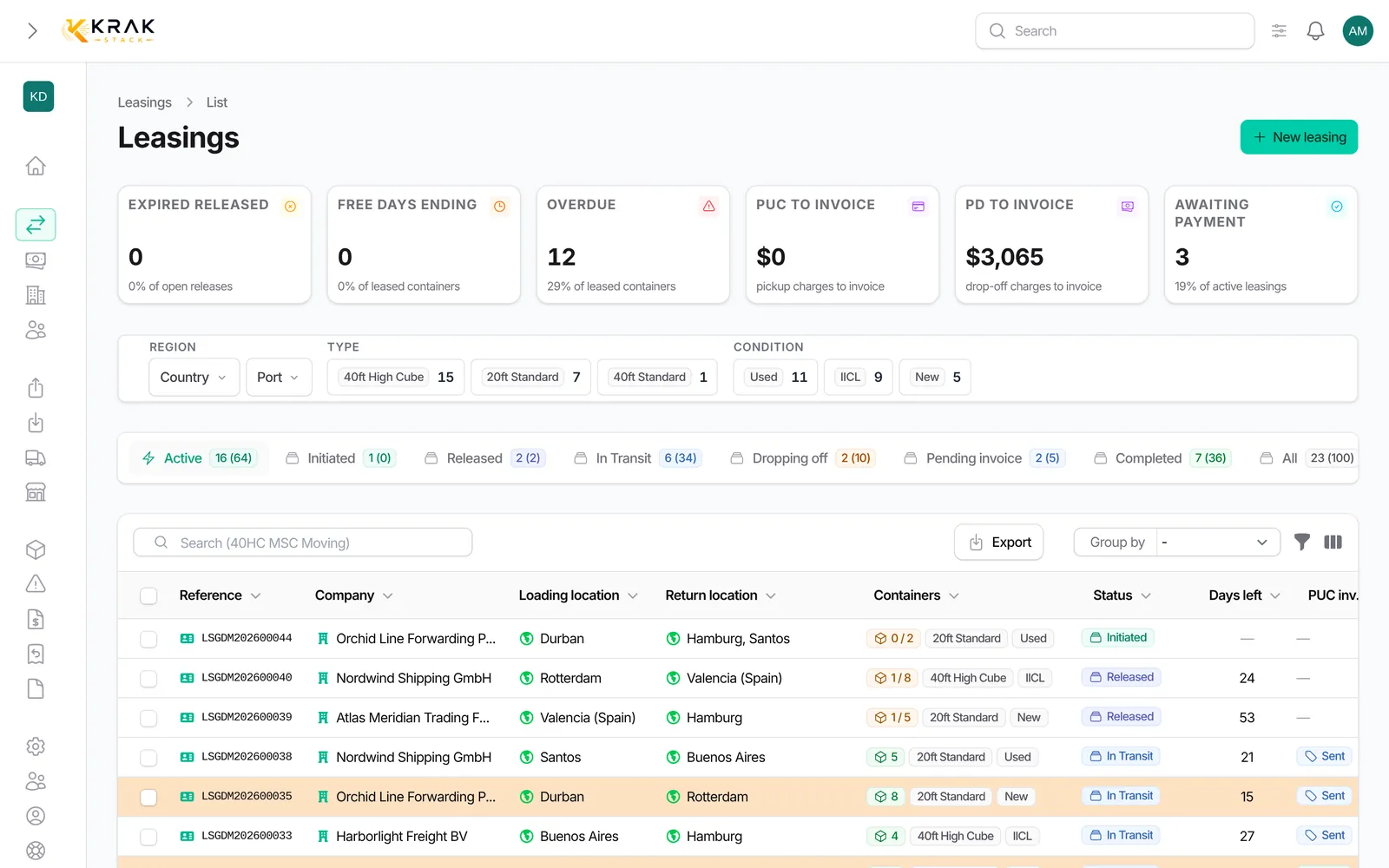
A leasing deal is a contract renting containers to a customer. Krak Stack follows every step, from the departure depot to the return of the last container and the payment of the invoices. The deal status updates itself at each step.
Steps
- Create the deal. In the Business menu, open Leasing and click New leasing. Enter the customer, quantity, container type and condition, loading and return locations, prices (pickup charge, per diem) and Free Days. The deal starts as Initiated.
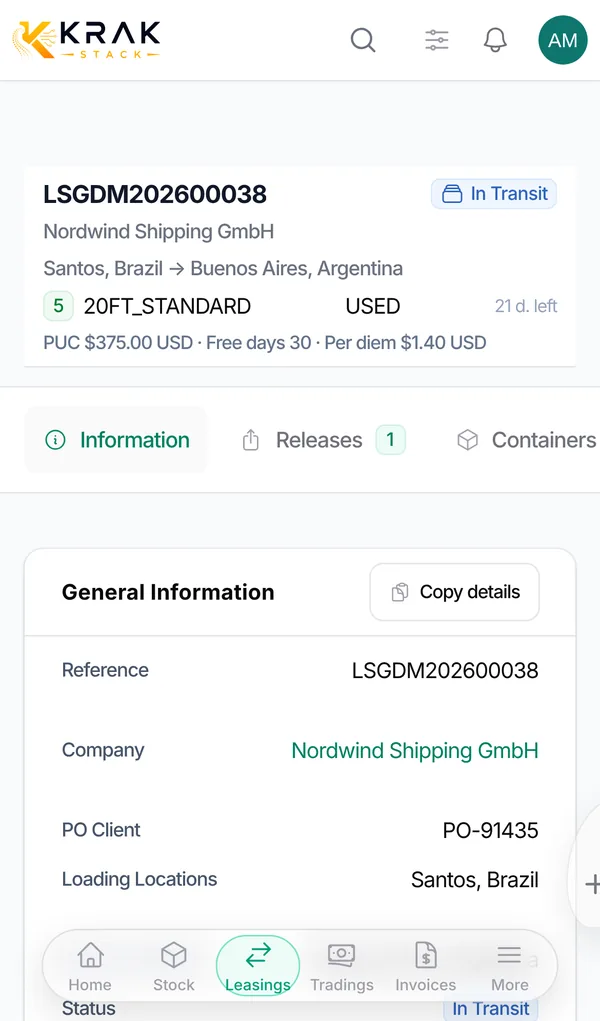
- Issue the release. On the leasing page, Releases tab, create a release: the order telling the depot to hand the containers over to the customer's haulier.
- Send the release to the depot. Use Download PDF or Send by Email: the release becomes Sent. When sent releases cover the whole deal quantity, the lease becomes Released.
- Record the pickups. When the depot hands the containers over, click Pickup on the release and enter the containers and the date. The pickup date is the first rental day of each container. When every container has been picked up, the lease becomes In Transit.
- Prepare the returns. In the Returns tab, create a return instruction to a return depot. When the returns cover every container, the lease becomes Dropping Off.
- Record the drop-offs. When each container reaches the depot, click Drop-off on the return. The drop-off date is the last rental day of the container.
- Invoice. In the Finance tab, create the invoices: pickup charge, per diems (days beyond the free days), storage, damage or a free invoice.
- Close. When every container is back, nothing is left to invoice and the sale invoices are paid, the lease becomes Completed automatically.
Good to know
- You never pick the status by hand: Krak Stack recalculates it after every pickup, drop-off, invoice or payment, in both directions.
- A Draft release commits nothing: only a sent release moves the deal forward.
- Status names and colours can be customised by an administrator. The labels used here are the default ones.
Frequently asked questions
Can I invoice before the containers come back?
Yes. Pickup charge invoices and partial per diem invoices can be created at any time. A per diem invoice covers a period you choose.
Why does my lease stay "Released" when containers have left?
Moving to In Transit requires every active container of the deal to be picked up. While some are still at the depot, the deal stays Released.
When does per diem counting start?
On the pickup day of each container, which counts as day one. The drop-off day counts too. See the free days article.
What if I recorded a pickup by mistake?
Cancel it from the leasing Containers tab with Cancel Pick-up. The container and the deal status go back to what they were before.
Can I reduce the quantity after sending the release?
Not from the form: once a document has been issued, use the Cancel button on the deal page to record the cancelled units.
Can a lease close without any invoice?
Yes, if there is strictly nothing to invoice (no pickup charge owed by the customer, no per diem, no storage) and every container is back.