Create a leasing deal as soon as the customer has accepted your offer. The deal then drives the releases, returns and invoices.
Steps
- In the Business menu, open Leasing and click New leasing. You can also use New Leasing in the dashboard quick actions.
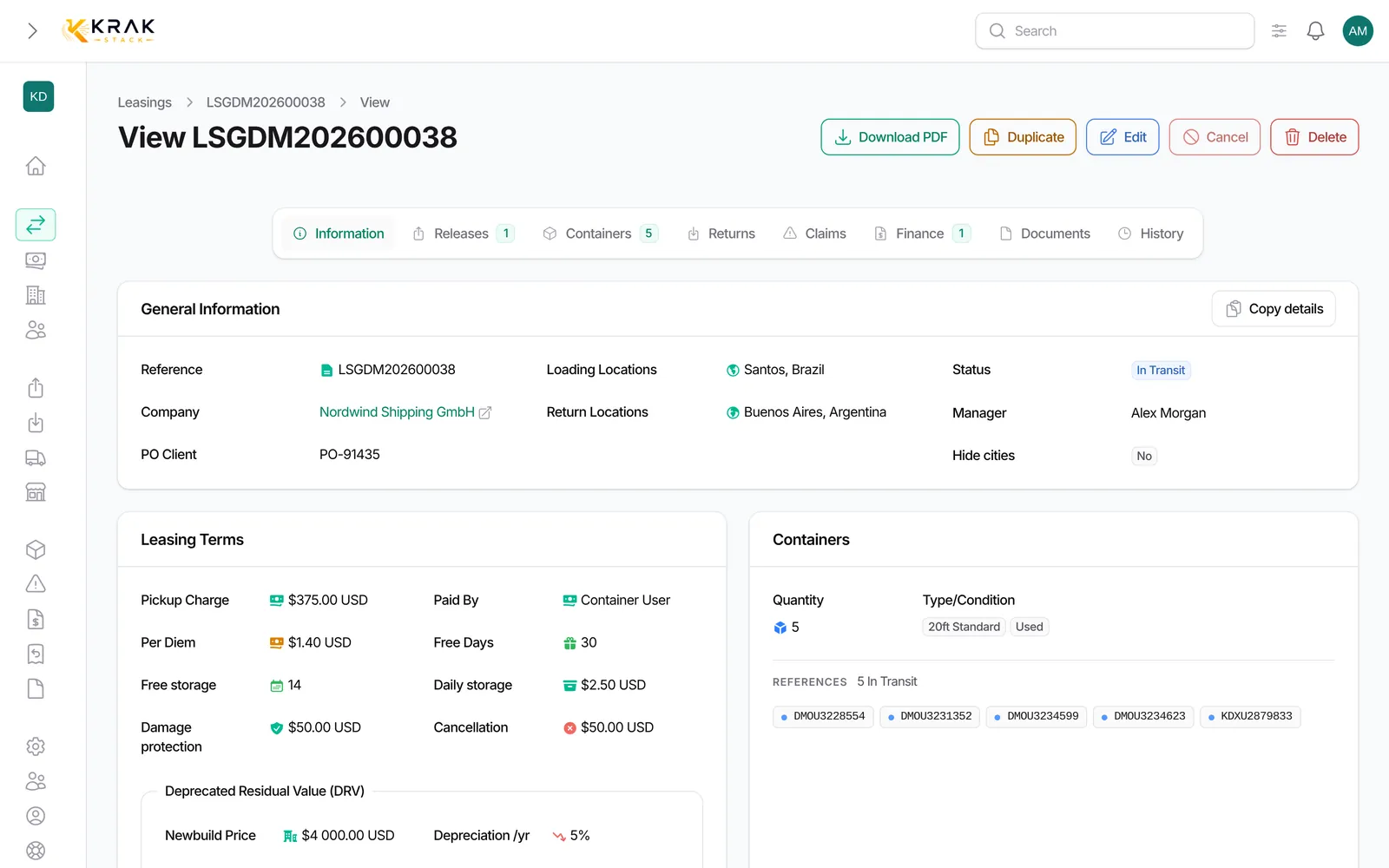
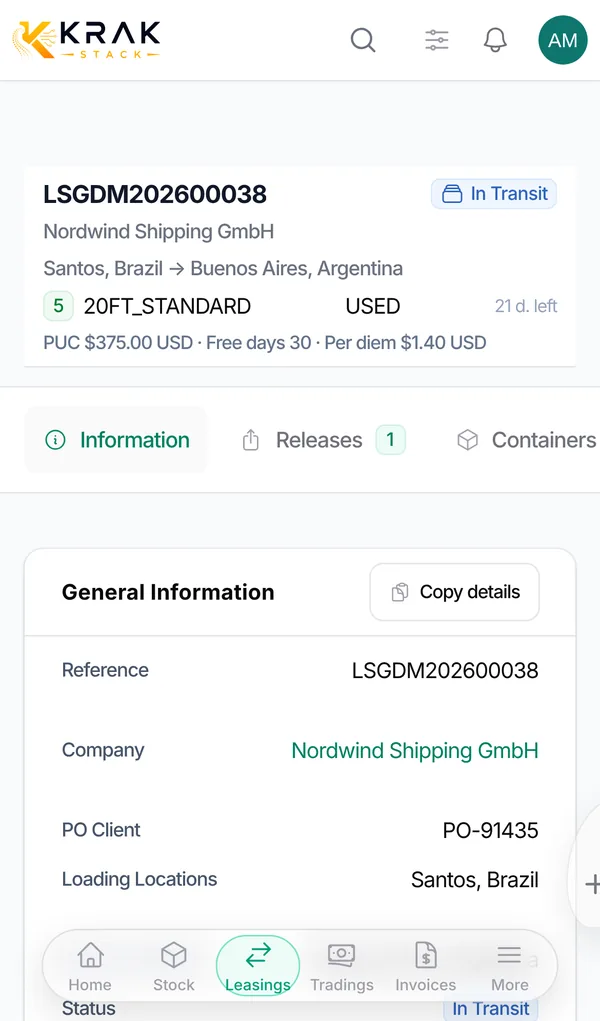
- General Information section: Reference: leave it empty, it is generated automatically when you save; Company: the customer renting the containers; PO Client: the customer's order number, if you have one; Manager: the person following the deal; Loading Locations and Return Locations: one or more ports; Hide cities in documents: tick it if cities must not appear on the PDFs; Currency: suggested from the customer's currency, can be changed.
- Containers section: Quantity: the number of containers leased; Type and Condition (one or more accepted conditions); Containers: optional, to book specific containers available at the loading locations right away. The list becomes active once type and condition are chosen.
- Leasing Terms section: Pickup Charge (per container) and Paid By: the customer or your company; Free Days and Per Diem (daily rate after the free days); Daily Storage Charge and Free Storage Period (days): depot storage between the release and the pickup; Damage Protection Plan (DPP) and Cancellation Fee.
- Deprecated Residual Value (DRV) section: Newbuild Price, Depreciation per Year, Minimum Replacement Value and DRV Period (days).
- Add an Additional Note if needed, then save. The lease starts as Initiated.
Good to know
- Price fields are pre-filled with default values: check them before saving.
- The currency is locked as soon as an invoice exists on the deal, even a draft. To change it, all invoices of the deal must be deleted.
- Once a release or a return has been issued, the quantity can no longer be reduced in the form: use the Cancel button on the leasing page.
- The total of releases and the total of returns cannot exceed the lease quantity.
- Duplicate creates a new lease with a new reference, without copying invoices, documents and releases.
Frequently asked questions
Does the reference follow a format?
Yes: prefix LSG, your company document code, year and counter (for example LSGAB202600012). The format is set in Settings > Documents & emails > Numbering. Leasing and trading share the same counter.
Do I have to choose the containers when creating the lease?
No. You can leave Containers empty and name them later, at release or pickup time.
Can one lease cover several container conditions?
Yes, the Condition field accepts several values. The Type is single per lease.
What is "Paid By" for?
It tells who bears the pickup charge. If it is the customer, a pickup charge invoice is owed until it has been issued, and the lease cannot close before that.
Are free days counted per container?
Yes, each container has its own free days starting from its pickup. See the dedicated article.
Can I change prices after creation?
Yes, with Edit on the deal page. Invoices already issued do not change.