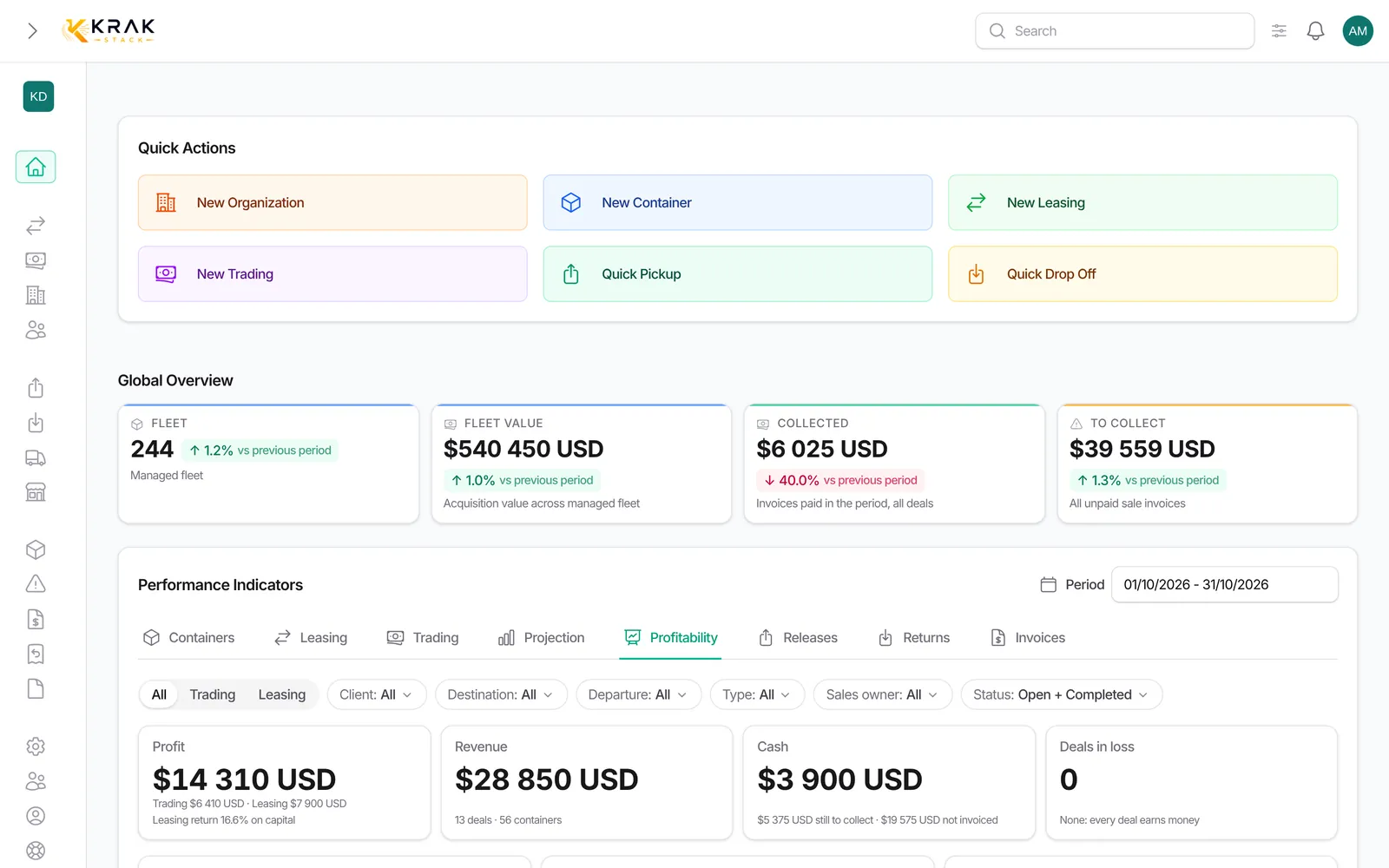
Krak Stack values your fleet in two ways: at purchase price (acquisition value) and, if you turn it on, at net book value after depreciation. Each container also shows its own financial statistics.
Steps
- To turn on depreciation, open Settings > Finance, Depreciation tab.
- Tick Enable container depreciation.
- Enter the Depreciation duration (22 years by default) and the Residual value (50% by default). The Quick preview shows the curve.
- If needed, open Advanced settings: Custom curve by Age tiers, and Entry point by condition.
- Save, then open a container record: the Financial Statistics section shows its Net book value.
How it is calculated
- Fleet value (dashboard): for each managed container, its purchase price converted at the rate of its purchase date; without a purchase price, its target price at today's rate. Containers without an exchange rate are excluded and counted.
- Net book value = purchase price × percentage left on the curve, based on the container's age (current year − YOM). Between two tiers, the percentage is interpolated; it never goes below the residual value.
- Entry point by condition: by default, an IICL container enters the curve at 5 years, a cargo-worthy (CW) container is directly at the residual value, other conditions start from 0. Everything can be changed.
- Result if sold today = market value + received − spent. ROI if sold today = this result ÷ purchase price.
- Investment recovery = actual receipts (pickup charges and per diems) ÷ purchase price.
Good to know
- Without depreciation turned on, or without a purchase price, the net book value stays empty. Deal profitability then uses the purchase price.
- The gap between market value and book value is an unrealized gain or loss.
- Depreciation settings are kept for administrators.
- The Fleet distribution in Value mode adds up purchase prices or target prices as they are, without currency conversion; the Fleet value at the top of the page does convert.
Frequently asked questions
Why does my Fleet value flag excluded containers?
Their price is in a currency with no exchange rate available at the date used.
Which curve should I choose?
The simple curve (straight line down to the residual value) suits most cases. Use the custom curve if your accountant applies other tiers. Confirm the choice with them.
Why is a container's book value empty?
Depreciation is not turned on, or the container has no purchase price.
Is a container without a YOM depreciated?
It is treated as new (age 0). Enter its YOM for a fair value.
Does changing the curve change past deals?
The values shown are recalculated with the new curve, including the information lines of deals. No invoice is changed.
What is the book value used for in a deal?
It is used for the Result over net book value line of a trading and the End-of-lease sale of a leasing: the gain or loss compared with the book value.
What does "Investment recovery" mean?
The share of the purchase price already paid back by the rent (per diems) and pickup charges received.
Does the fleet value include sold containers?
No. Sold, lost, exchanged or completed containers leave the managed fleet.
Why does the Fleet value trend compare 30 days?
The arrow compares the average of the last 30 days with the 30 days before, based on a snapshot taken every night.
Who can change depreciation?
Users with the Depreciation permission in the Finance settings, by default administrators.