The Projection tab of the dashboard estimates the margin you will make on containers picked up in leasing, valuing them at their target price. It also gives the sale value of your current stock.
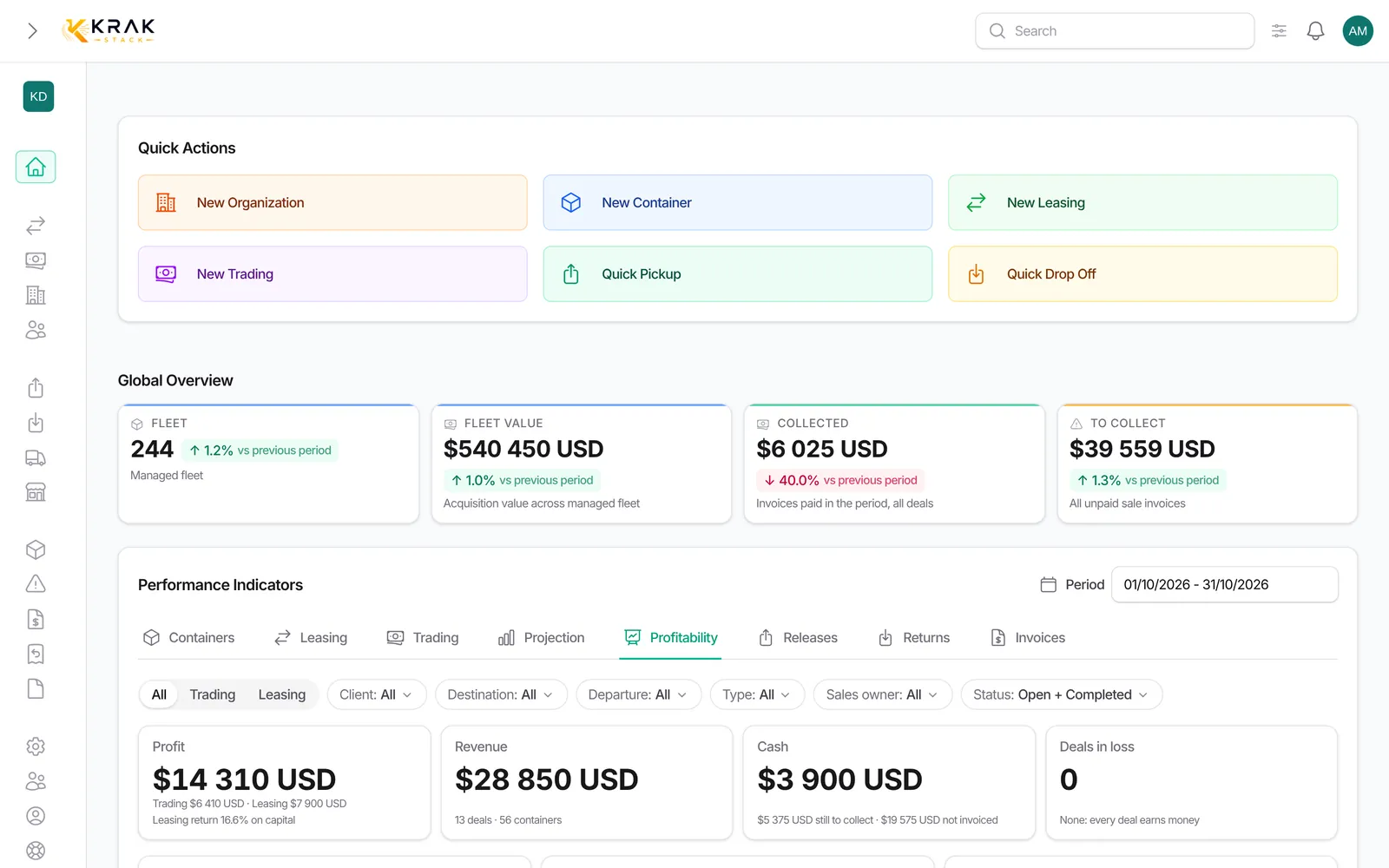
Steps
- Open Dashboard, then the Projection tab.
- Read Total projected margin (last 12 months) and Avg monthly projected margin.
- Browse the Monthly projected margin (last 12 months) chart. Click a month to filter the top deals; Show all months removes the filter.
- Check Top 10 deals by projected margin.
- In Projection breakdown, choose By port, By type or By condition.
How the margin is projected
- For each container picked up on a leasing: target price − purchase price, plus the pickup charge when the client pays it, minus when you pay it to the supplier.
- The target price is the container's Pick-up value, failing that its Market value.
- Per diems, depot costs, transport and repairs are not included.
- A container without a target price is not counted as zero: it is excluded and flagged ("containers without target price").
Good to know
- The chart and the totals always cover the last 12 months, grouped by pickup month, whatever the period chosen. The Projection breakdown, however, follows the period.
- Best month is a past result, not a forecast.
- Acquisition fleet value: purchase price of the fleet, at today's rate. The "without purchase price" link opens the containers to complete.
- Pickup sale value and Gate buy sale value: your stock valued at its Pick-up or Gate buy prices, with the gap to the purchase price.
- These three stock values do not depend on the period and exclude containers that left the fleet (sold, lost, exchanged, completed).
- The projected margin adds up prices as they are entered, without currency conversion: keep your target and purchase prices in one currency for a correct total.
- The tab is kept for roles that see amounts (by default Administrator, Sales and Finance).
Frequently asked questions
Why is the tab called Projection when it is about leasing?
It projects the repositioning value: what you would earn by selling the containers picked up in leasing at their target price.
Where do I enter a container's target price?
On the container record, fields Pick-up (picked up on your depot account), Gate buy (delivered to the client's depot account) and Market value. Bulk edit lets you fill them on several containers.
Why does a month show containers without a target price?
Containers picked up that month have no target price. They are excluded: enter their price so they count.
Does the projection include per diems?
No. Per diems are in the leasing profitability, not in the repositioning projection.
Why does the projection not change when I change the period?
The totals and the chart always cover a rolling 12 months. Only the breakdown by port, type or condition follows the period.
Is the "Created" date of the top 10 the deal date?
It is the date of the deal's first pickup in the period shown.
How do I make the projection more reliable?
Fill in purchase price and target price on all containers, in one currency, and state who pays the pickup charge on each leasing.
What is the difference with the Profitability tab?
The Profitability tab measures what your deals actually earn (invoiced, received). The Projection estimates a resale value at target price.
Who sees the Projection tab?
Roles with the permission to see the projection on the dashboard, by default Administrator, Sales and Finance.
Why is the pickup sale value empty?
No container in stock has a Pick-up value or a Market value.