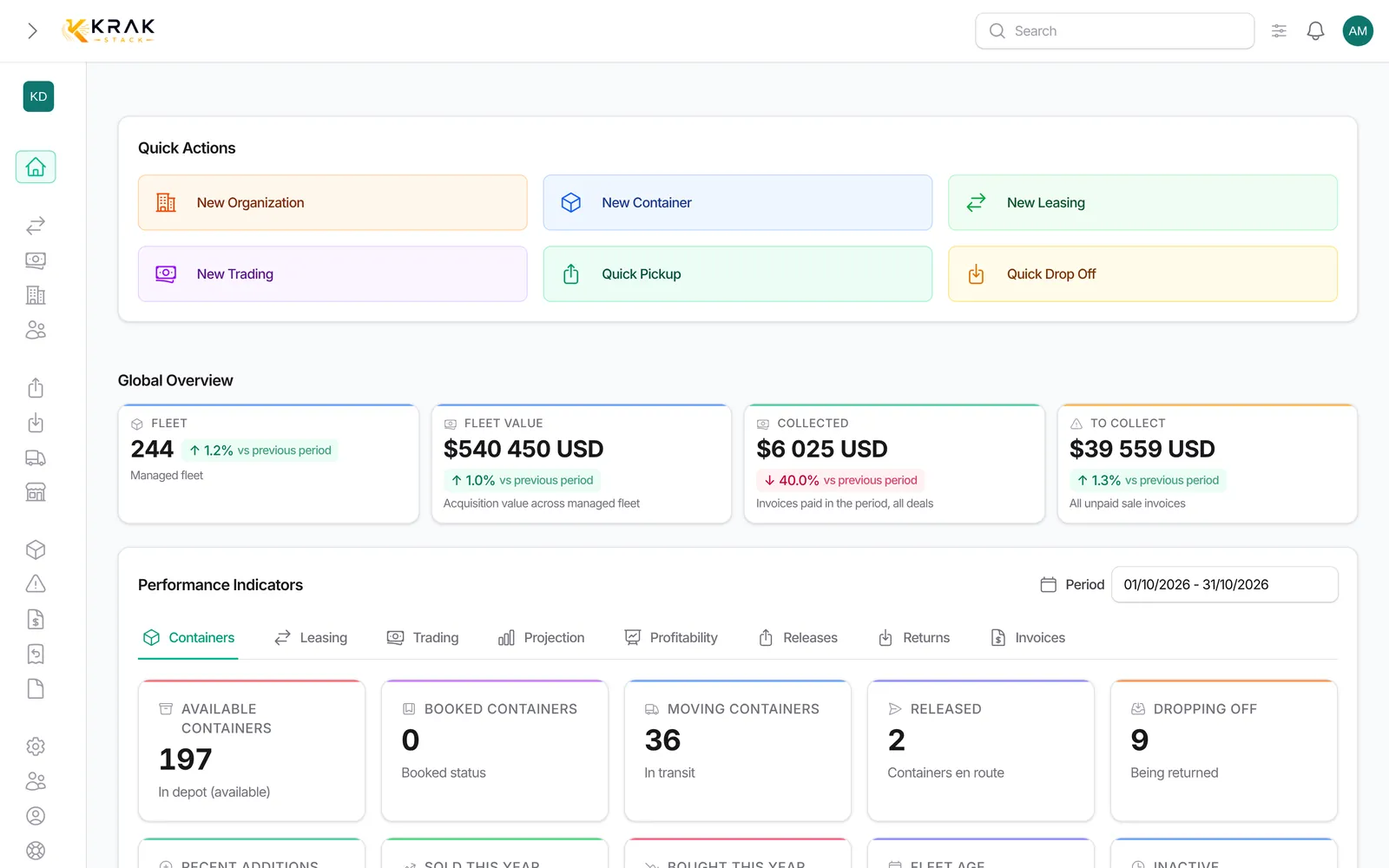
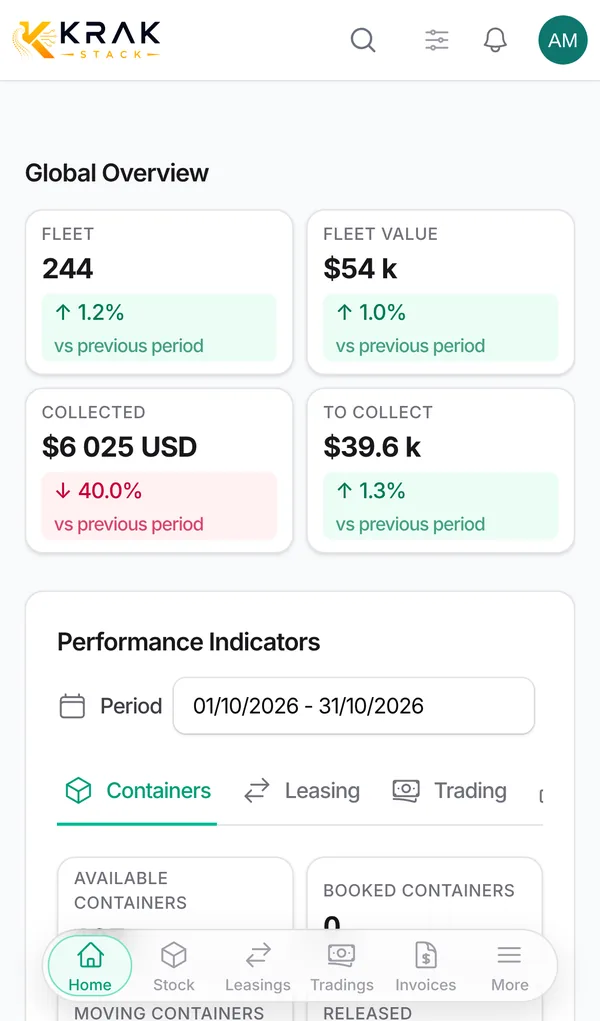
The Leasing and Trading tabs follow each of your business lines: a To handle task queue at the top, then the key indicators.
Steps
- Open Dashboard, choose the Period, then the Leasing or Trading tab.
- Start with the To handle queue: each line opens the list to handle.
- Then read the indicators. Click an indicator to see the deals or containers counted.
Leasing tab
- To handle: Late returns, Overdue invoices, Per diems to invoice (free days used up, no per diem invoice), Free days ending within N days (7 days by default, adjustable), Pickup charges to invoice, Leasings without a release.
- Fleet utilization = containers on hire (picked up or being returned) ÷ managed fleet.
- Overdue containers: share of the containers of ongoing leasings whose free days are exceeded.
- End of hire within 90 days: leasings whose expected return date falls within 0-30, 31-60 or 61-90 days, with the End-of-hire schedule.
- Avg deal duration, Avg leasing duration and Overdue share (completed): calculated on completed leasings.
- Leasing revenue collected: paid leasing invoices (storage, pickup charge, per diems, damages) whose invoice date is in the period.
- Active leasings by status, Top 5 clients by collected revenue and Top 5 clients by overdue exposure.
Trading tab
- To handle: Overdue sales invoices, Deals with no movement (30 days by default), Deals to invoice, Releases without pickup, Late drop-off.
- Gross margin: sale − purchase of the containers sold during the period (sell and buy/sell deals). Depot costs, transport and repairs are not included.
- Average margin per container, with the purchase price coverage.
- Revenue collected: paid trading invoices whose invoice date is in the period.
- Sold / bought: containers sold and bought during the period, with their value.
- Pipeline · deals in progress: your open tradings by status, with their committed value.
Good to know
- The To handle queues and the stock indicators (utilization, overdue, end of hire) show today's state; revenue, margins and sold / bought follow the period.
- Without the permission for financial indicators, the Trading tab only shows Sold / bought and the queues without amounts.
- When the period has no activity, the View year link widens it to the current year.
- Thresholds (free days ending soon, deals with no movement, releases without pickup) are set in the settings.
Frequently asked questions
Why does my fleet utilization look low?
It compares the containers on hire with the whole managed fleet, including available stock, booked containers and those in trading.
What is the difference between Late returns and Overdue containers?
Late returns lists leasings whose expected return date has passed. Overdue containers measures the share of containers whose free days are used up.
Why does the gross margin exclude containers?
Containers with no known purchase price cannot have a margin: they are excluded and the coverage says so.
Why does "Sold / bought" show 0 when I have sold?
The counter is based on the sale or purchase date recorded on the containers and on their link to the trading. Check that they are attached to the deal.
Does the gross margin include transport?
No. For a complete margin (transport, depot, repairs), open the Profitability section of the deal or the Profitability tab.
What is a deal with no movement?
An open trading that has not been changed since the chosen threshold (30 days by default).
Why does the revenue collected differ from Collected at the top of the page?
These tiles count the paid invoices dated in the period (invoice date). Collected at the top counts the payments received during the period (payment date).
How do I invoice the flagged per diems?
Click Per diems to invoice to open the leasings concerned, then create the per diem invoice from each leasing.
What does the pipeline contain?
Non-cancelled tradings, grouped by status, with the committed value (price × quantity, converted).