The Actions to do tab gathers what needs action: delays, deadlines, forgotten bookings. Each alert opens the filtered list of items to handle. When everything is handled, the tab shows All caught up.
Steps
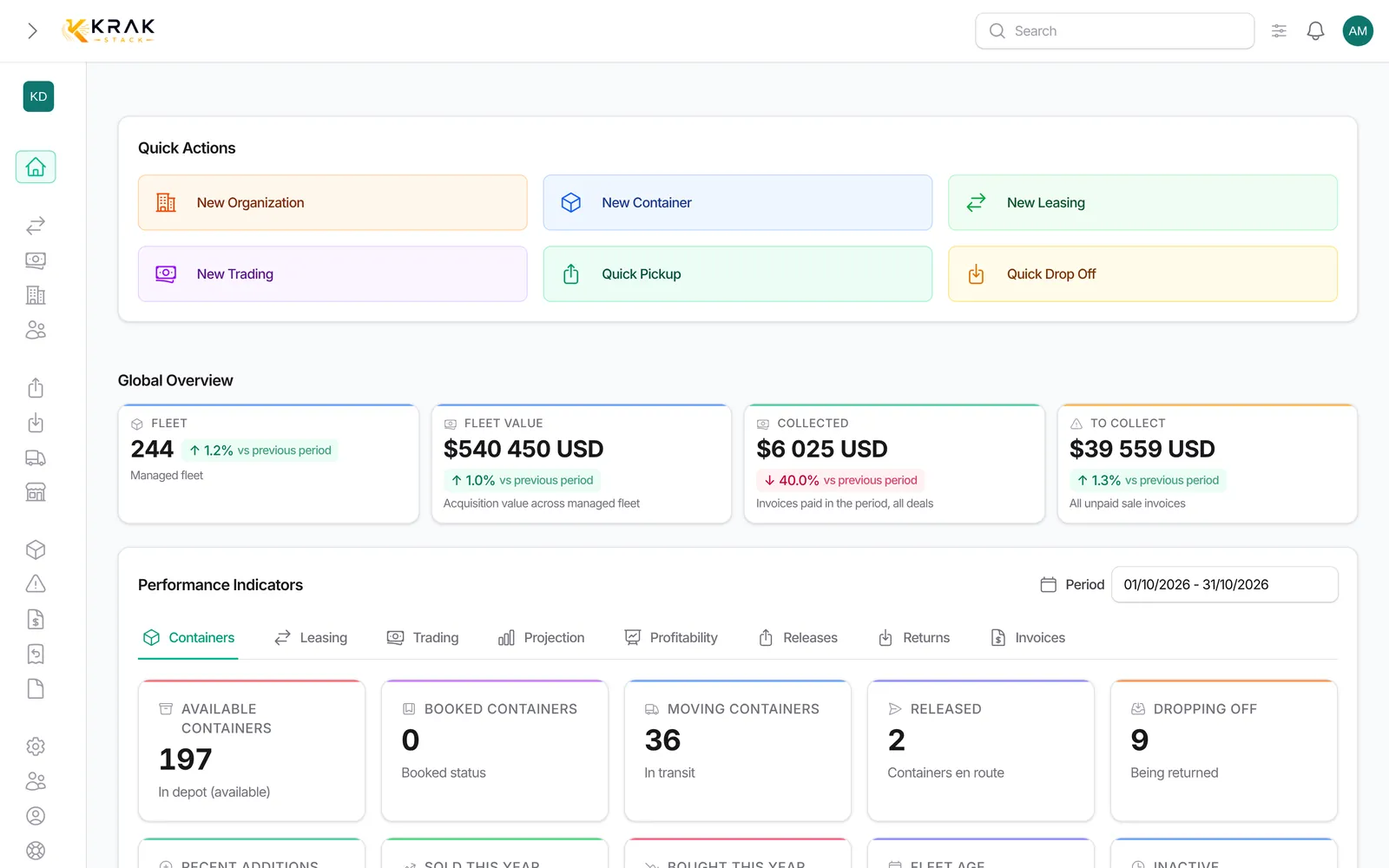
- Open Dashboard: the Actions to do tab opens first when alerts are turned on. The red badge shows the total number of alerts.
- Click an alert to open the list of the items concerned.
- Handle them (invoice, chase, record a pickup or a return…). The alert updates after each change.
The alerts
- Overdue invoices: sale invoices past their due date, with the balance still due.
- Leasings expiring within 30 days: ongoing leasings whose expected return date is coming.
- Late pickups: sent releases whose containers are not all picked up after the free storage days.
- Late returns: expected returns that are late.
- Available stock: containers at the depot and free.
- Pending exchanges and Exchanges open too long.
- Expired releases: expired releases, with the containers freed.
- Dormant bookings: booked containers with no movement beyond your workspace's threshold.
- Containers to reconcile: status inconsistencies detected, to fix from the maintenance tools.
- Matched transfers later cancelled: reconciled payments that the bank later cancelled.
Good to know
- The tab only exists if alerts are turned on for your workspace. Without alerts, the dashboard opens on the Containers tab.
- Only alerts with at least one item are shown.
- Activation and thresholds (days before an alert) are set in Settings > Company, Workspace tab, Enable proactive alerts box: for example 10 days for a release sent without pickup, 30 days for an expiring leasing.
- The Leasing and Trading tabs also have their own To handle queue, specific to each business line.
- Every morning, Krak Stack recalculates the deal alerts.
Frequently asked questions
Why do I not see the Actions to do tab?
Alerts are not turned on for your workspace. An administrator can tick Enable proactive alerts in Settings > Company, Workspace tab.
How do I make an alert disappear?
Handle the cause: pay or chase the invoice, record the pickup or the return, release the booking. The alert disappears on its own.
Can I change the delay before an alert appears?
Yes, in Settings > Company, Workspace tab, once alerts are turned on. Kept for authorized roles.
What should I do with a dormant booking?
Open it: either the deal is moving forward (record the pickup), or the booking is no longer needed and you free the container.
Why does "Leasings expiring within 30 days" stay empty?
The alert reads the expected return date of leasings. If your leasings have no return date, it has nothing to flag.
What does "Matched transfers later cancelled" mean?
A payment was reconciled with an invoice, then the bank cancelled or rejected it. Check the invoice: it may no longer really be paid.
What should I do with containers to reconcile?
Open the link: it leads to the maintenance tools, which suggest the fix. If in doubt, open a ticket.
Are alerts sent by email?
They are shown on the dashboard. Invoice reminders to clients are set separately, in the Finance settings.
Does everyone see the same alerts?
Everyone sees the alerts of their workspace, according to their permissions: amounts stay kept for financial roles.
What is the difference between Actions to do and the "To handle" queues?
Actions to do gathers the alerts of the whole business. The To handle queues of the Leasing and Trading tabs detail the tasks specific to each business line (per diems to invoice, deals with no movement…).