The Invoices tab of the dashboard tracks your sale invoices: what was invoiced, what was paid, what is waiting and what is overdue, with the age of your receivables and your average collection delay.
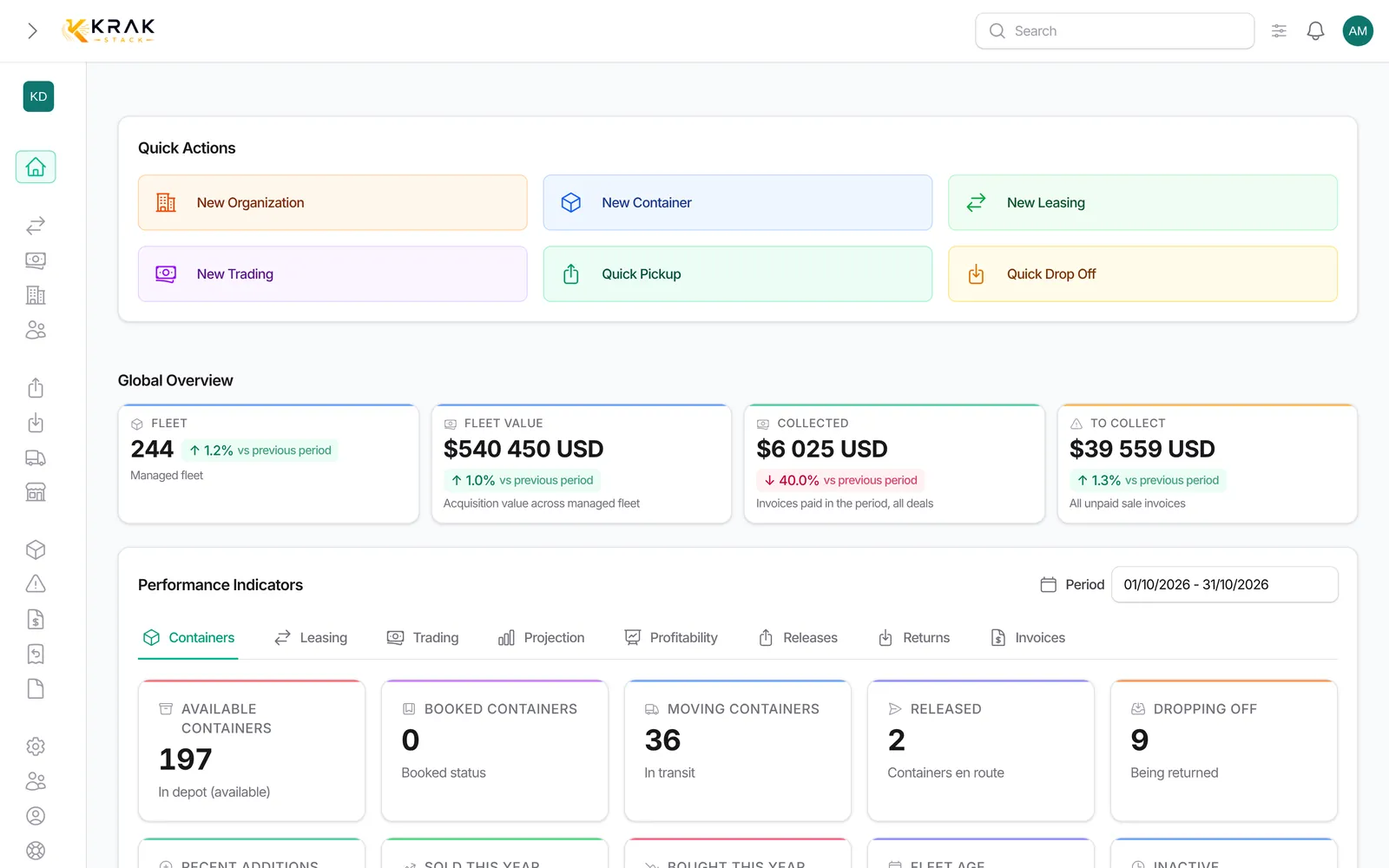
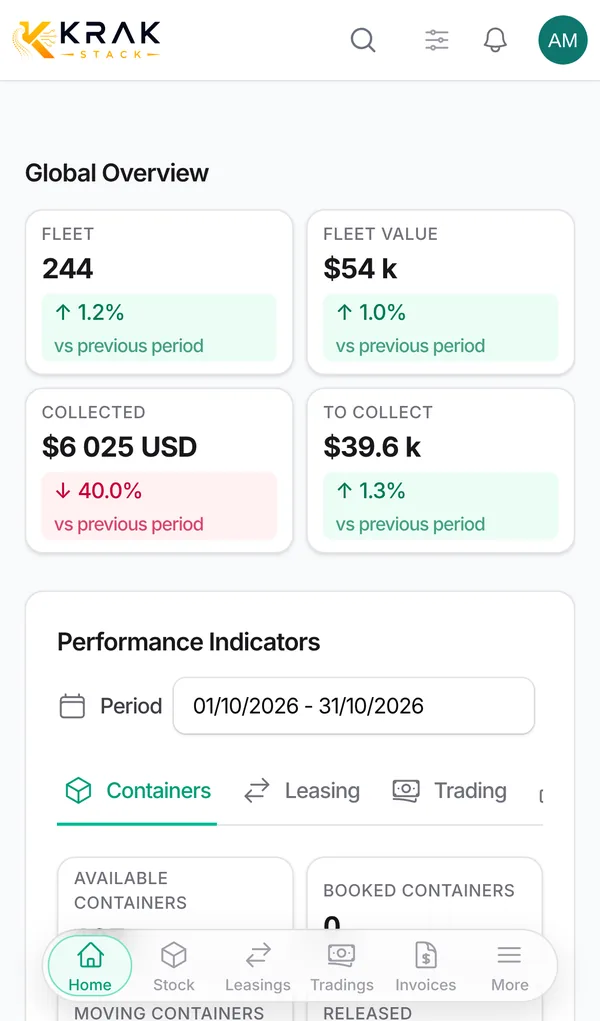
Steps
- Open Dashboard, choose the Period, then the Invoices tab.
- Filter by type if needed: All types, Trading, Pickup charge, Diems, Storage, Damage.
- Read Invoices in period, Paid Invoices, Pending Invoices and Overdue Invoices.
- Read A/R 0-30 days, A/R 30-60 days, A/R 60-90 days and A/R 90+ days.
- Click a count or receivables tile to open the list of the invoices concerned.
How it is calculated
- Only sale invoices count. Canceled invoices and pro formas are excluded.
- Invoices in period and Paid Invoices: by invoice date.
- Pending Invoices: sent, due date not passed yet. Overdue Invoices: sent or overdue, due date passed. The amounts shown are the balance due: partial payments, reconciliations and credit notes deducted.
- Receivables by age: balance due of sent or overdue invoices, sorted by the number of days since the due date, as of today. An invoice not yet due is sorted into 0-30 days.
- DSO (average collection delay): average number of days between the invoice date and the payment date, on the paid invoices dated in the period.
- Payment lateness: share of the invoices of the period that passed their due date without being paid.
Good to know
- Receivables by age always show today's state, whatever the period.
- Amounts excluding VAT, in your company's currency.
- DSO and payment lateness are not clickable; the count and receivables tiles are.
- The tab is kept for roles that see amounts (by default Administrator, Sales and Finance).
Frequently asked questions
Why is the total of receivables larger than my overdue invoices?
Receivables count everything still due today, all dates included, even invoices not yet due (in 0-30 days). Overdue invoices only count those of the period with their due date passed.
What does DSO mean?
Days Sales Outstanding: the average number of days your clients take to pay. The lower it is, the faster you collect.
Why is my DSO empty?
No invoice dated in the period has been paid yet. Widen the period.
Does a partly paid invoice count as overdue?
Yes, for its balance due, as long as it is not settled and its due date has passed.
Does a credit note reduce my receivables?
Yes. A credit note deducted from an invoice reduces its balance due.
How do I chase late clients?
Click Overdue Invoices to open the list, then use payment reminders. Automatic reminders are set in the Finance settings.
Which clients are the most overdue?
The Leasing tab shows Top 5 clients by overdue exposure. In the invoice list, sort the overdue invoices by client.
Do purchase invoices appear here?
No, only sale invoices.
Why did a canceled invoice disappear from receivables?
A canceled invoice is no longer owed to you: its cancellation credit note offsets it.
Can I see the receivables of a single invoice type?
Yes, with the type selector at the top of the tab (Trading, Pickup charge, Diems, Storage, Damage).