The Period filter of the dashboard sets the date range of the indicators. Some figures follow it, others always show today's state: this article tells you which.
Steps
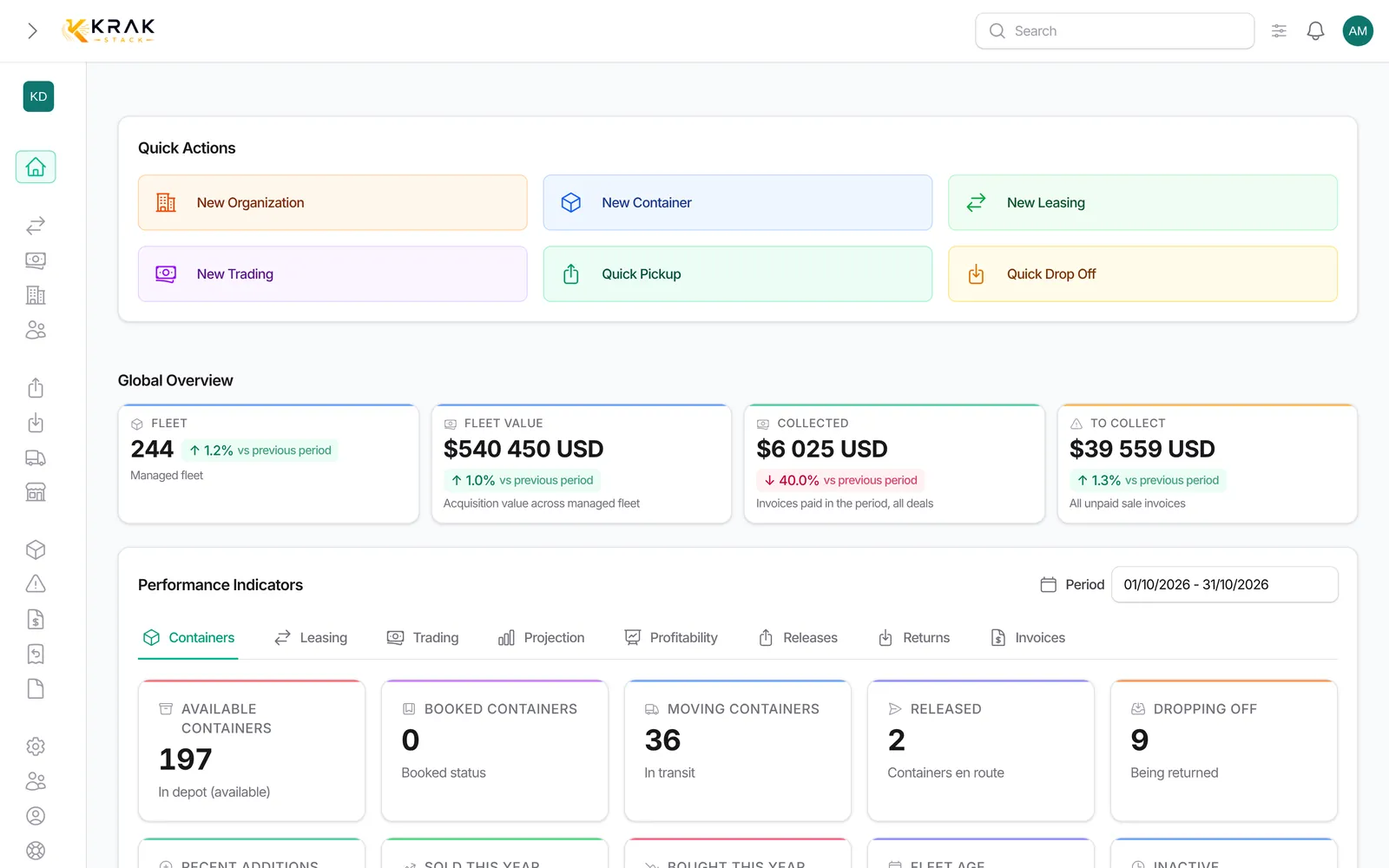
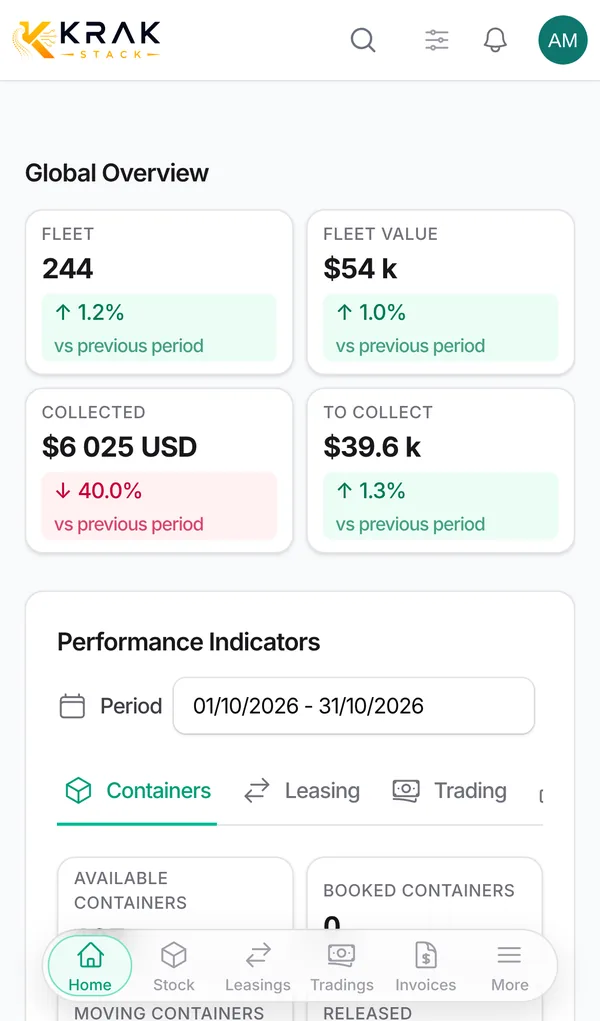
- Open Dashboard and click Period, above the tabs.
- Choose a start date and an end date. The figures update at once.
- For the current year, use View year when the link is offered, or choose 1 January to 31 December.
- Show all-time (Top clients, Revenue Evolution) widens the period to the whole history.
Good to know
- By default, the period is the current month. Your choice is remembered during your session, including Show all-time.
- Follow the period: Collected (top of the page), revenue and margins of the Leasing and Trading tabs, Sold / bought, Releases and Returns of the period, invoices of the period, DSO, Top clients by period, the Profitability tab and the Projection breakdown.
- Do not follow the period: Fleet, Fleet value, To collect, the tiles of the Containers tab, the "To handle" queues, fleet utilization, receivables by age, end of hire, and the 12-month totals of the Projection.
- The "vs previous period" comparison takes a period of the same length just before yours. If the previous period is 0, Krak Stack shows "comparison unavailable".
- The arrows of the top figures (Fleet, Fleet value, To collect) compare the average of the last 30 days with the 30 days before, based on a snapshot taken every night.
- The dashboard does not refresh on its own: reload the page to see the latest figures. Some blocks keep their calculation for 1 to 5 minutes.
Frequently asked questions
Why are my figures empty at the start of the month?
The default period is the current month, which has little in it yet. Choose the previous month or use View year.
How do I compare two months?
Choose the month you want: each indicator is compared with the period of the same length just before (the previous month).
Why did the period stay on "all-time"?
You clicked Show all-time: this choice is kept for the session. Set a period again in the filter.
Why does "To collect" not move with the period?
It covers all unpaid sale invoices, whatever their date: it is what is owed to you today.
An invoice has just been paid but the dashboard does not change.
Reload the page. Some blocks (Leasing, Trading, Profitability) are cached for 1 to 5 minutes.
Does the green arrow mean everything is fine?
It shows an increase compared with the comparison period. For some figures (late items, unpaid invoices), an increase is bad news: read the label.
Can I choose a period over several years?
Yes. Choose the start and end dates freely.
Which date counts for an invoice?
It depends on the indicator: Collected, Top clients and Revenue Evolution use the payment date; the Invoices tab, DSO and the collected revenue of the Leasing and Trading tabs use the invoice date.
Why does the arrow of the top figures not follow my period?
It is based on the daily snapshots of the last 60 days, regardless of the period chosen.
Does the period filter apply to the lists opened from an indicator?
Most of the time: period indicators open the list filtered on the same dates, stock indicators open the current state. A few lists (such as pending releases) show everything in progress, with no date filter.