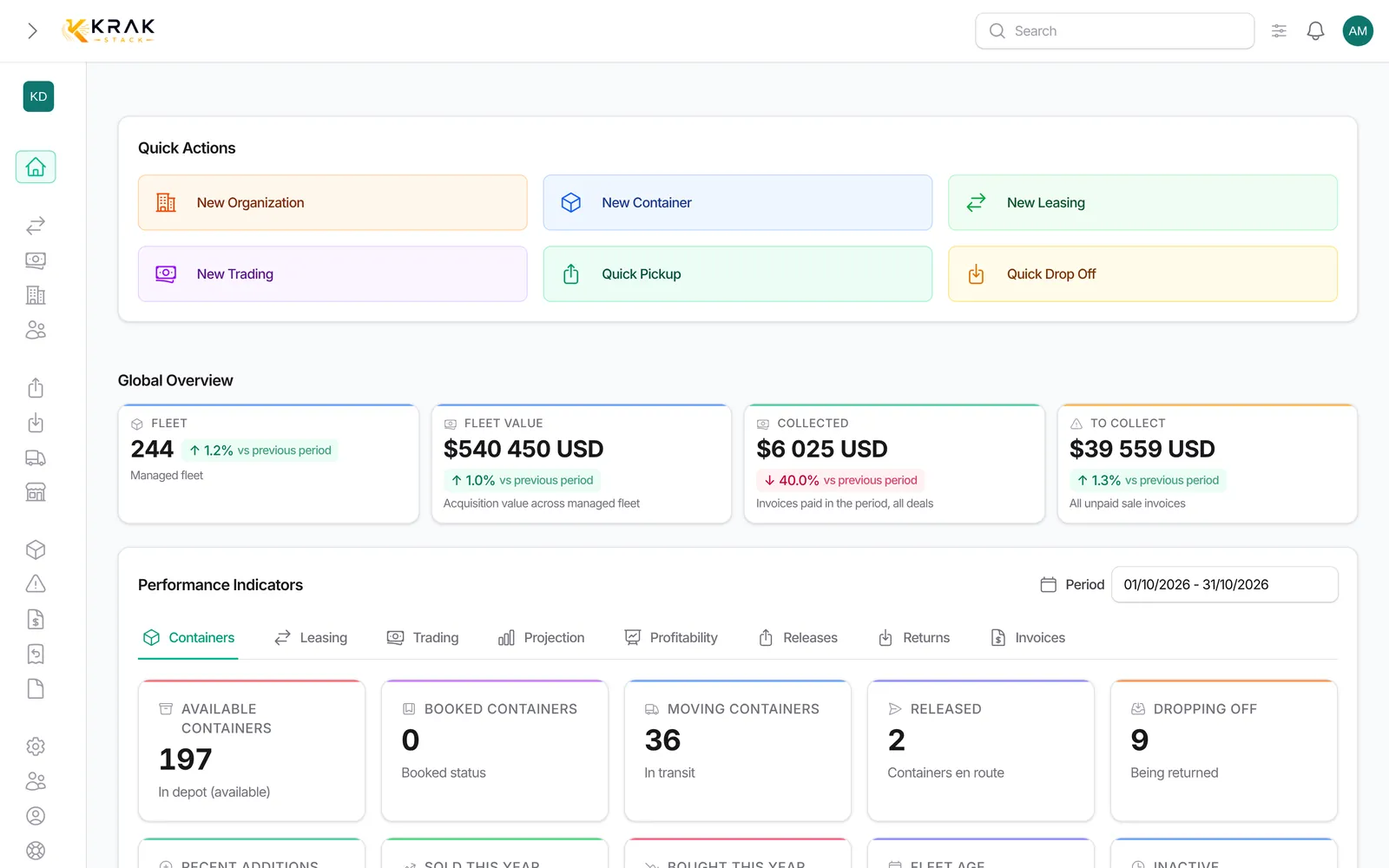
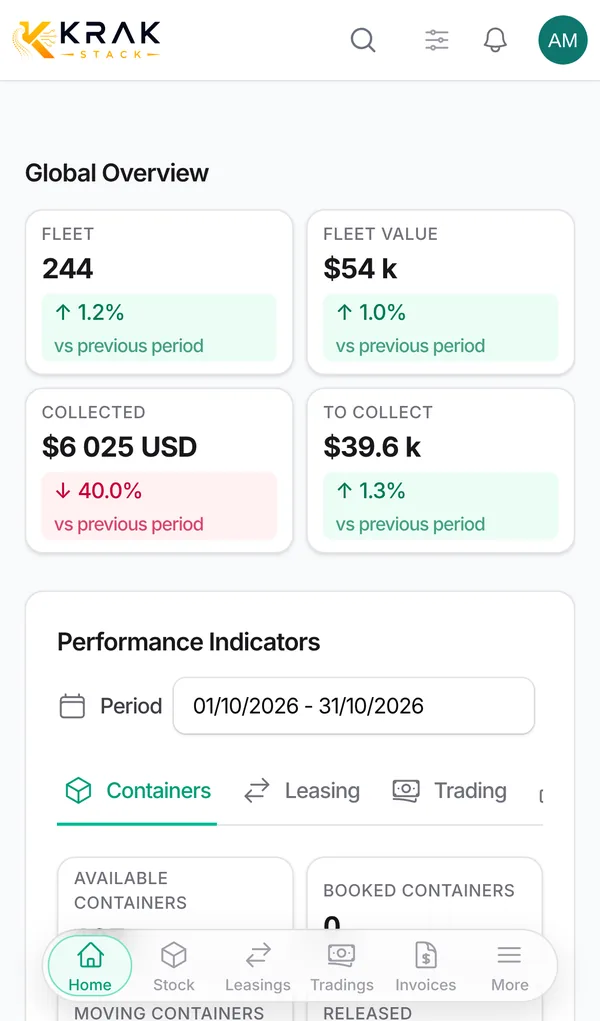
Below the Containers tab of the dashboard, two blocks show where your revenue comes from: Revenue Evolution (month by month) and Top clients.
Steps
- Open Dashboard, Containers tab, and scroll down below the indicators.
- In Revenue Evolution, choose a Breakdown: By business line, By invoice type, Collected vs receivable, or a view by region.
- In Top clients, choose the ranking: By period revenue, By period container count, By total revenue or By total container count.
- Click a client to open its record. Show all-time widens the period to the whole history.
How it is calculated
- Revenue = paid sale invoices, sorted by payment date (failing that, invoice date). Amounts excluding VAT, in your company's currency.
- Leasing: storage, pickup charge, per diem and damage invoices. Trading: trading and storage invoices. A storage invoice without a deal counts on the trading side.
- Collected vs receivable compares what was collected with the balance due of sent or overdue invoices, by invoice month.
- Regional views: Leasing + trading paid · by region, Trading paid · by region (port of the deal), Leasing paid · by departure region (first loading port) and by arrival region (first return port).
- Top clients adds up leasing and trading per client, up to 20 rows. In trading, the client is the buyer of a sale, otherwise the seller.
Good to know
- The chart shows at least 6 months; months outside the period show as 0.
- The "total" rankings ignore the period and cover the whole history.
- These blocks are kept for roles that see amounts (by default Administrator, Sales and Finance).
Frequently asked questions
Who is my best client this year?
Choose the year in Period, then By period revenue in Top clients.
How do I see my most loyal clients since the start?
Choose By total revenue or By total container count: the ranking covers the whole history.
Why did a month's revenue change afterwards?
An invoice of that month has been paid, canceled or edited since: revenue follows the payment date of invoices.
What is the difference with Collected at the top of the page?
Same basis (paid sale invoices, by payment date). The chart spreads them month by month and by business line.
Why does a client not appear?
It has no paid invoice in the period. Try a "total" ranking or widen the period.
Are unpaid invoices in the chart?
Only in the Collected vs receivable view, which shows the balance due.
How do I see revenue by region?
Choose one of the region views in Breakdown: overall, trading, or leasing departure or arrival.
Does revenue include VAT?
No, it is always excluding VAT.
Why does storage appear on the trading side?
A storage invoice that is not attached to any leasing is counted with trading.
Can I export these figures?
These blocks cannot be exported. For an export per deal, use the Profitability tab (CSV or Excel) or the export of the invoice list.