Krak Stack support answers directly in the application, through tickets. Each ticket keeps the whole conversation in one place.

Steps
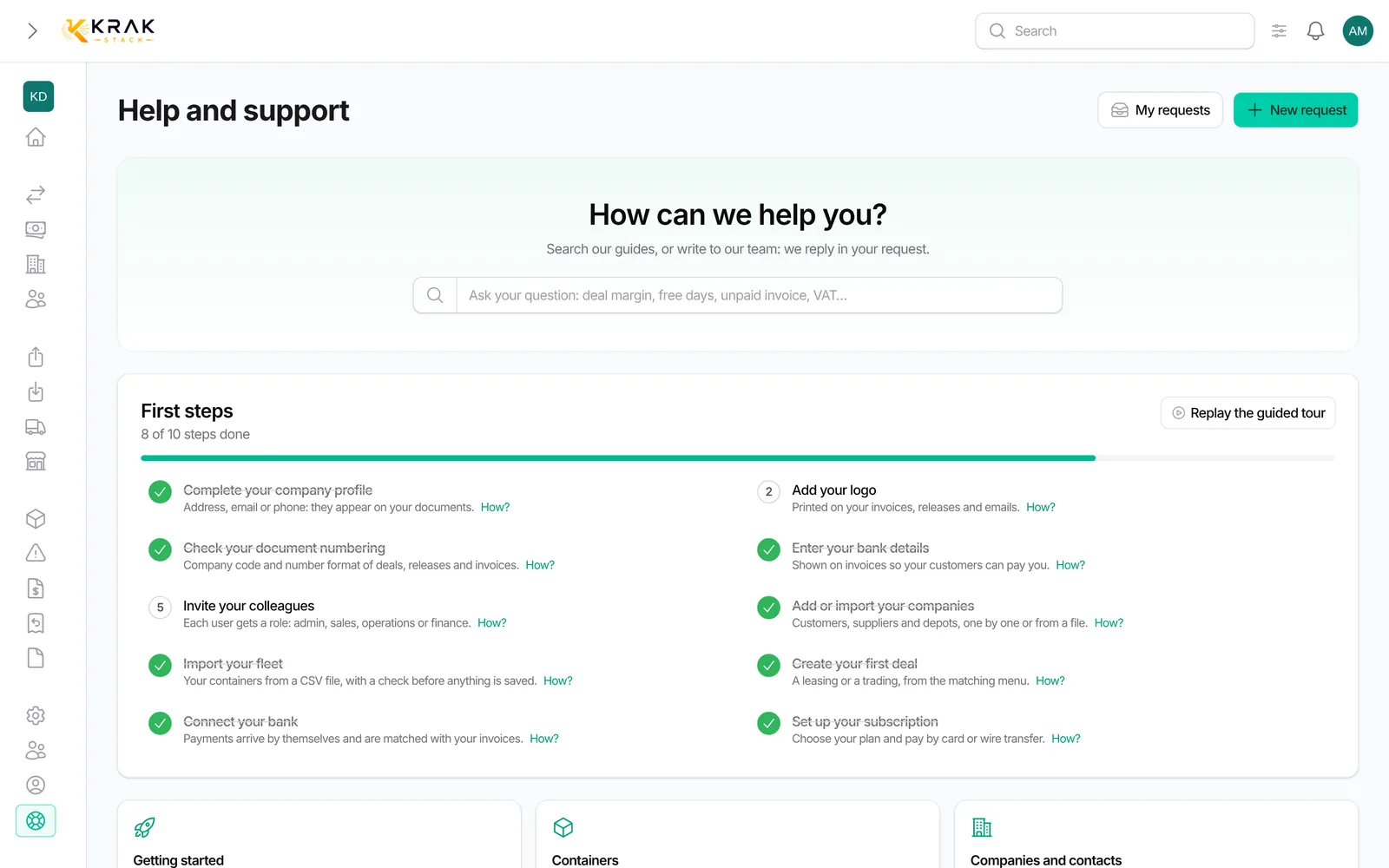
- Open Support in the left menu (Administration group) or from your avatar.
- Click New Ticket.
- Choose Where is the problem (Dashboard, Leasings, Tradings, Containers, Finance, Settings, Other…) and the Problem type: Bug, Request or Question.
- Enter a short Subject and a detailed Message.
- Add your files in Screenshots and attachments, then save.
- To follow the answer, open the ticket: the Conversation shows the exchanges. Use Reply to add information.
Good to know
- Accepted attachments: JPG and PNG images, PDF, Word (.doc, .docx) and Excel (.xls, .xlsx). You can attach several.
- Attachments are added when the ticket is opened. In a reply, describe the extra information in writing.
- Ticket statuses: Open, In progress, Resolved.
- When Krak Stack replies, you get a notification in the bell.
- If you reply to a Resolved ticket, it is reopened automatically.
- A ticket cannot be edited or deleted once sent.
- Tickets belong to your company: colleagues with access to support see them too.
Frequently asked questions
What should I write to get help fast?
What you were doing, what you expected and what happened. Give the reference concerned (container number such as CSQU3054383, deal reference, invoice number) and the exact error message.
Is a screenshot useful?
Yes, it is often the fastest way to understand the problem.
Can I send an import file that fails?
Attach it in Excel format, or save the CSV as Excel before adding it: CSV is not accepted as an attachment.
How do I know support has replied?
A notification arrives in the bell. The ticket also moves to In progress.
How do I ask for an Enterprise quote or a subscription change?
Open a ticket with the Request type. The Ask for an Enterprise quote link on the Billing page also leads to support.
I cannot find an answer in the Help center.
The Open a support ticket button at the bottom of the Help center brings you straight here.