A container record gathers everything that happened to it: its deals, its movements, its invoices and every change, with the date and the author.
Krak StackFig. 1
Steps
- In Containers, click a row to open the record, or type the number in the global search.
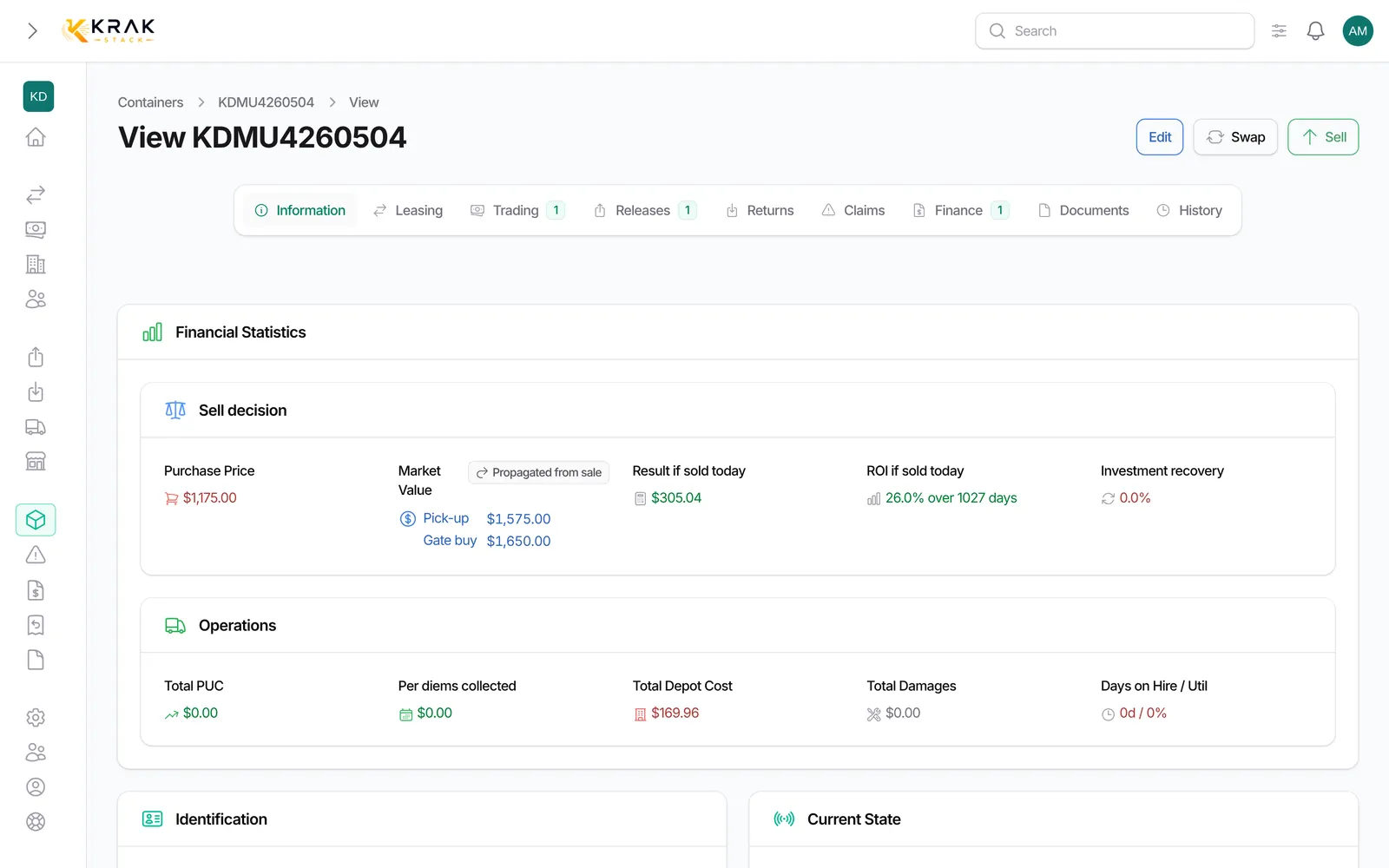
- At the top, the Identification, Current State, Operations and Trading Lifecycle sections sum up the situation: status, depot, In fleet since, Last activity, Active Deal, Purchase Deal, Selling Deal, Last Release Ref., Last Return Ref..
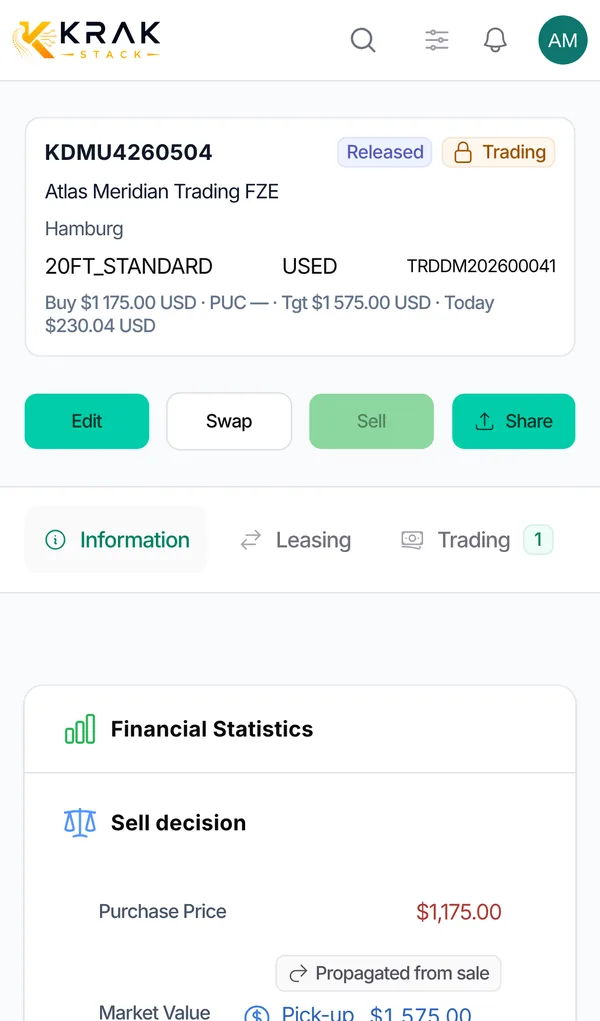
- Further down, the tabs list related items: Leasing, Trading, Releases, Returns, Claims, Finance (invoices), Documents, Swap and History.
- Open the History tab for the full timeline.
- In the timeline, look for a word with Search in history..., filter by event type, choose a period, then sort by Newest or Oldest. Clear filters resets everything.
Good to know
- The timeline brings together: the creation of the container, the purchase and the supplier, the sale and the buyer, each trading and leasing (with the rental period), issued releases, drop-offs, added documents, completed repairs and changes to the record.
- Each event shows the date and, when known, the person who did it.
- In the Leasing and Trading tabs, the On this deal column gives the container's state on that deal (booked, released, picked up, dropped off, completed). It can differ from its current status.
- The Edit button opens the form; the record menu also offers Sell and the exchange (Swap) depending on your permissions.
- A deleted container keeps its history; it can be restored from the list.
Frequently asked questions
How do I know who changed a container's status?
Open the History tab: the change shows with the date and the user's name.
Where do I see all past leasings of a container?
In the Leasing tab of its record. The timeline also lists them, with the period.
Where are a container's invoices?
In the Finance tab of its record.
Can I add a document (photo, certificate) to a container?
Yes, in the Documents tab. The upload then shows in the timeline.
What does a red "Last activity" mean?
The field shows how many days the container has had no activity. It turns red after 30 days. Hover over it to see the event.
How do I find the history of a deleted container?
Turn on the deleted records filter in the list, then open its record.