The terms below are used in Krak Stack screens, documents and filters.
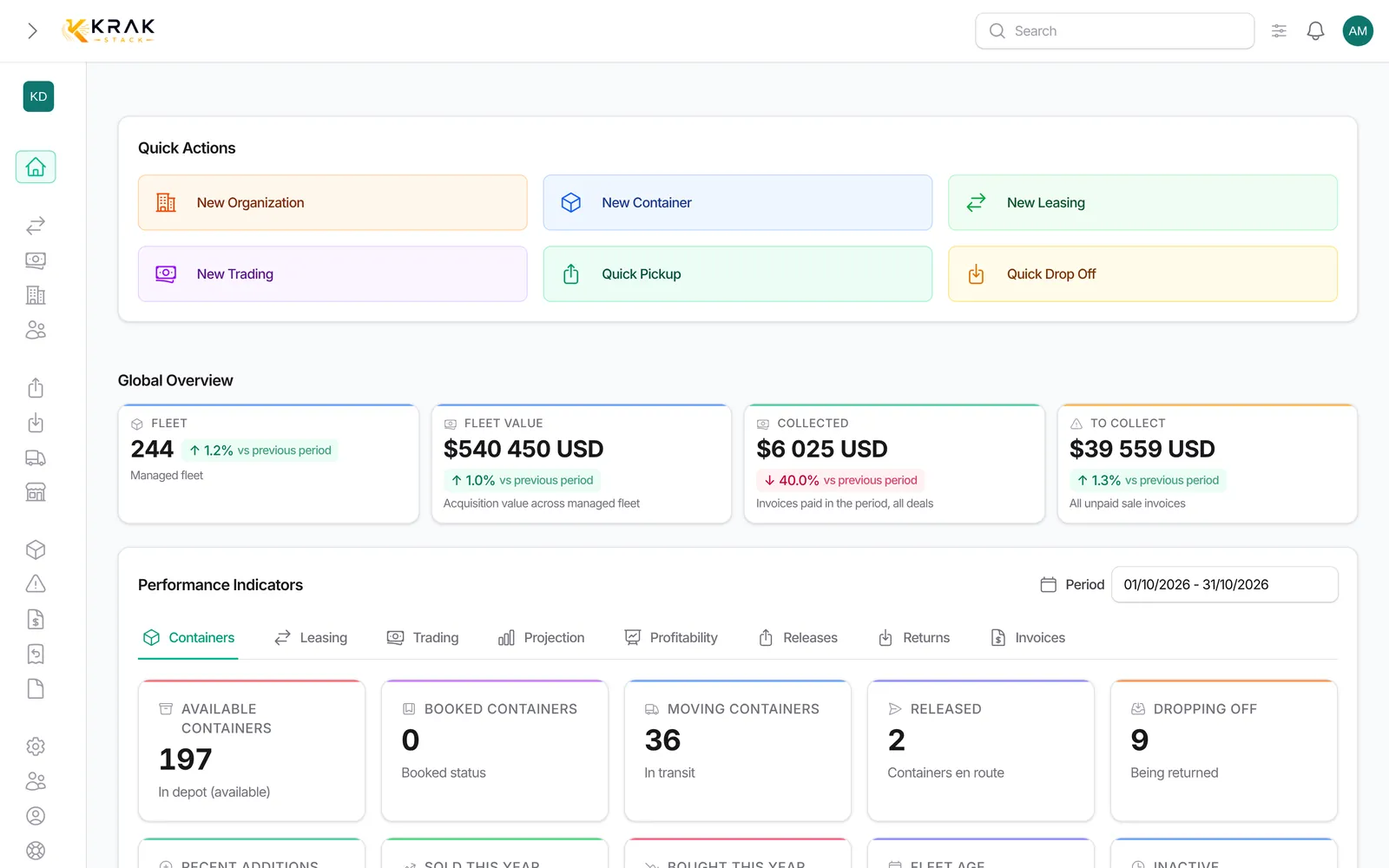
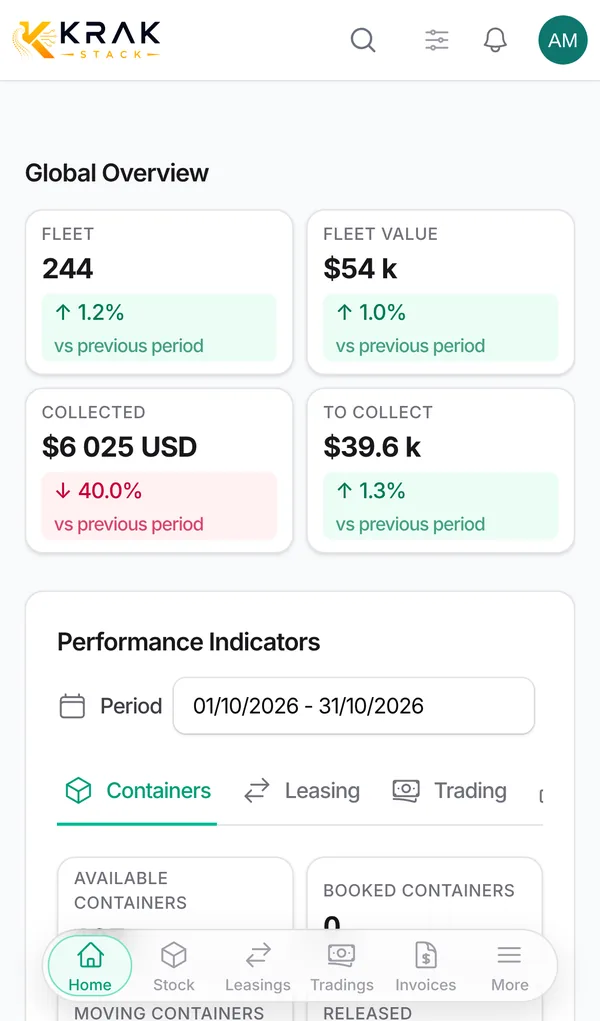
Krak StackFig. 1
Steps
- Look up the term in the lists below.
- For statuses, remember that your administrator can rename their labels: the meaning stays the same.
Good to know
Places and movements:
- Depot: place where containers are stored. In Krak Stack, a depot is a company of the depot type, with its tariffs.
- Pickup (or pick-up): a container leaving a depot. The pickup is what starts a lease for that container.
- Drop-off: a container entering a depot, for example at the end of a lease.
- Release: document sent to the customer and the depot that allows containers to leave. It has a number and an expiry date.
- Return: return instruction saying where and when to give containers back. The document sent is the Drop Off Instruction (DOI).
Deals and invoicing:
- Deal: a leasing or a trading. Both share the same numbering counter.
- Leasing: renting containers to a customer.
- Trading: buying, selling, or buying then reselling (Buy, Sell, Buy/Sell).
- Pick-up (trading type): containers change hands when they leave the depot.
- Gate-buy: containers change hands when they enter the depot, at drop-off. A gate buy can be created from a lease to buy back leased containers.
- Free days: number of days without charges granted for each container. The count includes the first and the last day.
- Per diem: daily rate charged per container once the free days are used.
- Pickup charge (PUC): amount charged per container when it leaves the depot.
- Proforma: preliminary invoice, to be validated before it becomes an invoice.
- Credit note: document that cancels or reduces the amount of an issued invoice.
Container statuses (default labels):
- In Depot: available at the depot.
- Booked: reserved for a deal, but still physically at the depot.
- Released: a release was issued; the container stays at the depot until pickup.
- In Transit: out of the depot, for example on lease at a customer.
- Dropping off: a return is planned, the container is not back yet.
- Completed and Sold: the container has left your fleet.
- Lost, Damage, Exchanged: lost, damaged, exchanged.
Containers:
- Condition: state of the container, defined in Settings > Container catalog. Common codes are CW (Cargo Worthy, fit to carry cargo) and IICL (a stricter quality standard).
- YOM: year of manufacture of the container.
- Market value: reference price of a container, used for sale decisions.
Frequently asked questions
What is the difference between Booked and Released?
Booked means the container is reserved for a deal. Released means that, in addition, the release has been issued. In both cases it is still at the depot.
Can a release expire?
Yes, it has an expiry date. A release sent without a pickup can trigger an alert on the dashboard.
Are free days counted per contract or per container?
Per container, over its whole stay at the customer.
Why do my statuses have different names than here?
Your administrator may have renamed them in Statuses & labels.
Gate buy or pick-up: which one?
Pick-up if the buyer collects the containers at the depot. Gate buy if the containers enter the depot at the time of the transaction.