You can bring in your existing data without typing it all again. Three imports exist: your containers, your companies (customers, suppliers, depots) and your bank statements.
Krak StackFig. 1
Steps
- Start with companies: Companies menu, Import / Export button, then the import action. A sample CSV file can be downloaded from the import window. Import your depots too, since your containers are linked to them.
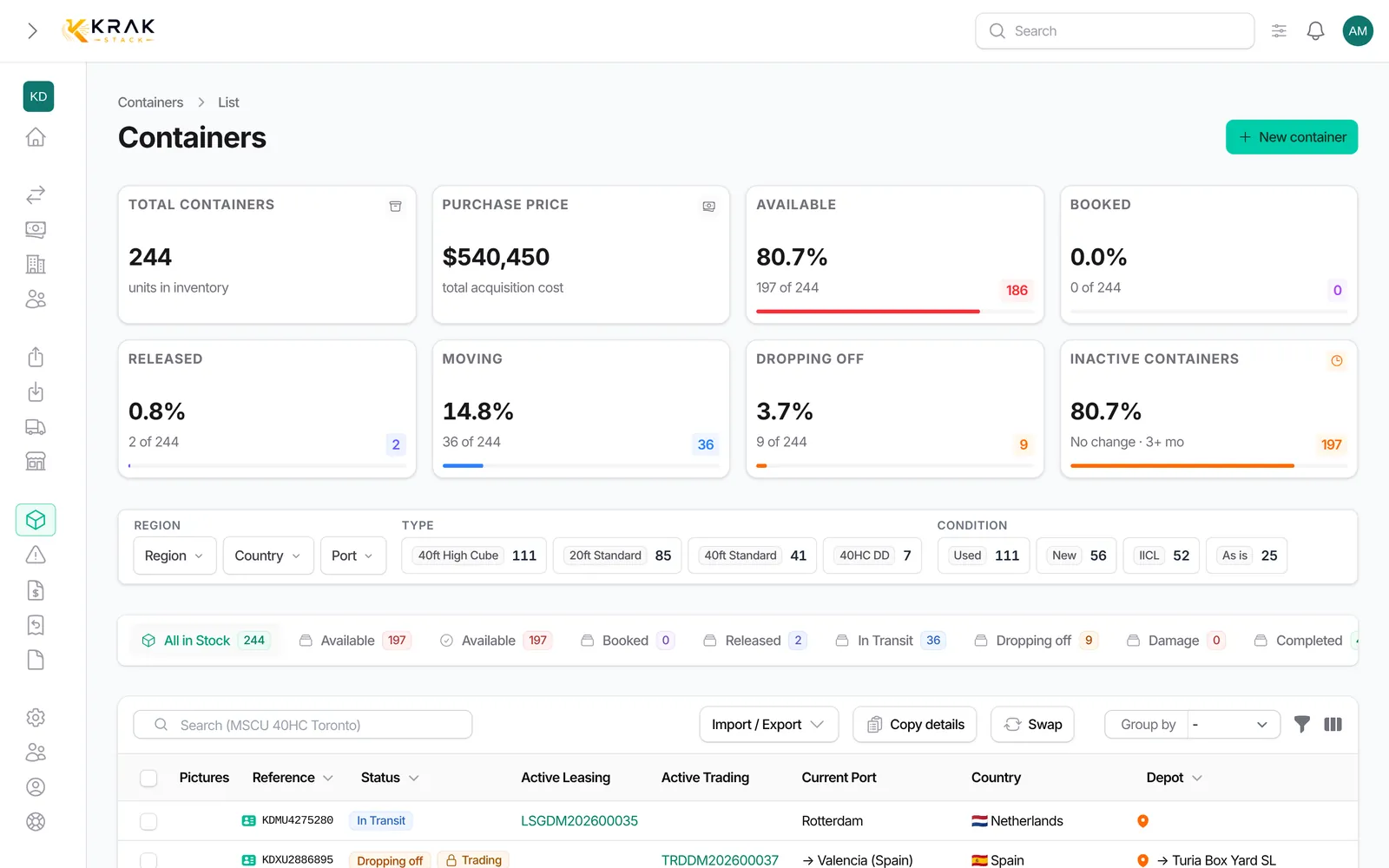
- Then import your fleet: Containers menu, Import / Export > Import. The wizard has four steps: Upload, Mapping, Validation, Result.
- Check the column mapping: the wizard detects most columns and shows a preview of the first 5 interpreted rows.
- Fix the issues at the Validation step, or skip the rows concerned, then import the valid rows.
- Bank statements: if your bank is not connected, import its CSV statement from Finance > Bank reconciliation.
Good to know
- Files must be in CSV format. From Excel: File > Save as > CSV.
- The companies import accepts up to 5,000 rows per file. You get a notification when it ends.
- The containers import saves nothing before validation. A row with an issue is flagged, never imported silently.
- A container is imported in a depot. Deal-related statuses (release, lease, return) come from the deals you create afterwards.
- A bank statement needs at least a date, an amount and a currency. Comma and semicolon separators are accepted, as are amounts written 1 234,56 or 1,234.56.
- Imports require the matching rights. By default, importing companies is a sensitive right.
Frequently asked questions
In which order should I import?
Companies and depots first, then containers, then deals. Bank statements come when you start matching payments.
Can I import an Excel file directly?
No. Save your spreadsheet as CSV first.
What happens if a container already exists?
The wizard recognises it by its reference. If the container is engaged in a deal, only its physical attributes are updated.
Can I import my ongoing leases and trades?
There is no deal import. Create them in Leasing and Trading once the fleet is imported.
My import is long. Must I stay on the page?
Companies imports run in the background: a notification tells you when they end.