My markets tells you as soon as a container enters the stock where you sell or lease: returned to a depot at the end of a leasing, received on a gate buy or bought where it stands. It helps you offer a container that has just arrived.
Steps
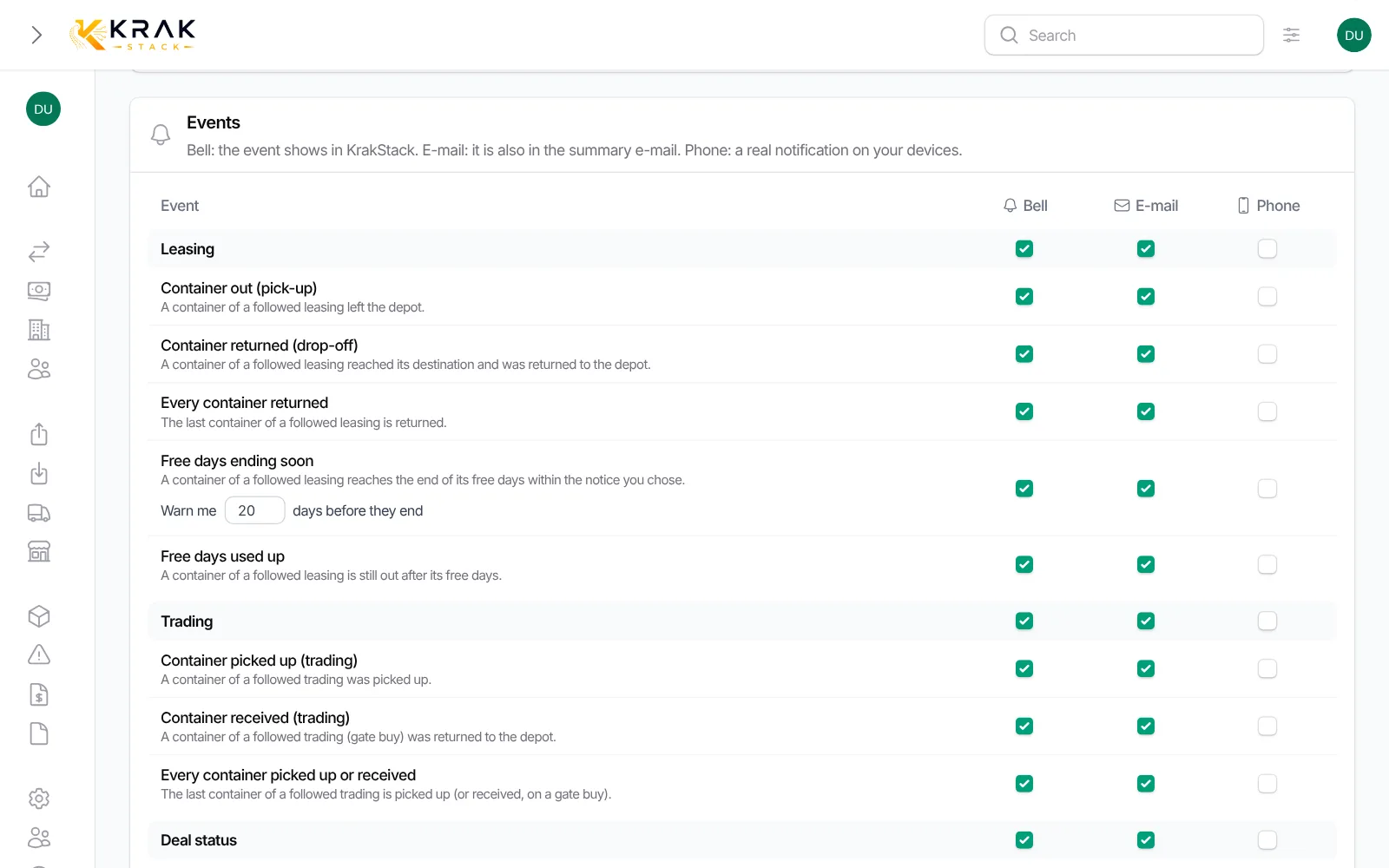
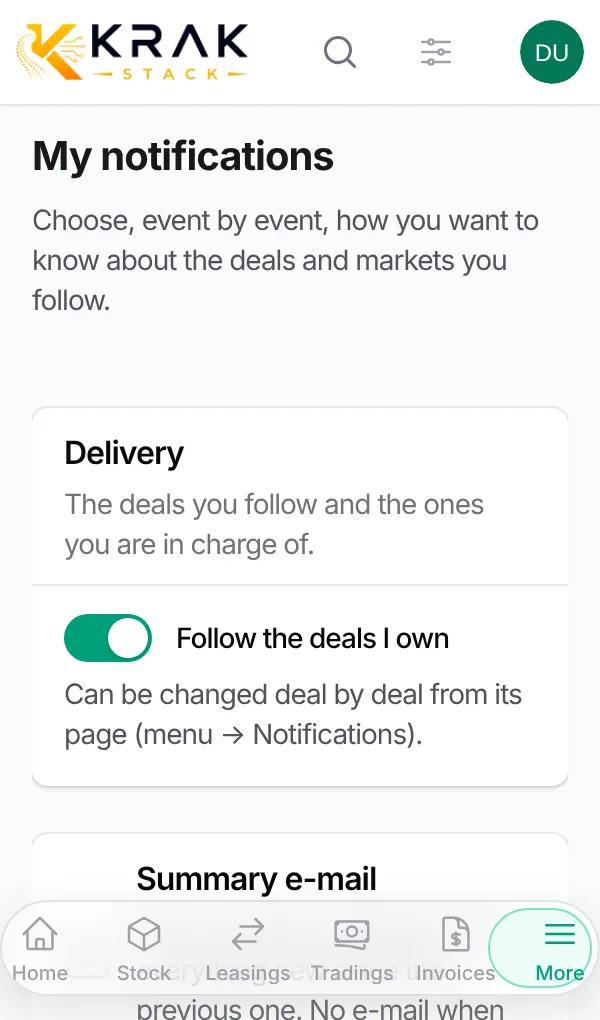
- Open the user menu then My notifications.
- In the My markets section, choose Regions, Countries and/or Ports. A port is a city: Santos, Durban, Hamburg…
- In the Events section, My markets family, tick Bell, E-mail or Phone for Arrival in my markets.
- Click Save.
Good to know
- Arrivals cover every deal of the company, even the ones you do not follow.
- Containers arrived at the same place are grouped on one line, with the number of containers and the place.
- In the e-mail, the See the stock there link opens the stock of that place.
- With no region, country or port chosen, you receive no arrival.
Frequently asked questions
What is the difference between region, country and port?
They are three levels of detail. Choose a region for a wide view, a country for a national market, a port for one city. You can combine them.
Am I told about containers leaving?
No. Arrival in my markets only covers stock entries. Departures are events of the deals you follow.
Does a booked container count?
The event fires when the container enters the stock: returned to a depot, received on a gate buy or bought where it stands. What happens to the container afterwards does not create another one.
Do my colleagues get the same arrivals?
Only if they chose the same markets. Everyone sets their own.
Can I get arrivals by e-mail only?
Yes. Tick E-mail and untick Bell and Phone on the Arrival in my markets line.