When you create a release, the Source field tells where the containers come from: your Stock, or a Supplier who still holds them.
Krak StackFig. 1
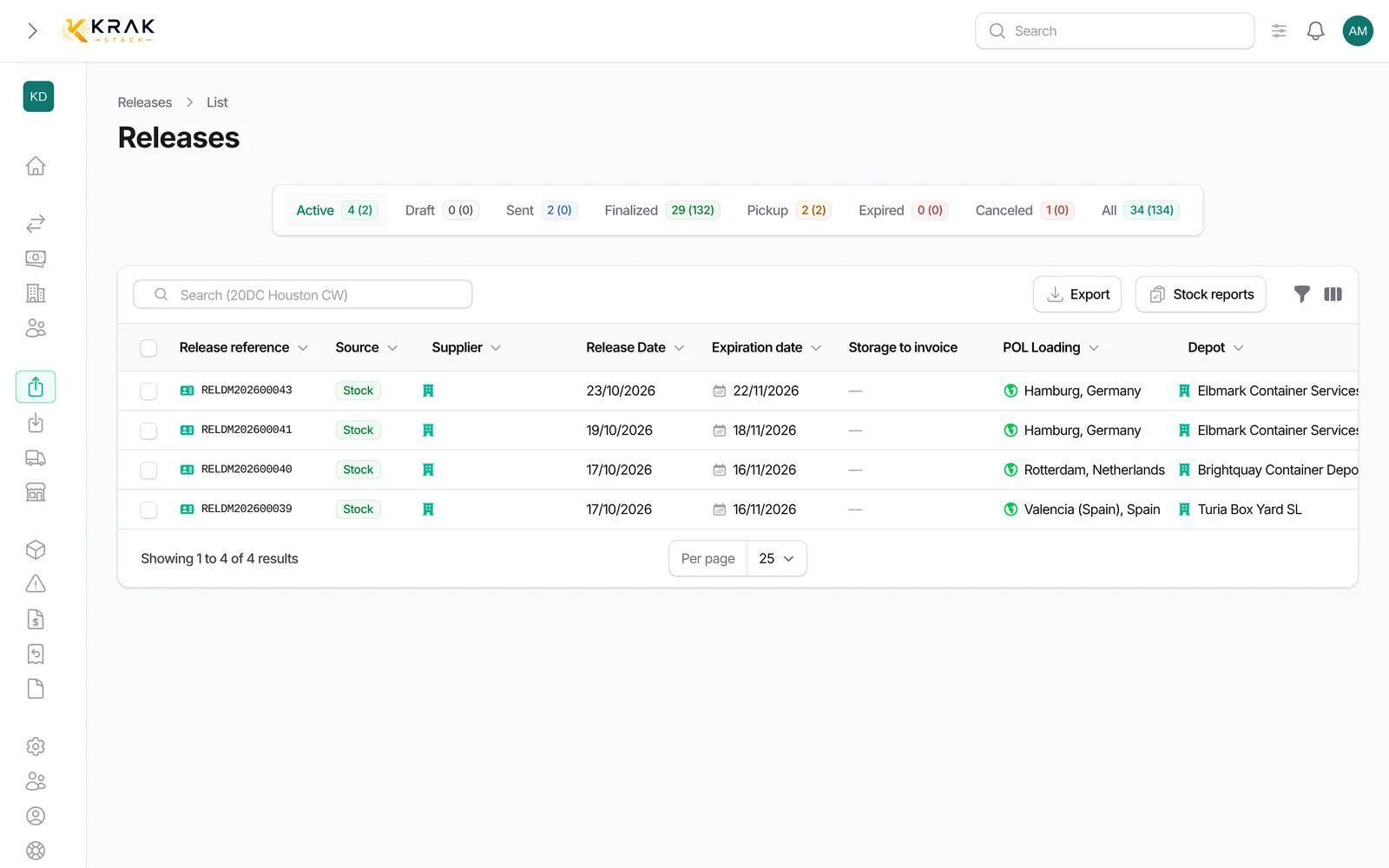
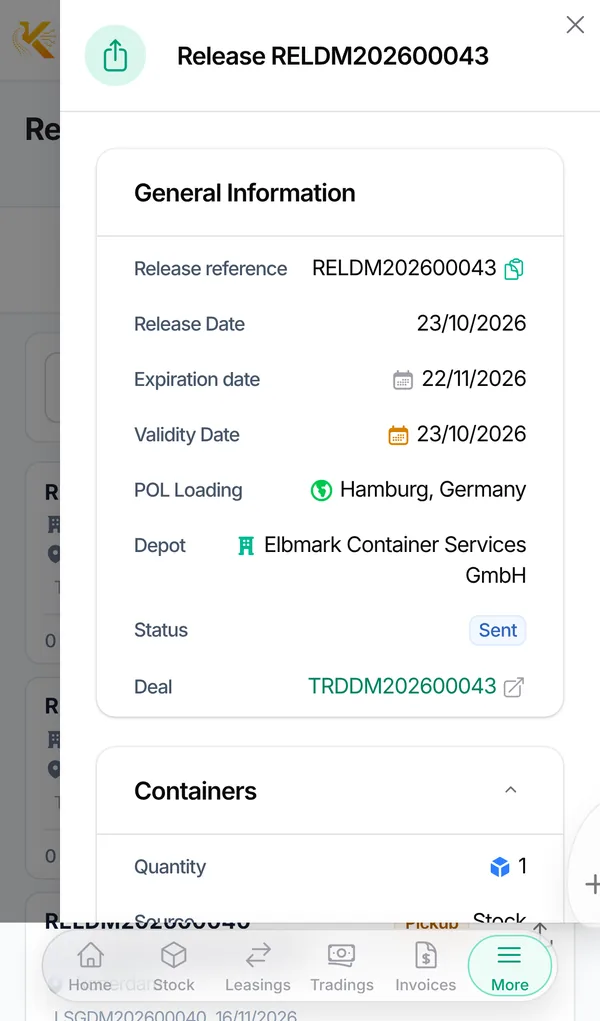
Release from stock
- The containers are already in your fleet, at the chosen Depot.
- Only containers available at that depot, of the deal type and condition, and not booked on another active deal, can be placed on the release or picked up.
- The number of eligible containers is shown next to each depot.
- At pickup, the Excluded containers and why section explains why a container of the same depot is not offered.
Release from a supplier
- The containers are not in your stock yet. Fill in the Supplier, the Purchase currency and the Purchase price; you can attach the Supplier release PDF and the Supplier Invoice PDF.
- Container references are optional at creation. If you declare them, only those containers can be picked up.
- At pickup, each container entered is created in Krak Stack.
Steps
- From the deal Releases tab, click New Releases.
- Choose the POL Loading and the Depot.
- Choose the Source: Stock or Supplier.
- For Stock, enter the quantities per type and condition in Containers to release. For Supplier, complete the Supplier details.
- Save, then send the release to the depot.
Good to know
- On a lease, a supplier release automatically creates a purchase trading deal (marked Auto-generated) and a draft purchase invoice. The release Paid toggle marks that invoice as paid.
- On a Pick-up + Buy or Pick-up + Buy/Sell trading deal, the Supplier source is mandatory, and the supplier, currency and purchase price come from the deal: change them on the deal.
- The source can no longer be changed once the release has left draft.
- A release from stock never creates a container: an unknown reference must first be created from the Containers screen.
- Deleting a supplier release linked to an auto trading deal also deletes that deal and its purchase invoice; a stronger confirmation is required if the invoice is paid.
Frequently asked questions
What happens to a supplier container if I cancel its pickup?
If it was created by this release, it is deleted. If it already appears on an invoice, it is archived and a warning asks you to check whether a credit note is needed.
Can I pick up a container that is not in my reference list?
For a supplier release with declared references, no. Add the reference to the release first.
Does a purchase price changed on the release update the auto trading deal?
Yes. Before saving, a warning tells you what will be rewritten (quantity, purchase invoice, containers created).
Why does the depot show (0)?
No available container of the chosen type and condition is in that depot for this deal.
Can one release mix stock and supplier?
No. Create two releases, one per source.